


Participant
December 3, 2021
Answered

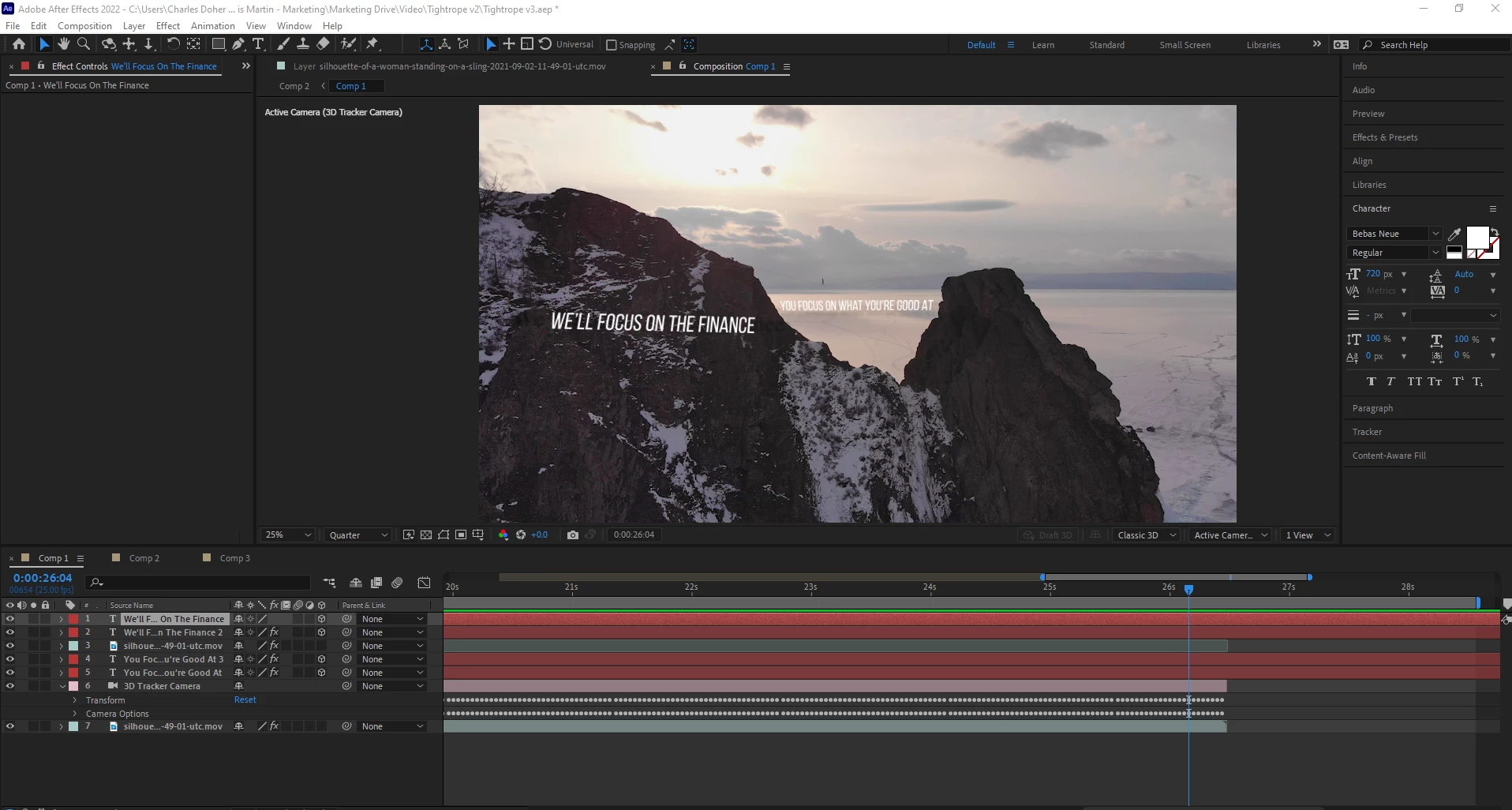
3D camera axis gone?

  • December 3, 2021
  • 3 replies
  • 2447 views

I've successfully been able to work with a 3D camera for the first time. 
Saved it yesterday, opened this morning to refine "We'll Focus On the Finace" 

However my 3D axis mouse tool is gone! I've clicked through everything, looked in the effects panel and it's not showing up! what have I done? 😞
 

Correct answer OF-Charles

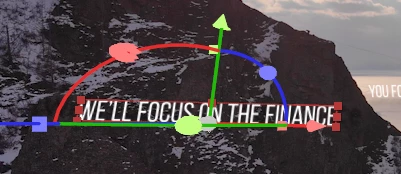
I must have switched something off as you'd suggested - Resetting to default view fixed it!

This was what i was after:


3 replies

Participant
May 22, 2025

Wher it is ?/ i cant found 


Mylenium
Legend
December 3, 2021

I'm not clear what you are saying. in your first screenshot the camera isn't even selected. Other than that perhaps you have inadvertently turned off some options, so check the flyout menu of the comp viewer in the top right corner. Could also be hardware acceleration issues, so checking this stuff would be worth a look as well.


Mylenium

Participant
December 6, 2021

Appriciate you getting back to me, I assume you meant this flyout menu? 


Nothing with regards to 3D looks switched off to me.
And to be more clear on what I mean, with the 3D camera layer selected, when I click the 3D text an Axis would appear (Z,Y,X) which I could move around and position the text easily in 3D space.

This Axis no longer appears.


Participant
December 3, 2021

Also doesn't show up when i selected the camera itself