

Question
3d camera space wont show in viewport
Hi everyone!
I`m running Ae version 18.4.6 on Windows 10 Pro
pc specs: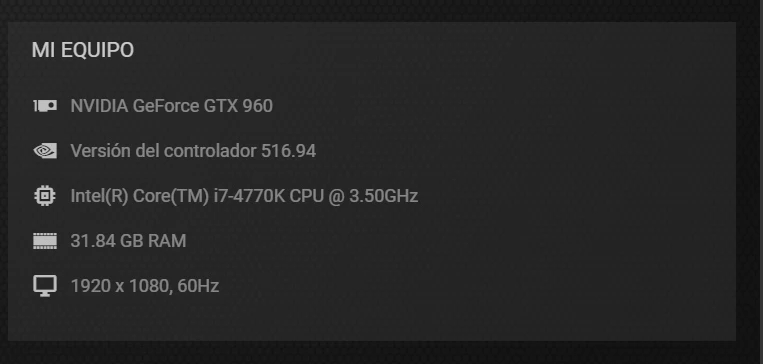
The situation:
Im trying to make a 3d multiplane camera with a layered .psd (something I am used to). Y just intend a simple pan with paralax.
the weird thing is tha i can move my 3d layers into the 3d space, (i can move them in te x y and z axes) but no rotate them. The changes that i make in the orientation wont show up in the viewport.
Same thing with the camera, the movements thar i make with the camera wont show up in the viewport (not orbit, not paning, not dolly). I tryed to keyframe a pan with the camera and render it, and it does not show up in the render output.
Never happend this to me before, someone can help me? I am clueless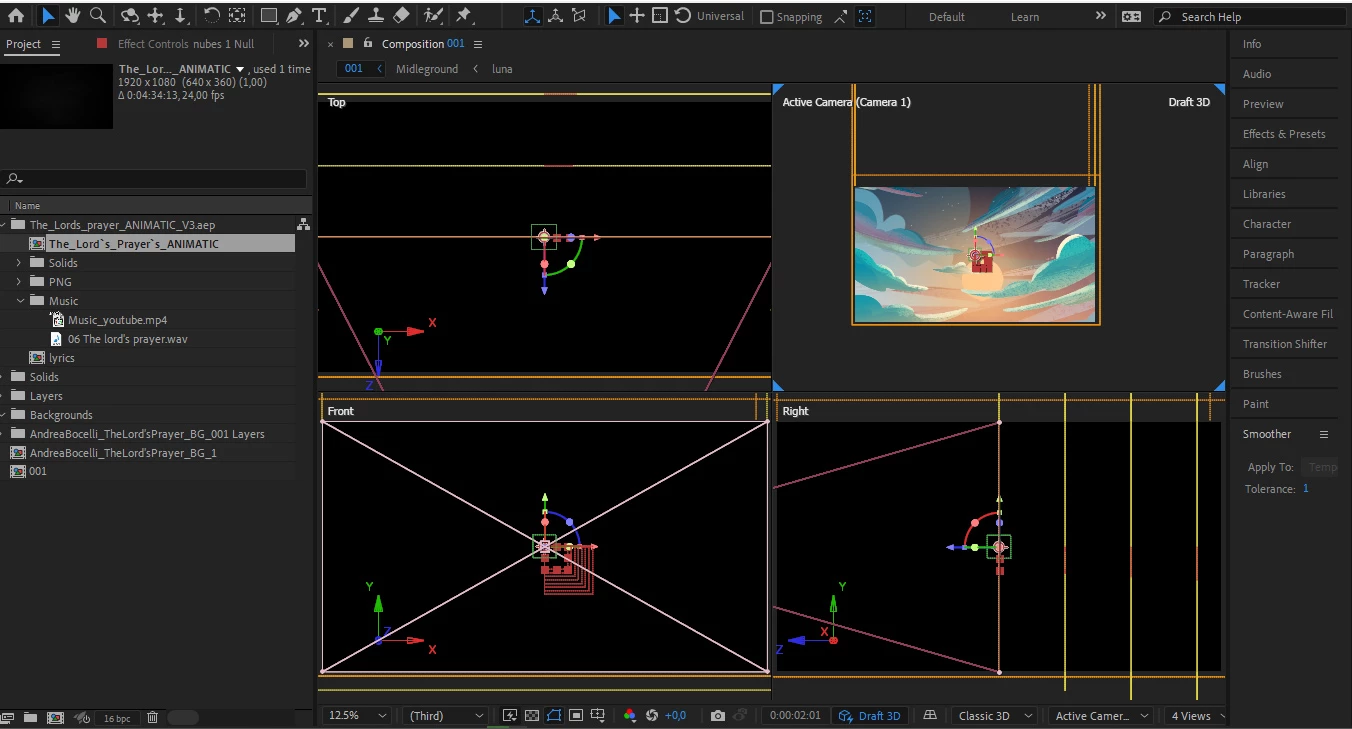
 AdChoices