


January 15, 2026
Question

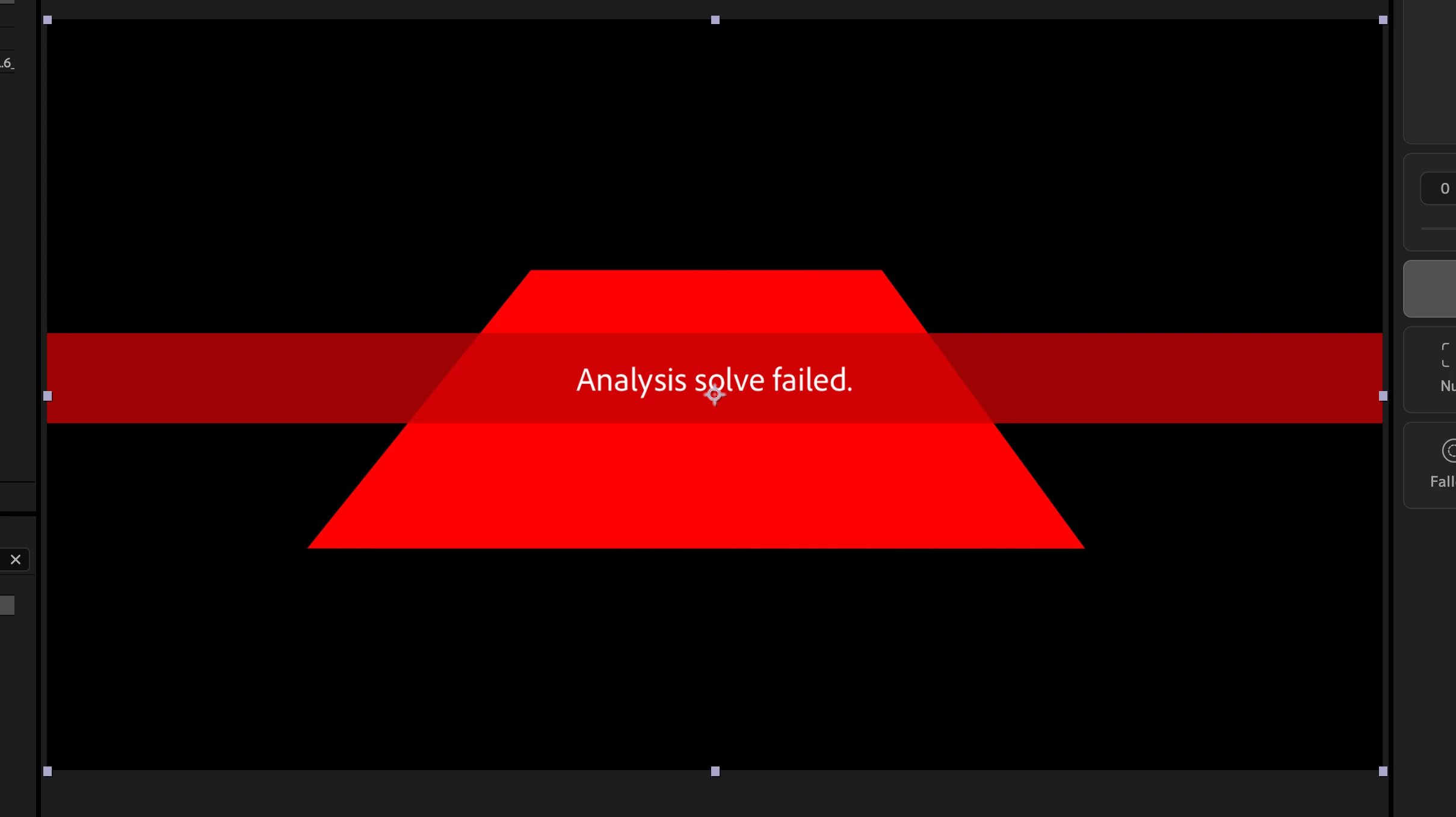
3D Camera track fail
  • January 15, 2026
  • 4 replies
  • 175 views

874677iCC8E31214A6AFA16.png

First i thought is was the drone footage. Then tried mp4 vs prorez422. Same fps. Same comp size. Full quality preview. Detailed analysis. Clear cache. All has failed. 

ok, can i track a simple rotating square precomp in same size and fps?! NO!--
AE 25.6
Tahoe 26.1

You want me to do this in Resolve? You got it, Adobe. 


4 replies

Community Expert
January 26, 2026

The best way to run a camera track on any footage is to start by pre-composing the shot, then open the pre-comp and add some color correction and sharpening to increase the available detail using an adjustment layer. Then return to the main comp and run Camera Tracker on the pre-comp.


The biggest advantage of this workflow is that you will have a much better chance of the Camera Tracker finding detail in the shot, and you eliminate the risk of the in and out points of the shot shifting in time. After Camera tracking is complete, you can just go to the pre-comp and turn off the adjustment layer, or make final color grading to the shot.


I downloaded your MP4 and ran this workflow, first finding a large area that is mostly flat and setting an Origin and Ground Plane, then adding a Solid with a Grid to the same point to check the general accuracy of the track. I then added several other solids and named them to verify the track's accuracy.


The color-corrected and enhanced shot tracked just fine. Here's the workflow sped up, but most of the steps. I've also included the project file for you to look at.

876815i602F0DC47E6B8F31.gif


Inspiring
January 17, 2026

I understand it's frustrating when things don't work. But expecting to be able to track a rotating red square with no texture, contrast, detail, or depth shows a lack of understanding about motion and camera tracking. So many things factor into a succesfull camera track. If your shot has a lot of motion that is seperate from the camera movement (people walking, cars driving, etc) it will be difficult to track. If your shot goes in and out of focus it will be difficult to track. If there is any zoom in or out, difficult to track (when you zoom in, objects appear to get closer to the camera but the camera is not actually moving, and this can confuse trackers). If there is no object or feature that stays in frame throughout the entire shot, difficult to track. If there is any lens distortion (common with wide drone lenses) or rolling shutter, difficult to track. Just to name a few. 


Things you can try:

  • In Effect Controls, under 3D Camera Tracker>Advanced, try changing the Solve Method. Check all of them and see if any work. 
  • Shot Type: If there is any zooming in or out in the shot, change shot type to variable zoom.
  • Use lens correction on your shot to remove any "fisheye" type lens warping around the edges of the frame. If a tree looks slightly curved, it's because the lens distortion is warping the picture. This can make it impossible to reliably track the camera.
  • You may not even need to track the camera. If you're doing a simple insert or object removal, just do a point track. Or use Mocha AE and do a planar track, which can be useful for drone shots but can also be frustrating until you understand how to use it. 


If you want to supply the drone shot you're trying to track, I can take a look at it and let you know if there's anything else you can try.

January 26, 2026

I had to move fast, so ended up tracking 10 points individually and accepting the lack of scale.
Heres is (one of) super basic drone clip AE still fails to track. https://failiem.lv/u/57m48hkcu6 
Ive tracked way more dynamic shots before. Overall sub-par performace of an supposed "industry standart" platform. 

Community Manager
January 16, 2026

You can't successfully 3D Camera track a rotating solid as there is no depth data in the scene for the analysis to process. It's not a valid scenario for the feature.

As for your drone footage, how long is the shot and to what extent does the implicit "scene" in the footage change entirely?

If the scene content changes entirely, such that nothing in beginning of the shot is still in frame at some point, there will no longer be any image context for the analysis to process successfuly — the initally estabilshed 3D space will be gone entirely. This will be an issue with any 3D tracker you try.

You may need to break the footage down into separate scenes.

But with only the minimal details you provided, and no sample footage to demonstrate the issue, this is really only a guess.

nishu_kush
Legend
January 15, 2026

Sorry to hear about the issue. Is it happening with a specific footage? Can you try with a different footage? If possible, can you share the media here so that I can try testing it? Feel free to DM me the download link if you prefer not to share it publicly. A rotating square does not have enough details/camera movement to track.

Looking forward to your response. Moving this thread from Bugs to Discussions for troubleshooting.


Thanks,
Nishu

January 15, 2026

@nishu_kush Multiple different clips, multiple different containers and encoding, including the simplistic red rotating square. Nothing works. A new document did not work. This is a macro issue. 

nishu_kush
Legend
January 16, 2026

Are you using any effects on the clip or Time Remapping? Can you try running After Effects in Safe Mode with third-party plug-ins disabled?

Let me know if that brings any change.


Thanks,
Nishu