

Dawix67.mxf
Known Participant
August 29, 2023
Question

3d layer rotation problem

  • August 29, 2023
  • 2 replies
  • 233 views

Hello, I have a problem when in my psd file I give it as 3d so that it is tracked by a null path, it changes its position strangely, I would like it to be in the same position as the video and it changes position and I don't know how to move it. 


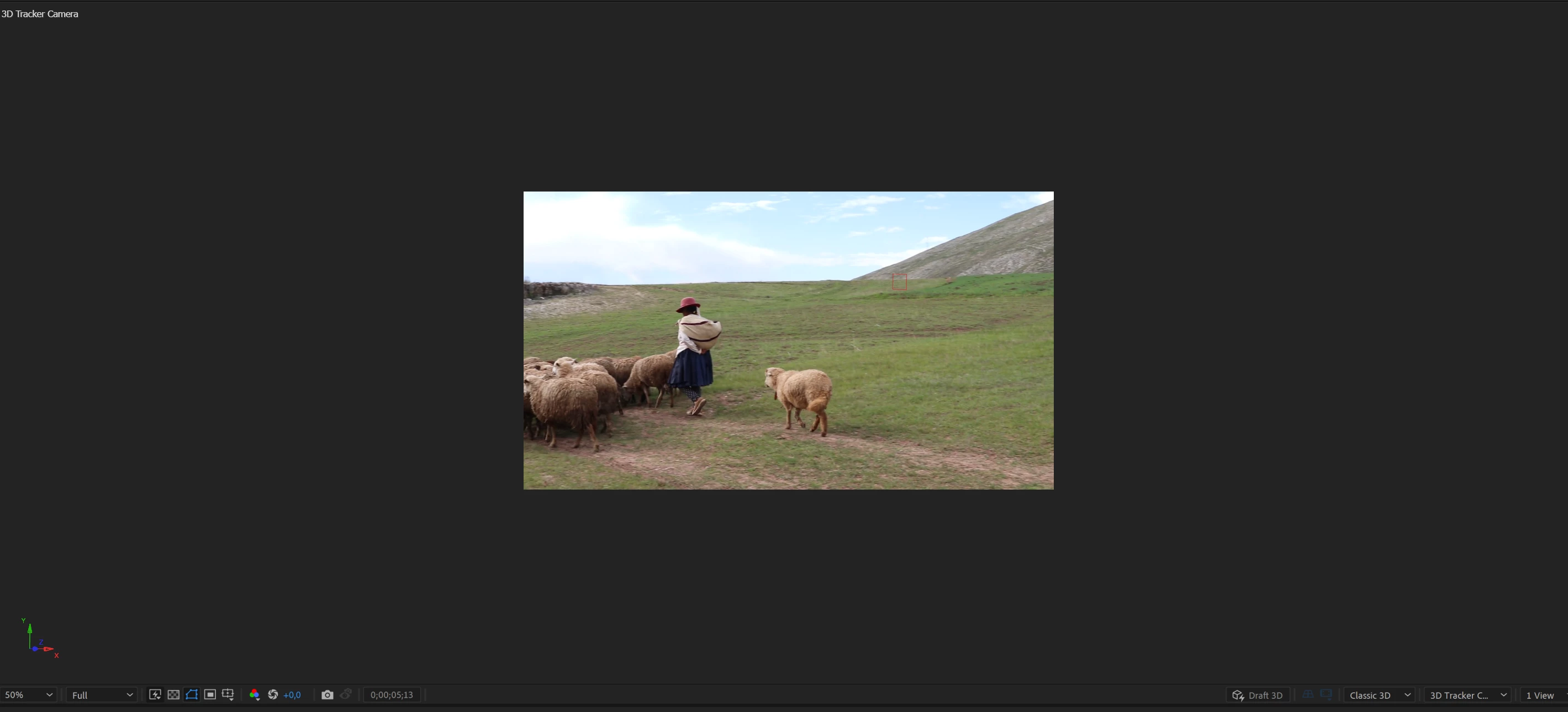
 no 3d here
here 3d
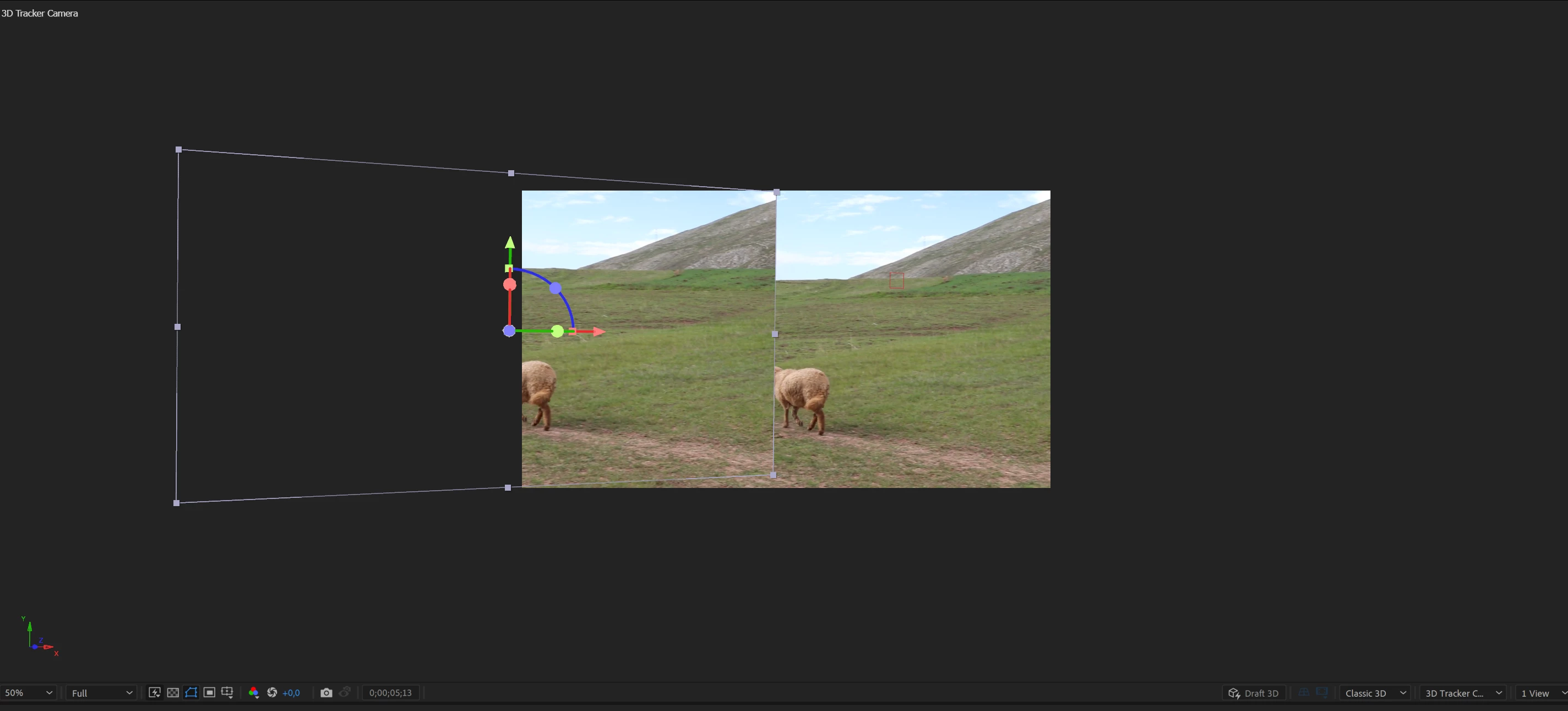
 how to fix it ? thanks 

This topic has been closed for replies.

2 replies

Community Expert
August 30, 2023

It looks like you have a shot that has been Camera Tracked. You have also created and edited a Photoshop file,  imported it, then made that layer 3D and either Shift + parented the layer to the Tracking null. Everything is acting as it should, but the still will not replace anything in the movie because it is attached to a surface that was tracked. 


If you want to replace something in the footage, you have to motion-track that object in the footage and then add the tracking information to the replacement footage (your PSD file). Camera Tracking is the wrong approach. After Effects does not come with a 3D object tracker, so there is no way to get 3D tracking information from any moving surface or object in a shot. 


It would help if we knew what your design goal was. You might be better off exploring the tracking capabilities of Mocha AE than trying to use Camere Tracking to replace something in the original footage. Camera Tracking will only give you the ability to attach something to a stationary surface in your original shot.

Community Expert
August 29, 2023

Your cropped screenshots do not tell us anything about your workflow. Please include the entire UI and at least press the "u" key with all layers selected so we can see the keyframes. 


A couple of things can be causing the problem. One copy of the layer is 2D, and the other is 3D. The 3D layer has been moved, or the Comp Camera (or default camera) has been moved. Both layers could be 3D, but just in different positions. You could have a memory and disk cache problem.


Could you post a screenshot of the whole UI and describe your workflow in detail so we can point direction? 


Dawix67.mxf
Known Participant
August 29, 2023

thank you for your interest in the topic, I'm uploading the entire interface, if it's important I wanted to play with generating images in Photoshop beta with AI and transfer it to the movie 🙂