
Mugen777
Inspiring
March 3, 2019
Answered

3D layers looks strange in Final Quality

  • March 3, 2019
  • 1 reply
  • 921 views

Hey everyone : )

My problem is, i tried to turn my layers to 3D. Before 3D they look like this
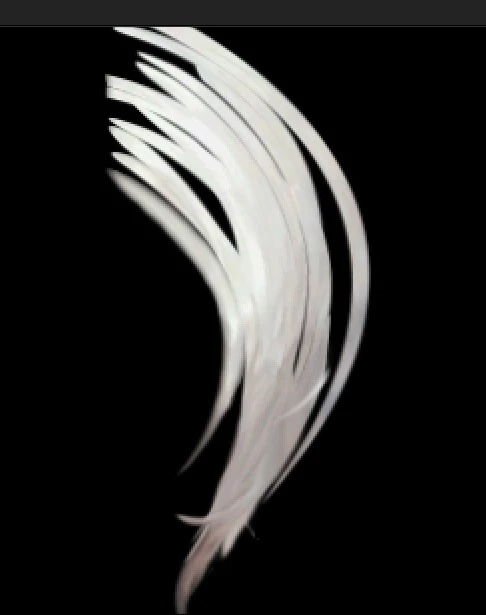
After 3D, they look like this

I google it and found a topic that says "your camera has depth of field" but mine doesn't have 😕😕
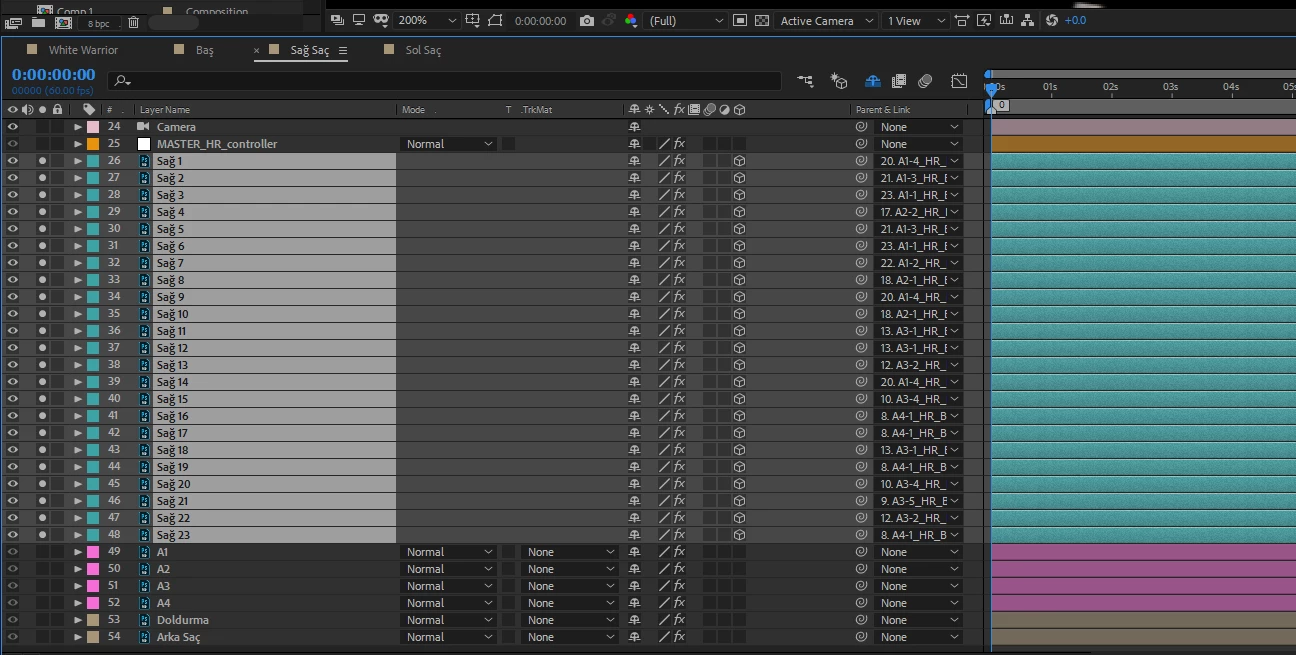
Any advice?

Thank you for reading : )

    This topic has been closed for replies.
    Correct answer Rick Gerard

    Yeah, what are the modified properties of the layers? We have no idea what you did. We have no idea what renderer you are using. The C4D and Ray-traced rendering options disable things like effects and blend modes. It's probably user error. There is no current bug that would cause layers to disappear. Layer effects can also cause problems.

    1 reply

    Rick GerardCommunity ExpertCorrect answer
    Community Expert
    March 3, 2019

    Yeah, what are the modified properties of the layers? We have no idea what you did. We have no idea what renderer you are using. The C4D and Ray-traced rendering options disable things like effects and blend modes. It's probably user error. There is no current bug that would cause layers to disappear. Layer effects can also cause problems.

    Mugen777
    Mugen777Author
    Inspiring
    March 3, 2019

    Sorry for bad explanation. I am still a noob at AE so i didn't know what should i say :/

    Changing the rendering option solved the issue tho. It was C4D, i changed it to Classic 3D and it worked.

    Thank you for help.