

Participant
May 13, 2024
Answered

3d objects don't show up when rendering

  • May 13, 2024
  • 2 replies
  • 505 views

When I render my animation, pretty much everything disappears. I've been trying to look up tutorials for an hour and haven't found anything. 


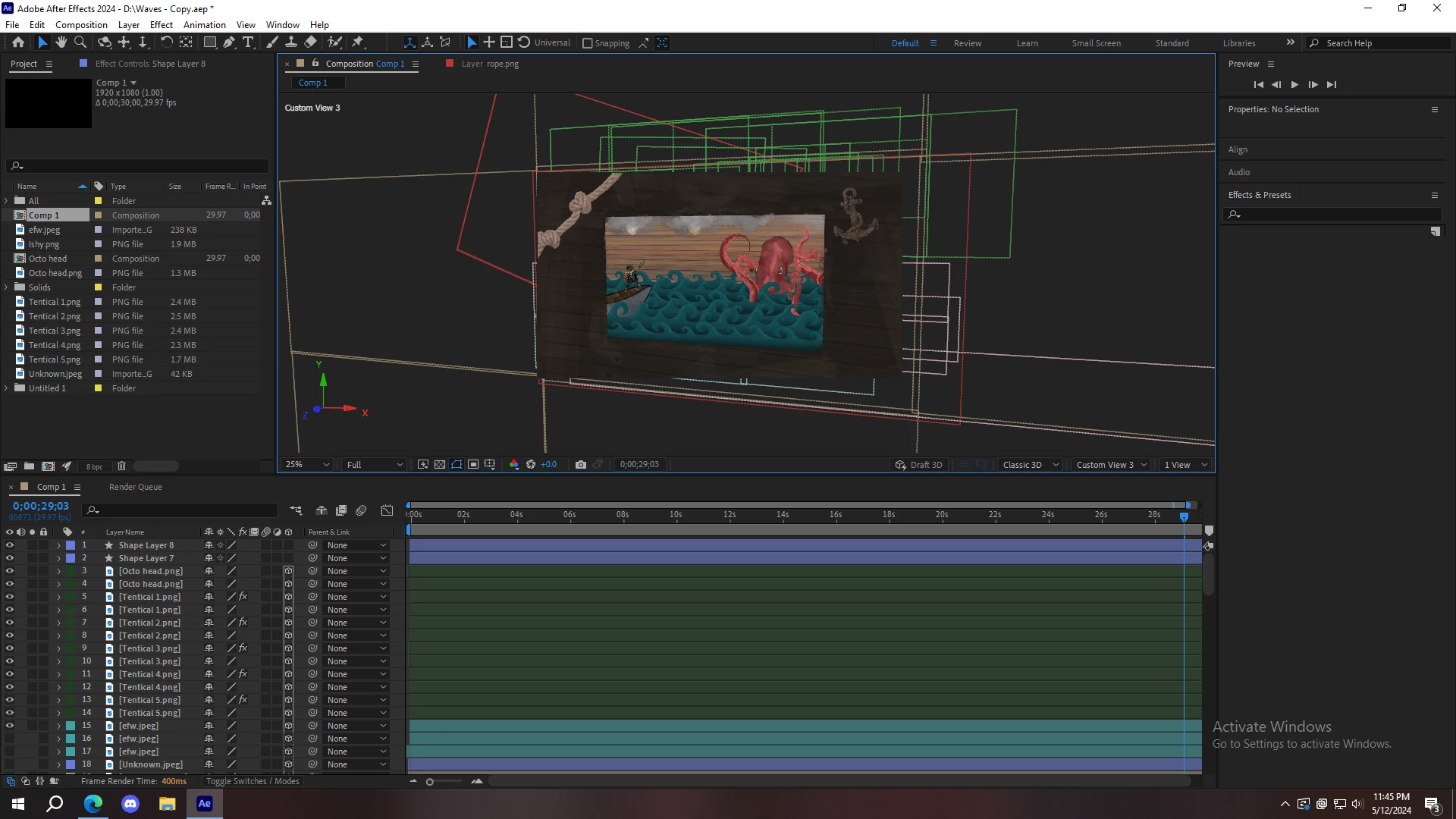
Before Rendering:
 

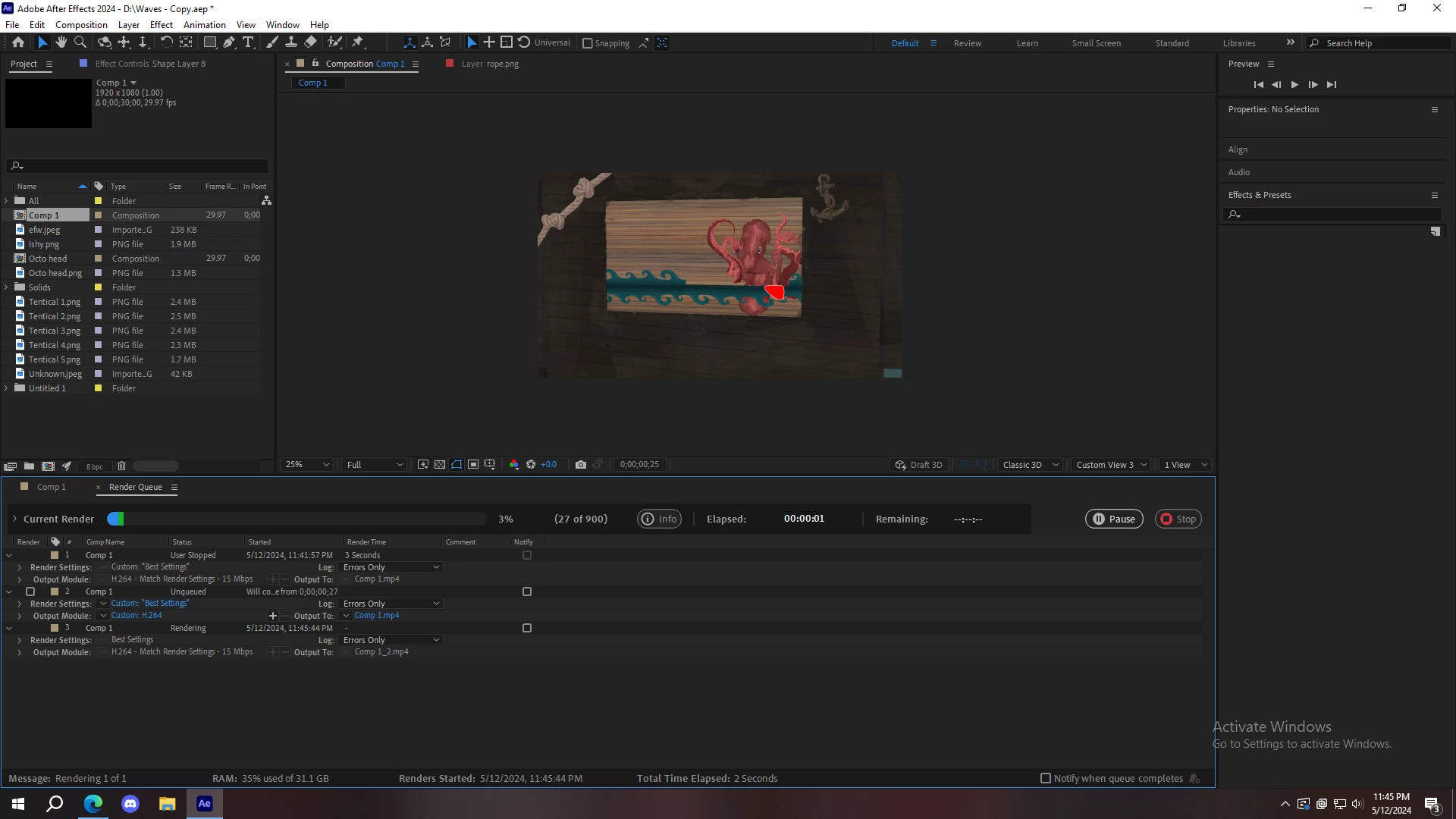
When Rendering: 
This topic has been closed for replies.
Correct answer Mylenium

You have set up everything in a custom view, which of course won't render. Only the default "Active Camera" or a specifically created camera will properly render your scene. Also using Draft 3D can alter the appearance due to lower sampling, no shadows and all that, so it's always a good idea to check things by turning it off. You may want to read up on some basics.


Mylenium

2 replies

nishu_kush
Legend
May 16, 2024

Did the suggestion above help?

Feel free to reach out. Moving this thread from Bugs to Discussions for now.


Thanks,

Nishu

Mylenium
MyleniumCorrect answer
Legend
May 13, 2024

You have set up everything in a custom view, which of course won't render. Only the default "Active Camera" or a specifically created camera will properly render your scene. Also using Draft 3D can alter the appearance due to lower sampling, no shadows and all that, so it's always a good idea to check things by turning it off. You may want to read up on some basics.


Mylenium

