Your first mistake is editing an entire lyric video (dynamic text animation) in a single comp. Handling and editing 1477 layers in a comp that is several minutes long is a nightmare and if you foul something up or need to make a change you are screwed.
I would start breaking up each sentence or phrase into separate comps. You can easily do that by pre-composing a few layers at a time. After you have moved a couple of hundred layers to nested comps your vanished layers may reappear. This should be a lesson learned. You will never save any time by trying to edit a long project in AE. Break things up into manageable sizes. I do explainer videos, dynamic text animations and similar things all the time. Most of my comps are less than 10 seconds. The final edit is almost always done in Premiere Pro. On rare occasions, if the project is extremely simple, I'll just nest the comps in the main comp for the final render. A typical simple project would look like this:
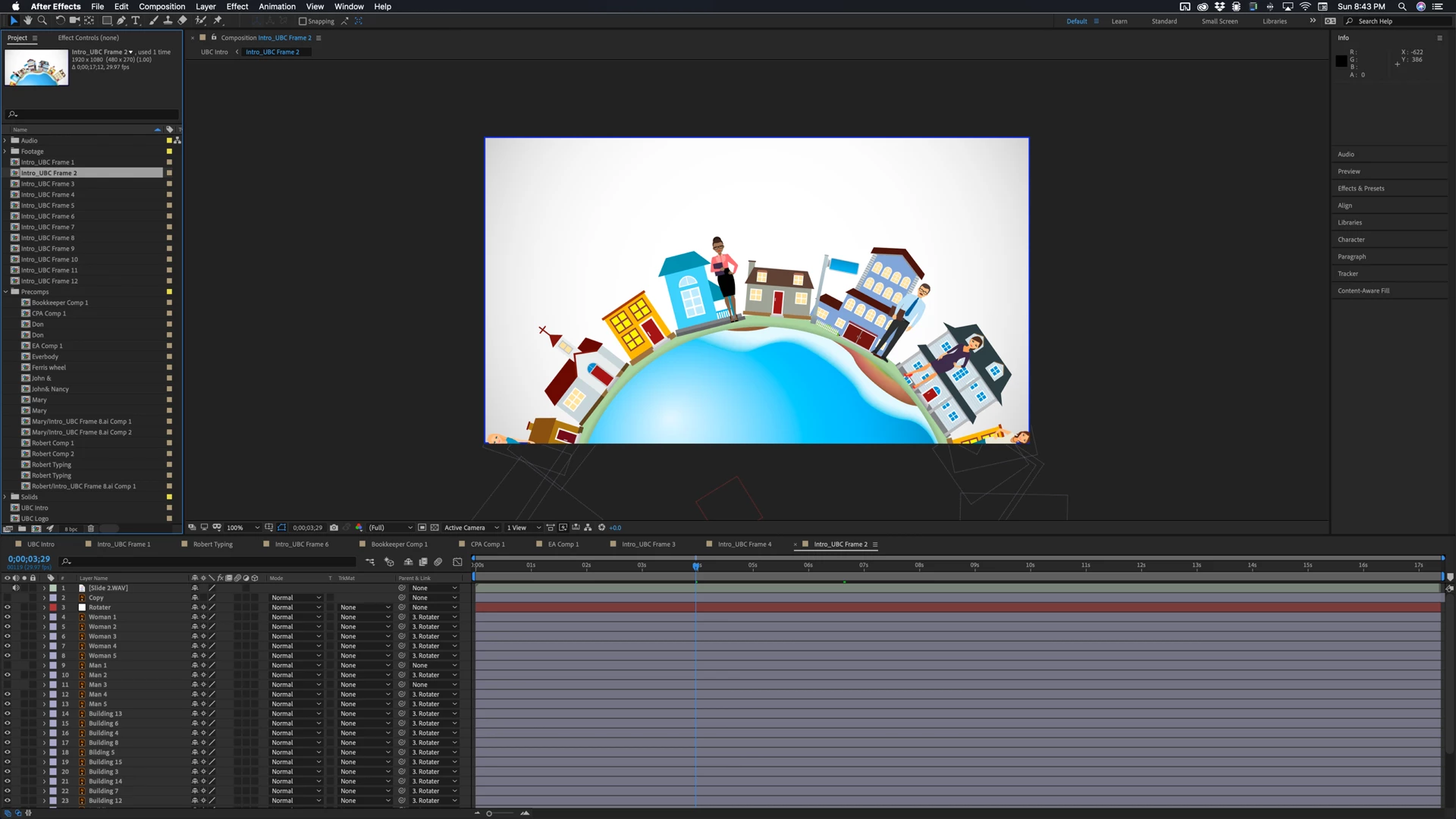
The frame comps are all phrases of text. In this case, many of them were longer because the narration was very complex. The pre-comps contained logos, character animations, and text. They are all very short. When I completed the first draft there were copy changes on four of the 12 phrases. It took me about a half hour to make those changes and recut, then send the entire project off for the final render. If I had done the entire thing in one comp it would have had about 1400 layers, like your project, and the changes would have taken me days. It would have also taken me a lot longer to do the first cut.
Hopefully, you will be able to recover the missing layers as you start breaking the project down into smaller comps and getting rid of that crazy master comp.



 AdChoices