


A question about color blending formula in AE
I found this color blending formula on a blog:
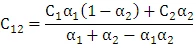
where a1, a2 are the values of alpha channel of image below and above(divided by 255), C1, C2 are the color channel values.
I was excited, but as I tried to dive further into the formula and do some experiments, I encountered some problems.
As the formula suggests, when a1 = 1 and a2 = 0.5, if you swap the color of two blending layers, as long as you keep the alpha channel value unchanged, the result is unchanged. However, when I do an experiment in AE, there are some subtle differences:
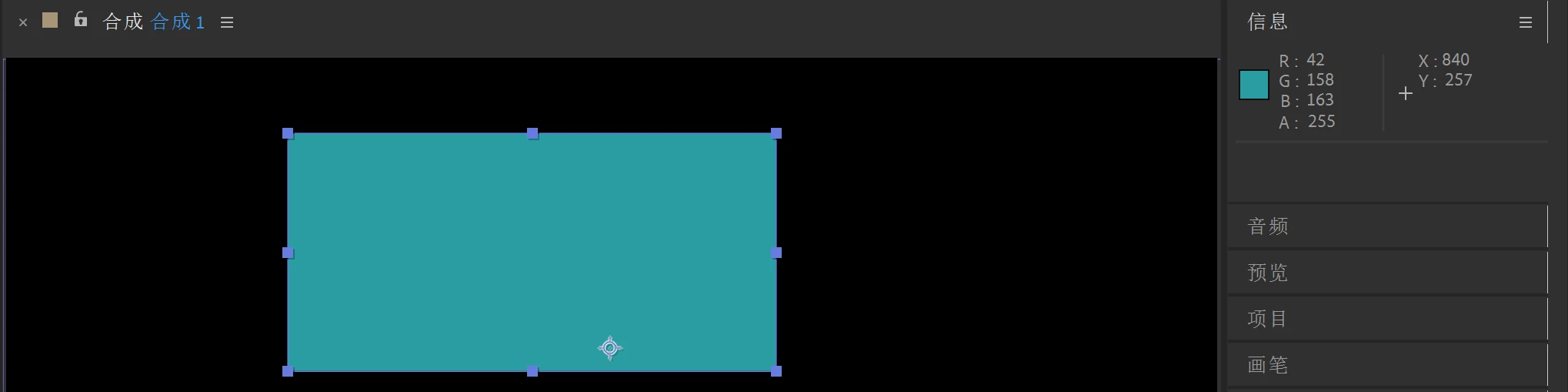

At first the alpha value of layer 1 is 1 (“不透明度" for "opacity"), the information showing the original color value. Now we change the alpha value of layer 1 to 50%:
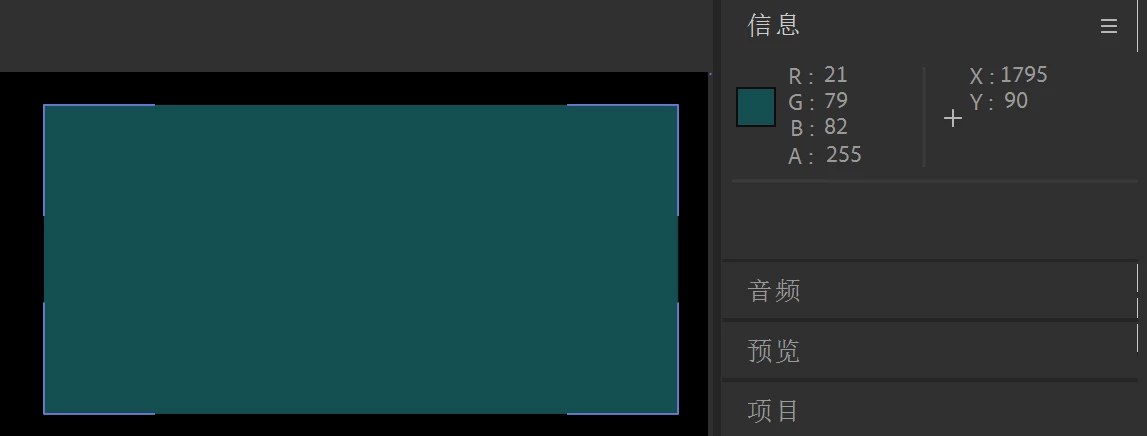

then we swap the two layers and change layer2 value to 50%, and change layer1 value to 100%:


As you can see, the values of final results have subtle differences, but it shouldn't happen according to the color blending formula. Why is this?
 AdChoices