Question
aa
If I change the position of one point, the position of the opposite point changes at the same time.
There is no button anywhere to disable this, so it is a program error that is inconsistent with what the user is doing
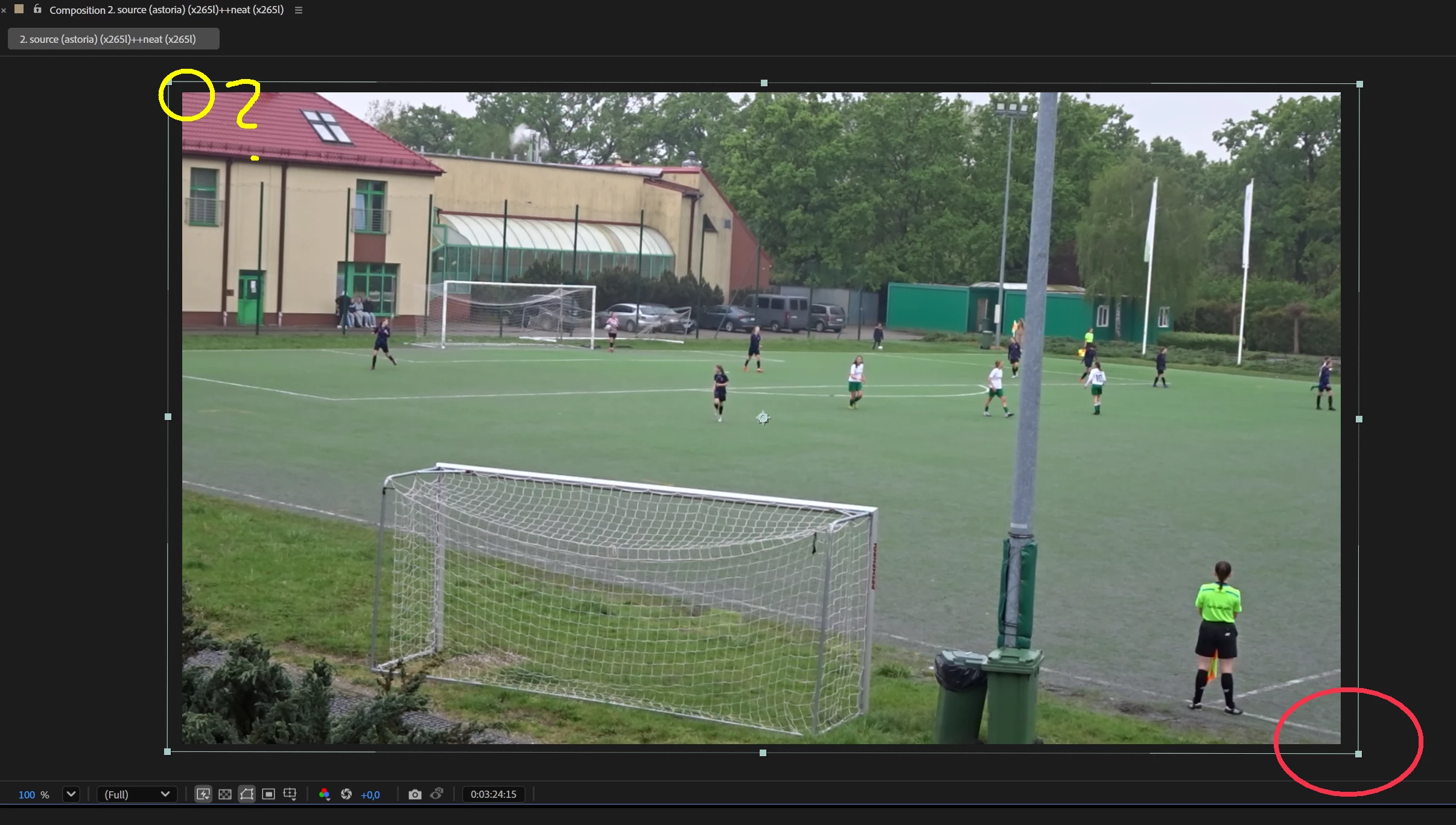

If I change the position of one point, the position of the opposite point changes at the same time.
There is no button anywhere to disable this, so it is a program error that is inconsistent with what the user is doing
Already have an account? Login
No account yet? Create an account
Enter your E-mail address. We'll send you an e-mail with instructions to reset your password.


 AdChoices