
Participant
January 20, 2022
Question

Add two layers in the same expression?

  • January 20, 2022
  • 2 replies
  • 282 views

Hello everyone! I would like to know if it is possible to add two layers in the same expression. When I put this value, it tells me that there is an error:

s=thisComp.layer("example 1")+thisComp.layer("example2")

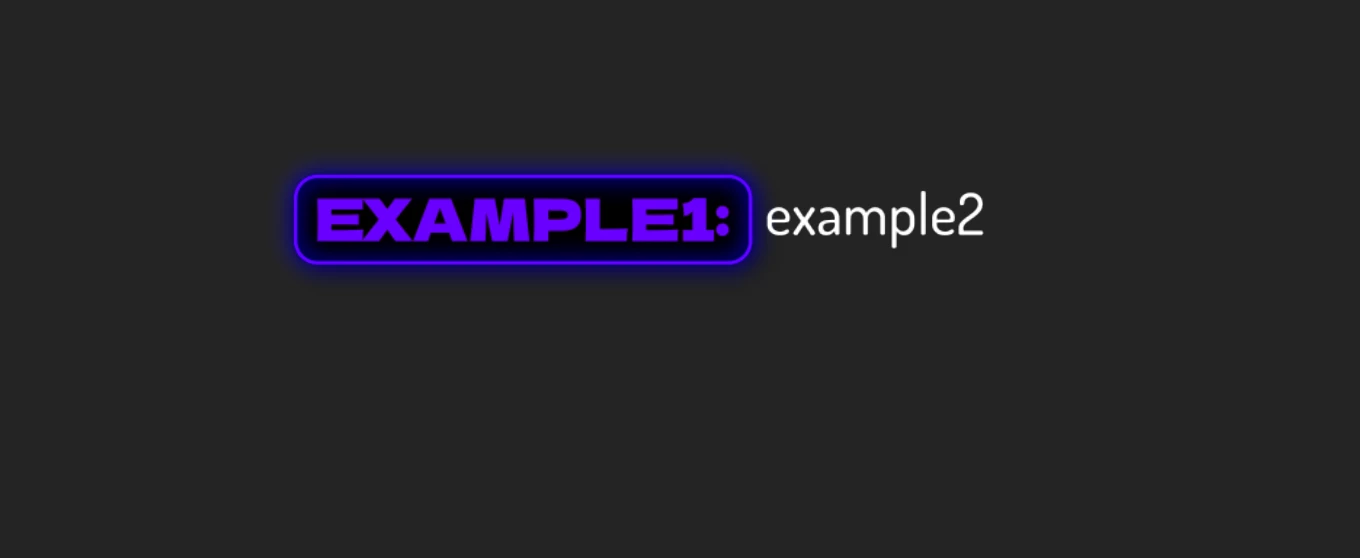
In fact, I have created a shape whose size changes according to the size of the text. But as the composition is intended for a .mogrt file, I would like to have two different fonts in this shape and that they are modifiable.

Is this possible?

Thanks a lot!
This topic has been closed for replies.

2 replies

Roland Kahlenberg
Legend
January 20, 2022

You cannot combine more than one font into a single Text Layer if you intend to send this out to PPro as a MoGRT. You'll have to combine two Text Layersl; each with its own font. HTH

Very Advanced After Effects Training | Adaptive & Responsive Toolkits | Intelligent Design Assets (IDAs) | MoGraph Design System DEV
HousbeckAuthor
Participant
January 20, 2022

Thank you for your answer! I'll do it differently then

Mylenium
Legend
January 20, 2022

That makes no sense and you have your logic backwards. Expressions can't even modify the pixel content of a layer, so what you want to do would never work. In your example that wouldn't be needed, anyway. You simply re-use your existing code for the size of the box and add it to the X position of the second layer.


Mylenium

HousbeckAuthor
Participant
January 20, 2022

Thank you for your answer! I will try this