Lochmonster
Participating Frequently
May 14, 2021
Question

Adjustment Layer Issue

  • May 14, 2021
  • 3 replies
  • 489 views


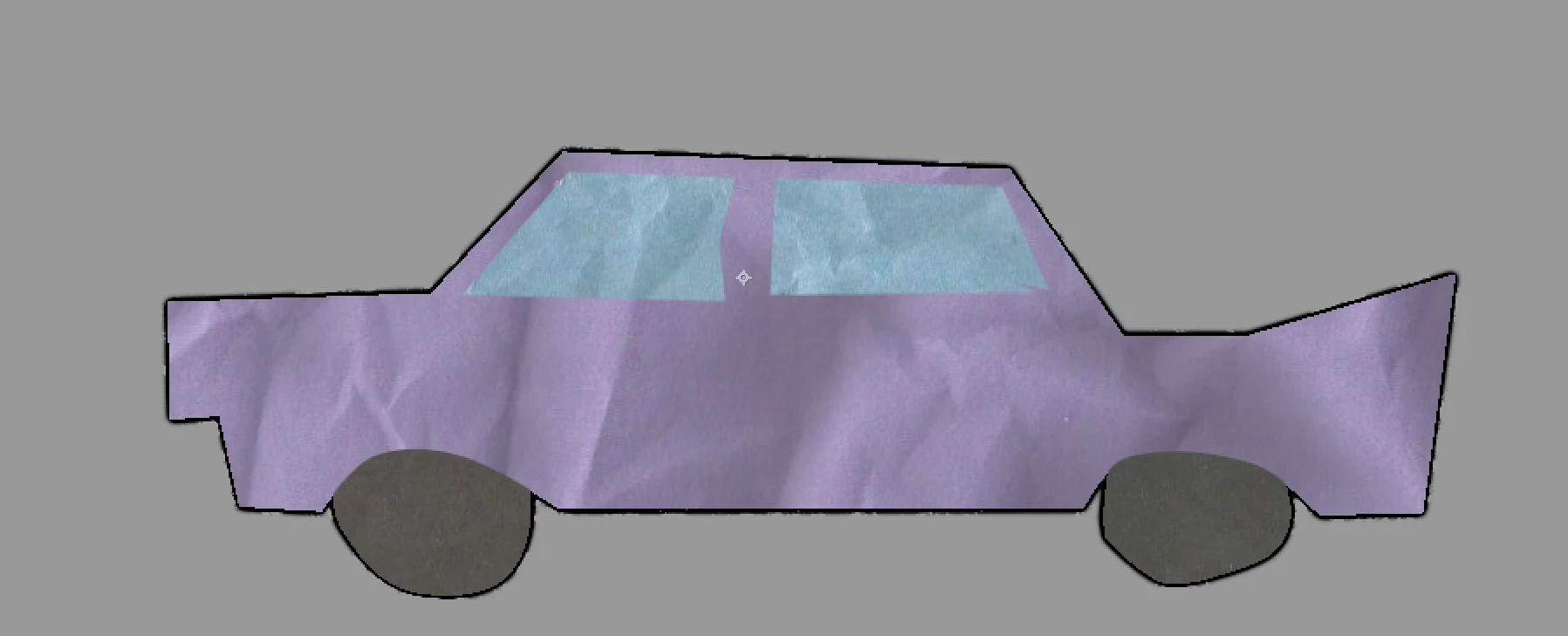
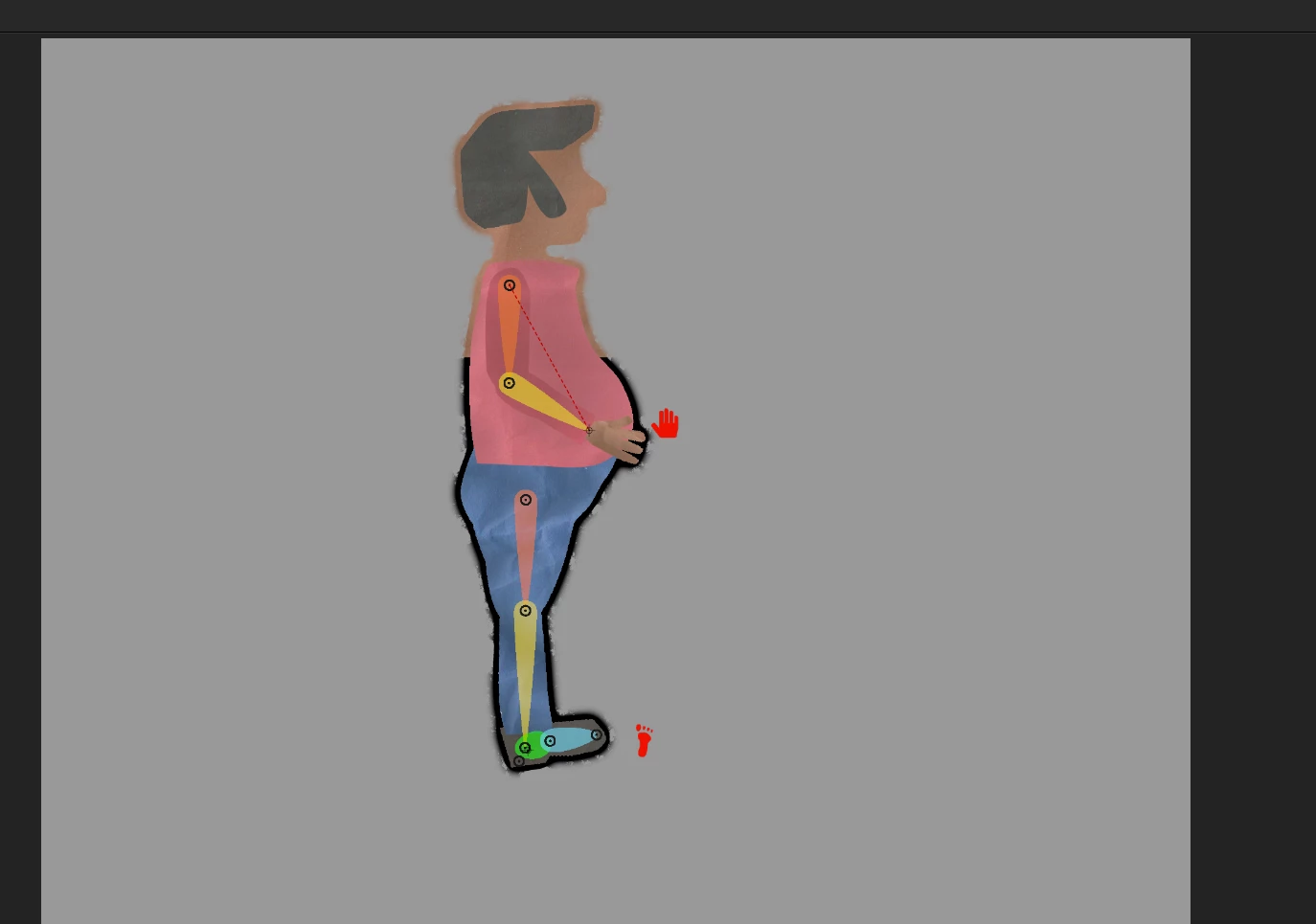
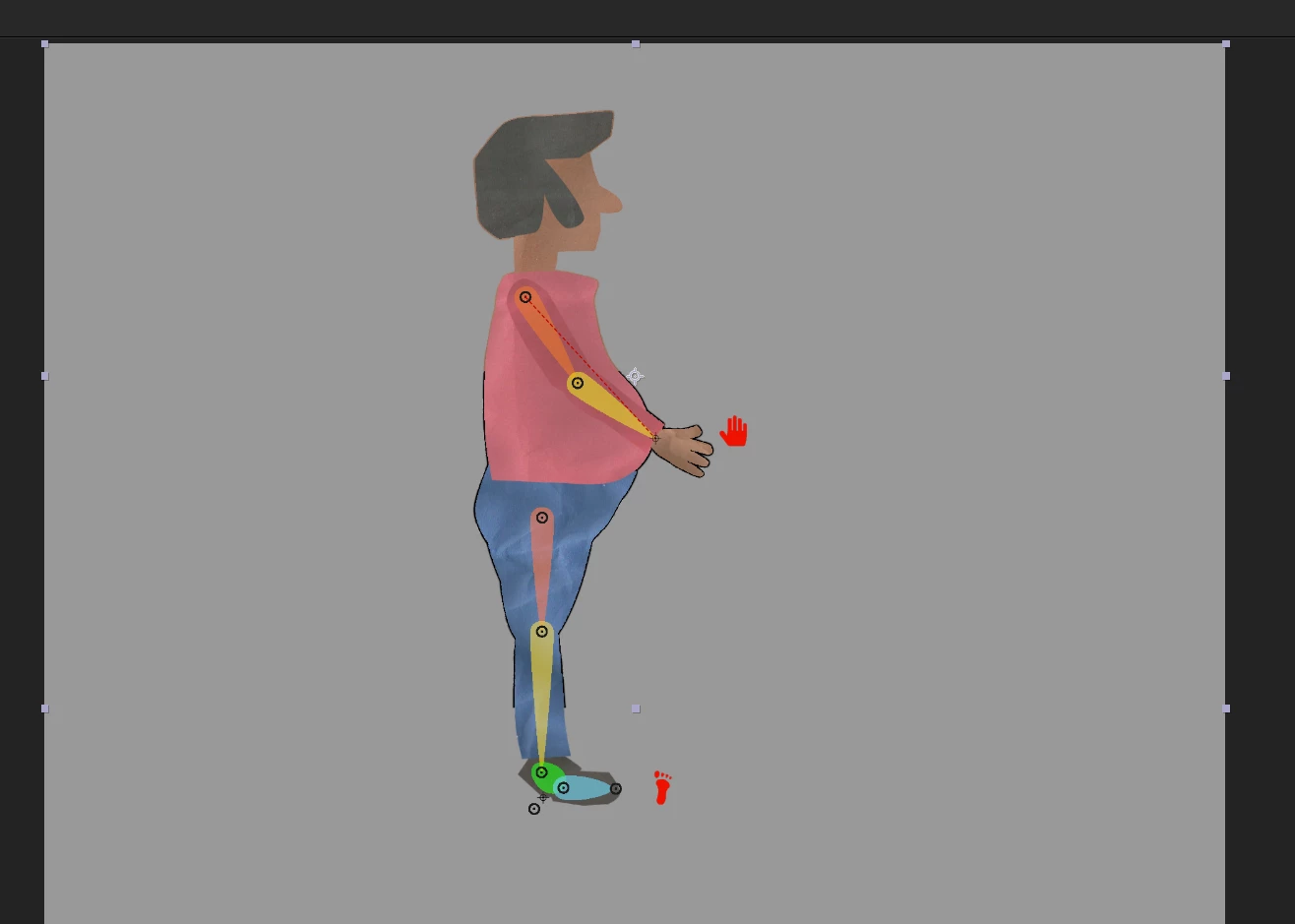
Hi, I'm trying to put a border around some assets with an adjustment layer, like in the picture of the car, below. When I apply the apply the same adjustment layer to a puppet I rigged with DUIK and it seems to only apply a border to part of the puppet. When I increased the geometric softness on the matte choke I see that the border is being applyed but for some reason changes color in certain areas.I check to see if the adjustment layer was positioned weird but it is covering the entire area so really have no idea why it changes colors with such a distinct line.


Really just want a consistent black border around things without the weird color change. Any help resolving this would be greatly appreciated.


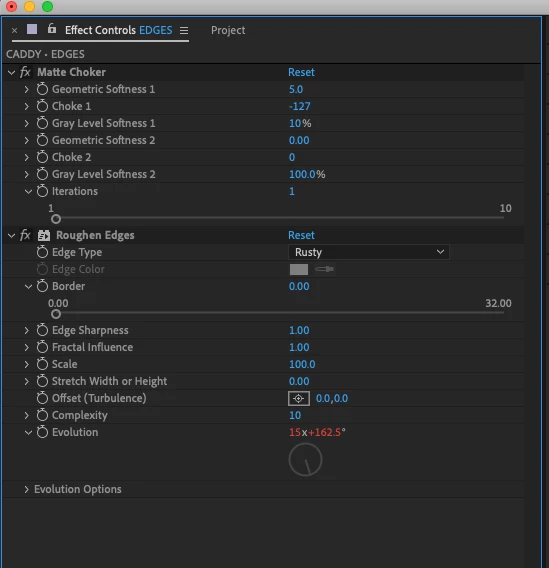
Using most current version of AE and on a MAC using Catalina 10.15.7. The Adjustment Layer has a small time*500 expression on the evolution of the roughen edges effct to give it a squiggle look to it. The picture of the settings is the normal settings without the Geometric Softness cranked all the way up.


This topic has been closed for replies.

3 replies

Mylenium
Legend
May 15, 2021

As @Rick Gerard already advidsed it may be necessary to simply pre-compose and use duplicates of the layer to get the desired effect.


Mylenium

Community Expert
May 15, 2021

Another really good workflow idea is to pre-compose all of your puppet pin animations before you add any other effects or transforms to those layers.

Mylenium
Legend
May 14, 2021

Add a fill effect after the choker. You have a misunderstanding there. The effect works correctly and only expands the Alpha/ transparency. The black border appaearing at all in some areas is merely an accidental side effect of those pixels being undefined, meaning having an assumed value of zero (black) but in other areas where the color information already may have been expanded by the Puppet effect of course those colors will be used.


Mylenium

Lochmonster
Participating Frequently
May 14, 2021

How do you do that and not have the whole puppet filled in, which is what happens when I add the fill (before or after the choker)?


Lochmonster
Participating Frequently
May 14, 2021

So added a fill then matte choke then roughen edges and finally CC Composite and that seems to work for me.


Thanks for the help! Defiently pointed me in the right direction.