


Adobe After effect - Composition panel preview problem
I have previously requested Adobe's help countless times for the same problem, and I have had this for almost a month or more.
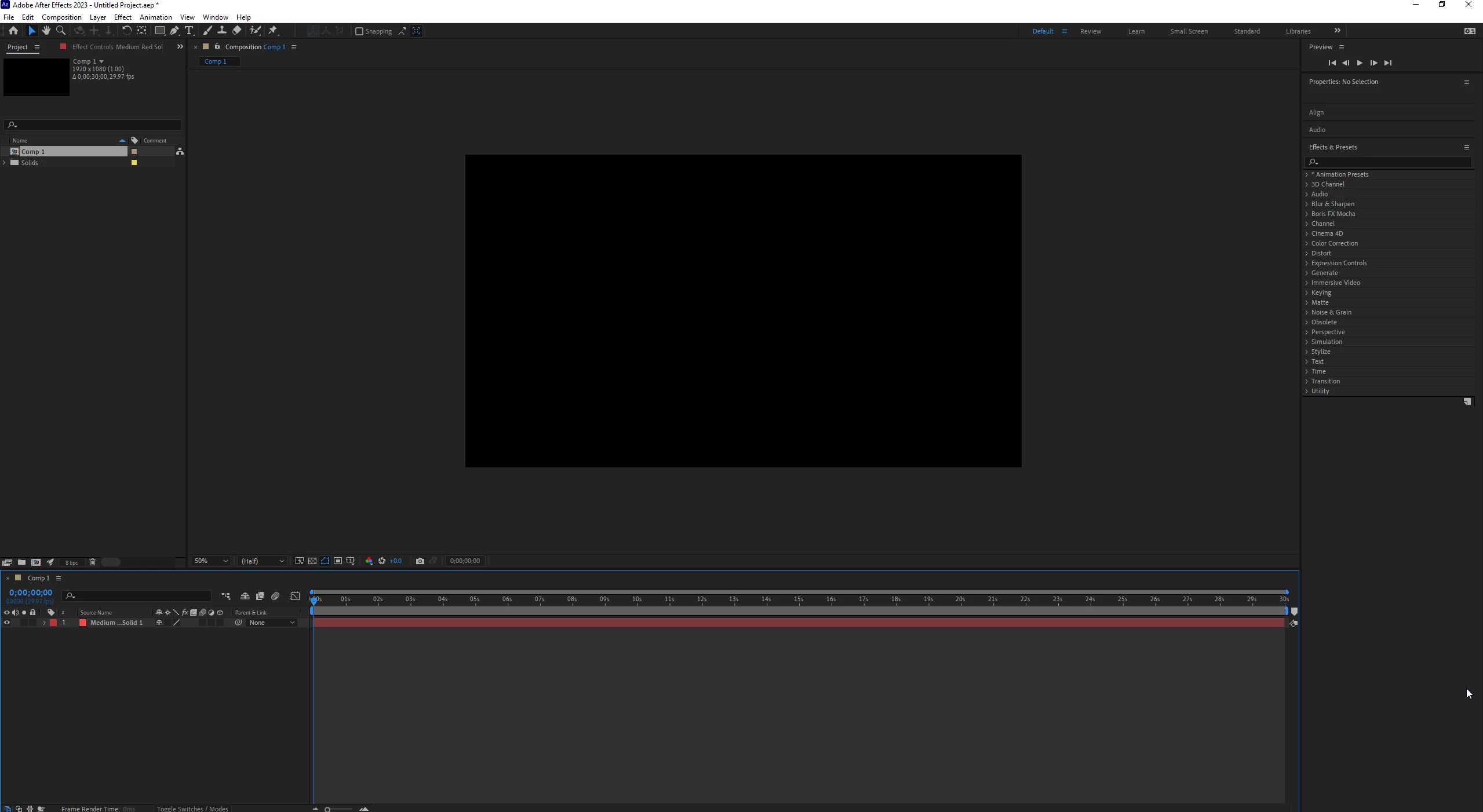
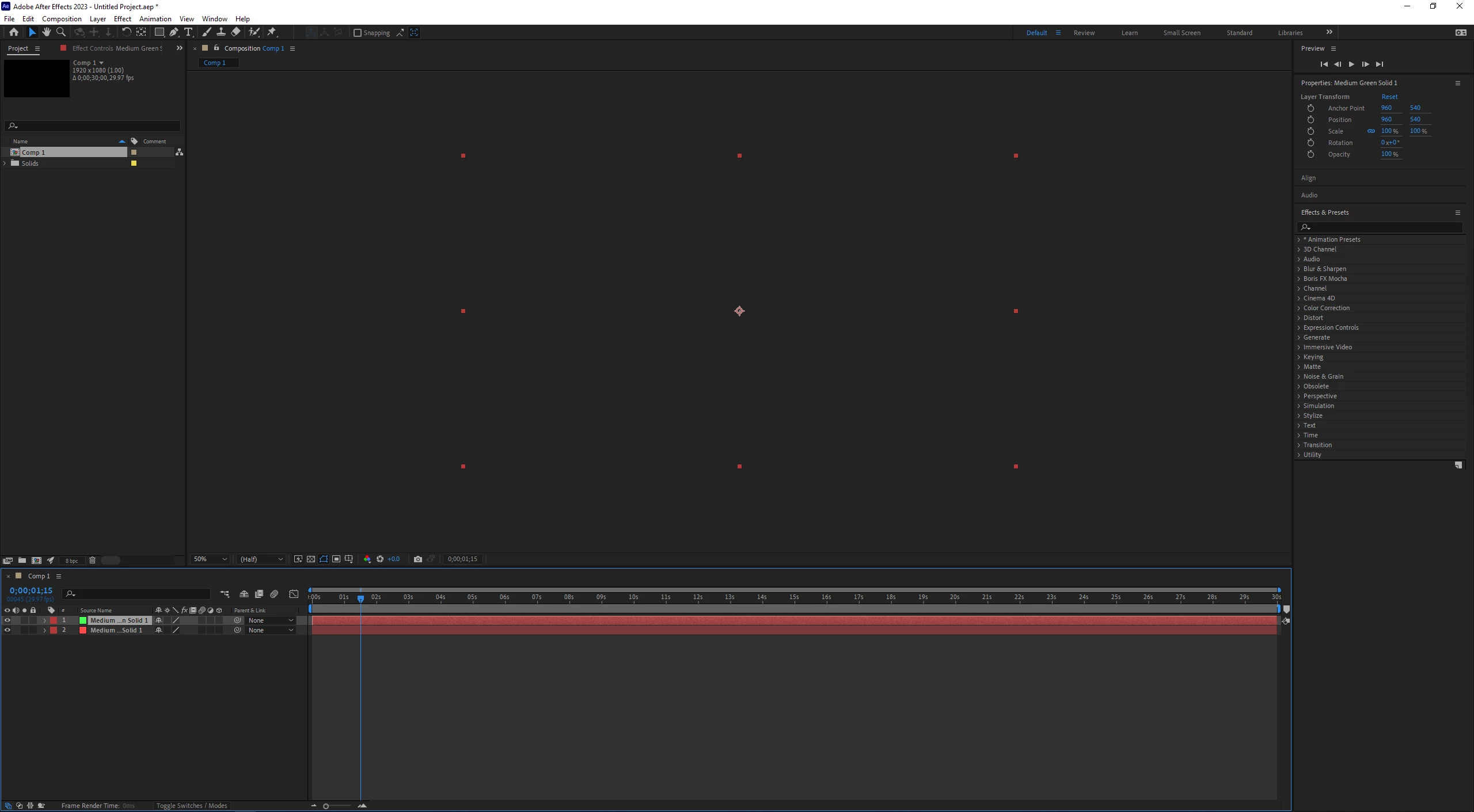
My problem is the following: When I create a solid, a layer or import a video, the display screen of my composition disappears and lags; Also the timeline stops working when I put it on play. Previously with Adobe Support we have tried the following options:
1. Install and uninstall After Effects
2. Try with old versions
3. Reset the preferences options
4. Change my After Effects folders to .old
5. Install new updated graphic drivers
6. Clean cache and memory
7. Set the parameters of my preferences
8. Delete all my plugins and scripts
9. And now lastly, Adobe support have COMPLETELY uninstalled my entire Adobe set, with the Adobe cleantool tool, they have cleaned and deleted all traces of Adobe from my computer. Then, they reinstalled the Adobe package and After Effects, and it still gives the same problem
10. Uninstall Wallpaper Engine program, which makes my desktop wallpaper move.
None of the following solutions have worked for me. Please, if anyone has any clue as to what it could be or who to turn to, it would help me a lot. I'm desperate, I'm almost a month behind on my work because of this error, which doesn't allow me to edit or continue with my projects.
 AdChoices