
Adobe After Effects 2021 Crashes in two instances
Hello all,
I am receiving two crash instances when using Adobe After Effects and wanted to let you know here:
1. When I am working on a project and I select the "full" resolution preview drop down option, After Effects crashes out on me. See screen capture below. This one is not a critical error as much as I can still function w/o this working but thought that I would flag it and let folks know.
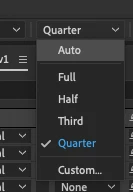
The second instance is when I export the composition directly out of After Effects instead of Media Encoder.
My steps are as follows:
I go to:
-Add to "Composition>Render Queue"
-I click on the file name in the "Output module"
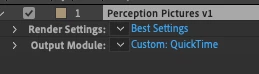
-I click on the file and select "Apple ProRes 422 Proxy
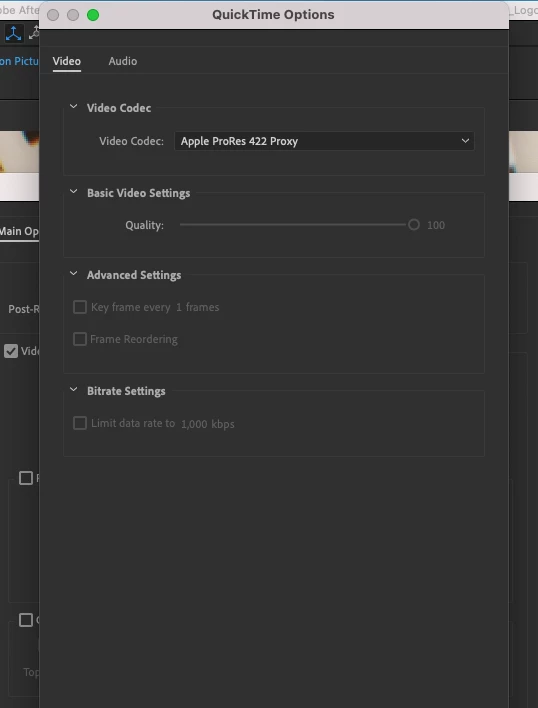
I give the file a name and specify the location
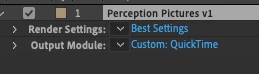
I click on render and AE crashes.
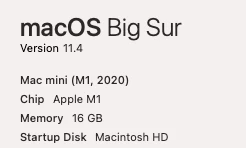
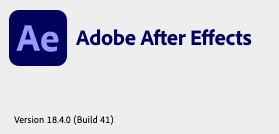
My system settings are as follows: Adobe After Effects has been updated to the latest as of yesterday.
Looking forward to some help on this one.
Thanks all!


 AdChoices