Participating Frequently
January 16, 2018
Answered

Adobe After Effects Scripts

  • January 16, 2018
  • 2 replies
  • 892 views

Adobe After Effects  Scripts NONO layers
    This topic has been closed for replies.
    Correct answer Roland Kahlenberg

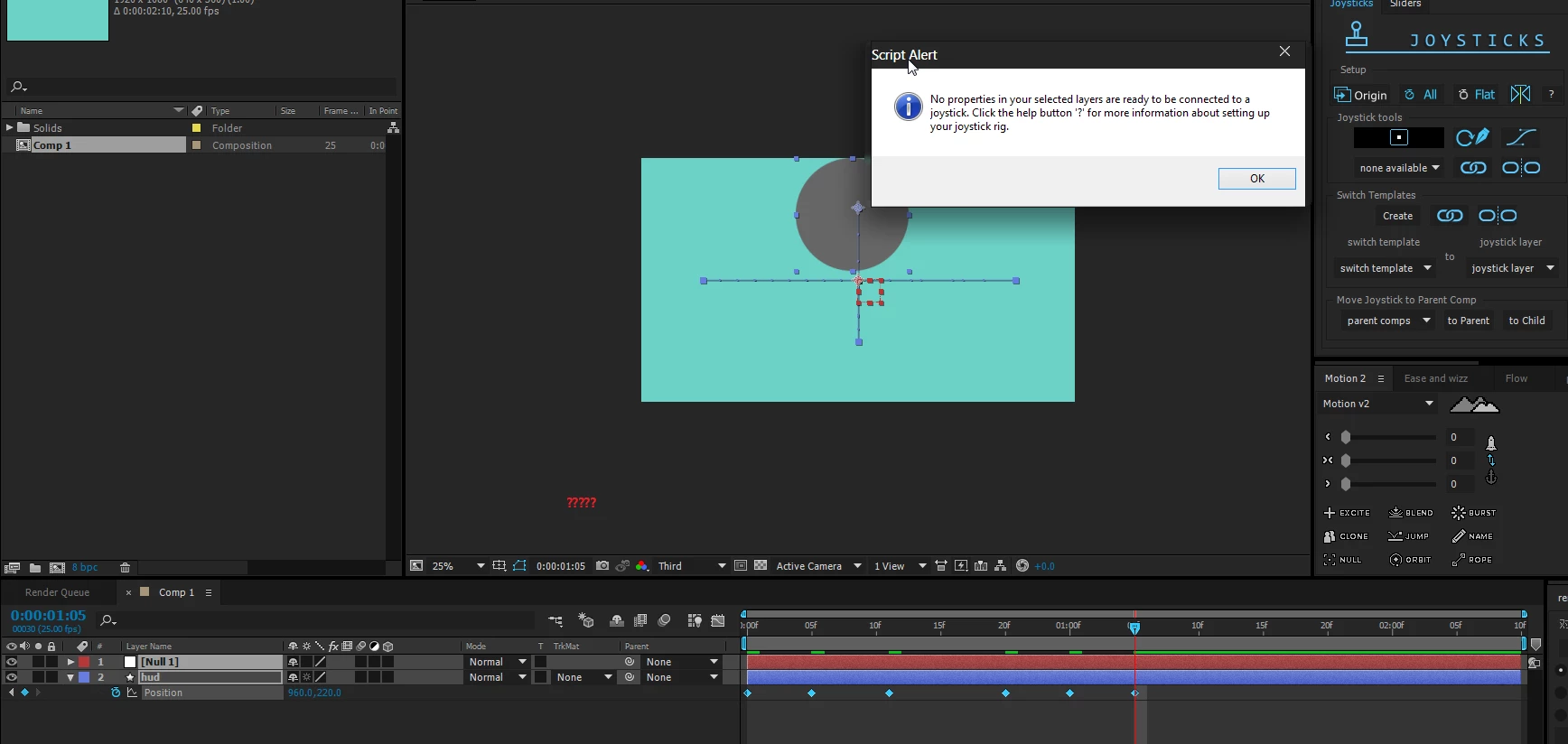
    Go to aescripts to watch the tutorials. I haven't used this script in a while and never really got into it but I highly doubt you are to apply it to a single layer with a single animated property - it's much more involved than what you have.

    2 replies

    Participating Frequently
    January 21, 2018

    Thank you!

    Roland Kahlenberg
    Roland KahlenbergCorrect answer
    Legend
    January 16, 2018

    Go to aescripts to watch the tutorials. I haven't used this script in a while and never really got into it but I highly doubt you are to apply it to a single layer with a single animated property - it's much more involved than what you have.

    Very Advanced After Effects Training | Adaptive & Responsive Toolkits | Intelligent Design Assets (IDAs) | MoGraph Design System DEV
    Inspiring
    January 16, 2018

    Like Roland says, you'll get much more information if you watch tutorials straight from Mike Overbeck, the script developer. I can tell you, however, that Joysticks & Sliders you need to have your keyframes at the beginning of the timeline, and you can only use 5. Original, Extreme Left, Extreme Right, Extreme Up, and Extreme Down. You have six keyframes, and they're spread out, they need to be on frames 0-4.

    Also, if you click the Question Mark icon in the script you'll see a popup with information telling you exactly how to use the script.