Participant
March 29, 2024
Answered

adobe effects not rendering new image

  • March 29, 2024
  • 2 replies
  • 576 views

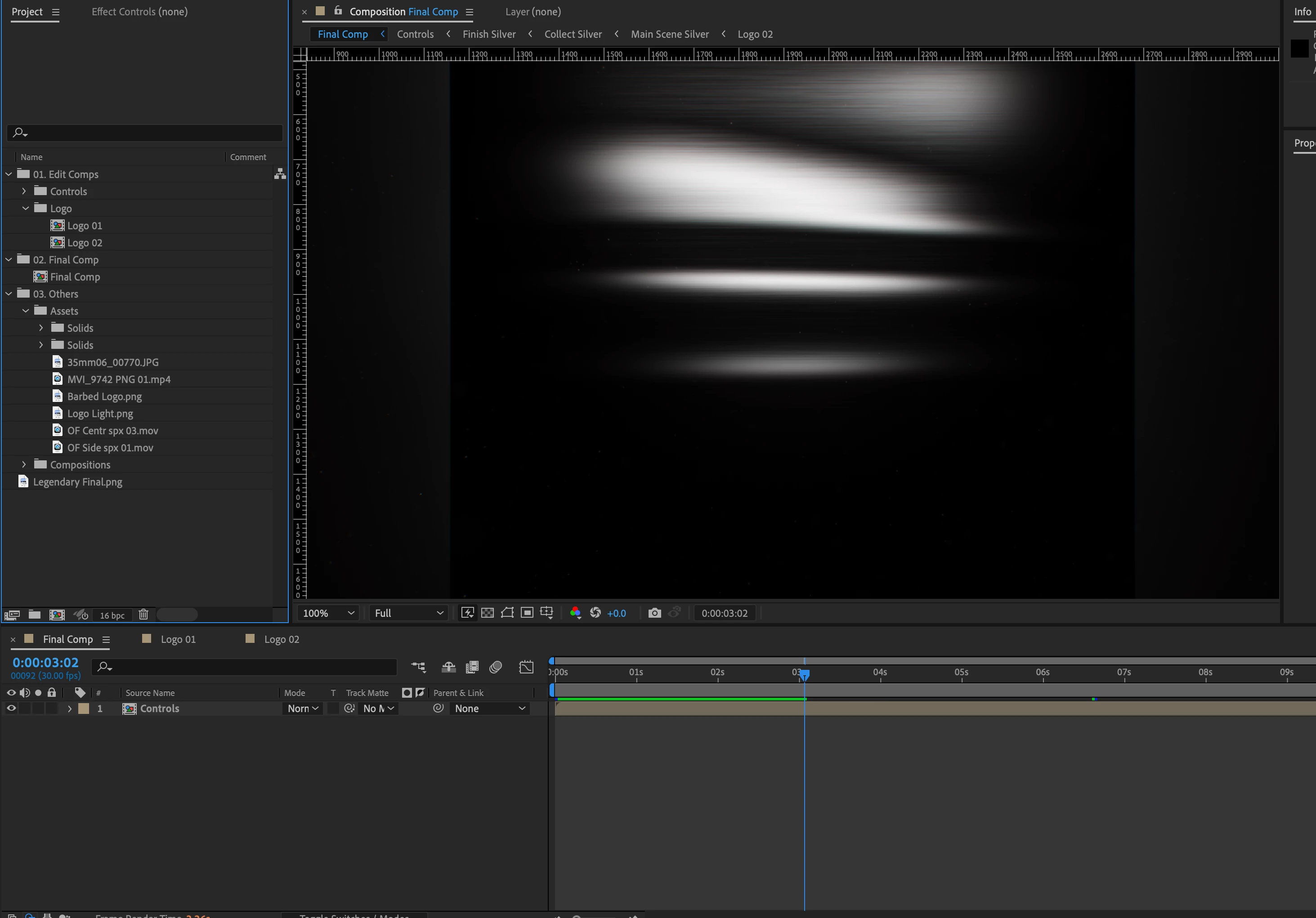
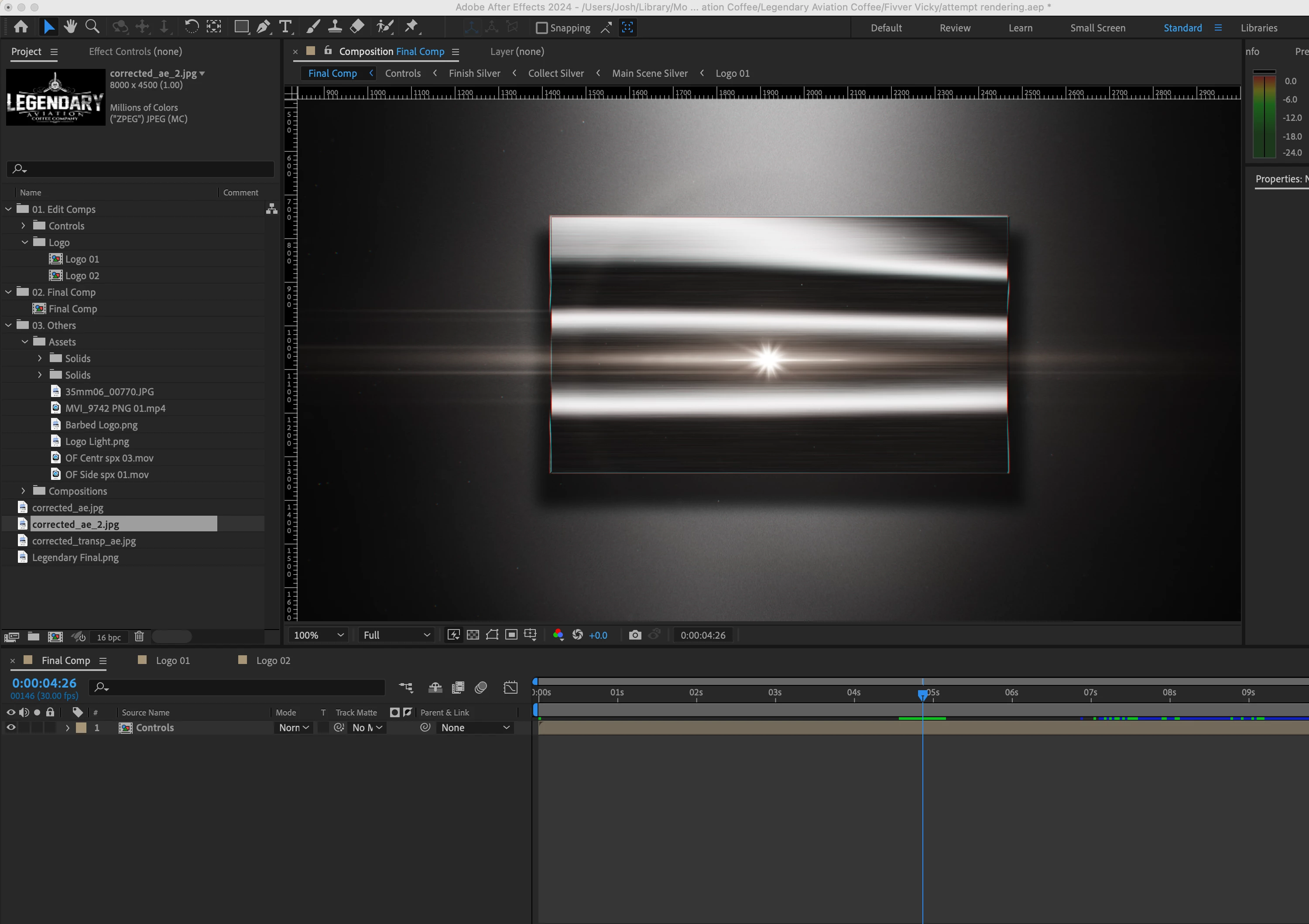
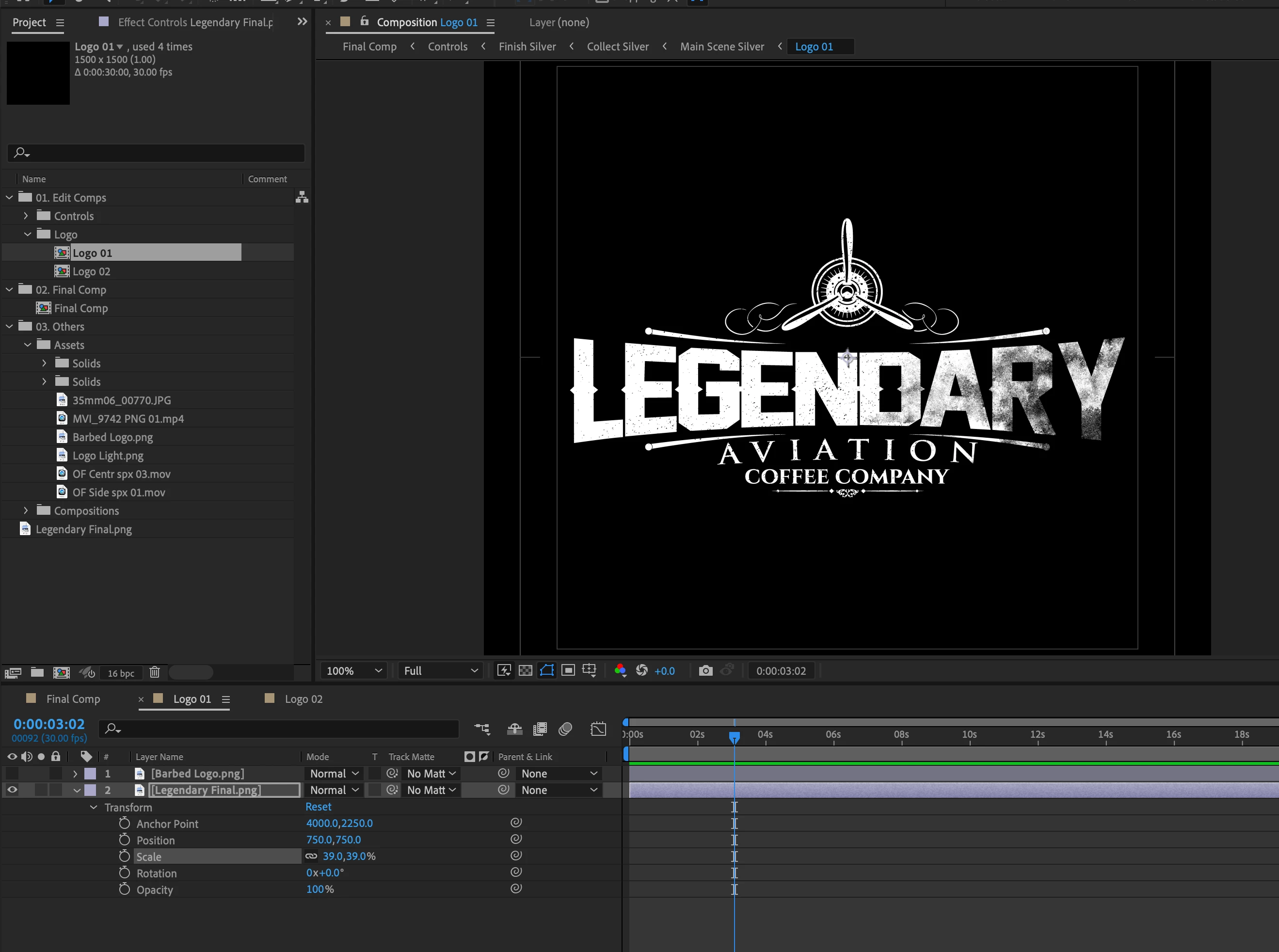
anyone ever ran into an issue with adobe after effects 2024 not rendering a new photo/file when the video is fully editable and you have the latest and greatest computer/software etc etc.  I am the only one having an issue as when I send it the video and files to other people they show me its working.  I show them its not working for me.  i walked through the entire process 5-7 times now and nothing.  There has to be something I am missing in a settings or version I have that isn't allowing me to do this.  I am using version 24.3.0 of adobe after effects from the adobe suites through creative cloud. it is downloaded to my mac.  It is a .png file at 300dpi, it is scaled to size....   I have tried to do this to 3 different files with no luck, but the other people have.
This topic has been closed for replies.
Correct answer Joshua29610705axzc

Figured it out.  The black background the image was built on was throwing things off.  Changed to transparent and it worked just fine.


2 replies

Joshua29610705axzcAuthorCorrect answer
Participant
April 1, 2024

Figured it out.  The black background the image was built on was throwing things off.  Changed to transparent and it worked just fine.


Mylenium
Legend
March 30, 2024

Convert the image to a TIFF or whatever. There's all sorts of issues with PNGs and JPEGs on Macs.


Mylenium

Participant
March 30, 2024

Further troubleshooting, I went ahead and uninstalled the app all together.  Reinstalled it from scratch, from my adobe creative cloud with all the additions like 4D whatever it said.  Redownloaded the template.  Opened up the logo folder, double clicked the logo, double clicked inside the project, moved in my .png file.  moved PNG file down below logo in the bottom left, unselected the original logo file, kept new one active.  Ran the video.  nada.


Repeated all steps for adding a new photo being .TIFF, noticed it lost all the effects and what not, who cares we can work on that later.  Dragged and dropped it into place.  same issue as before.  pictures showing placement and that it recognizes it in the logo section, but not the video section.