
malikd65516247
Participant
March 15, 2018
Question

Adobe Media Encoder can not connect to Dynamic Link server

  • March 15, 2018
  • 2 replies
  • 2802 views

I can not render my After Effects Projects with Media Encoder.
The Project gets loaded into Media Encoder but when I try to render or to change the output settings I get an endless loading window where it tries to connect to the dynamic link server.
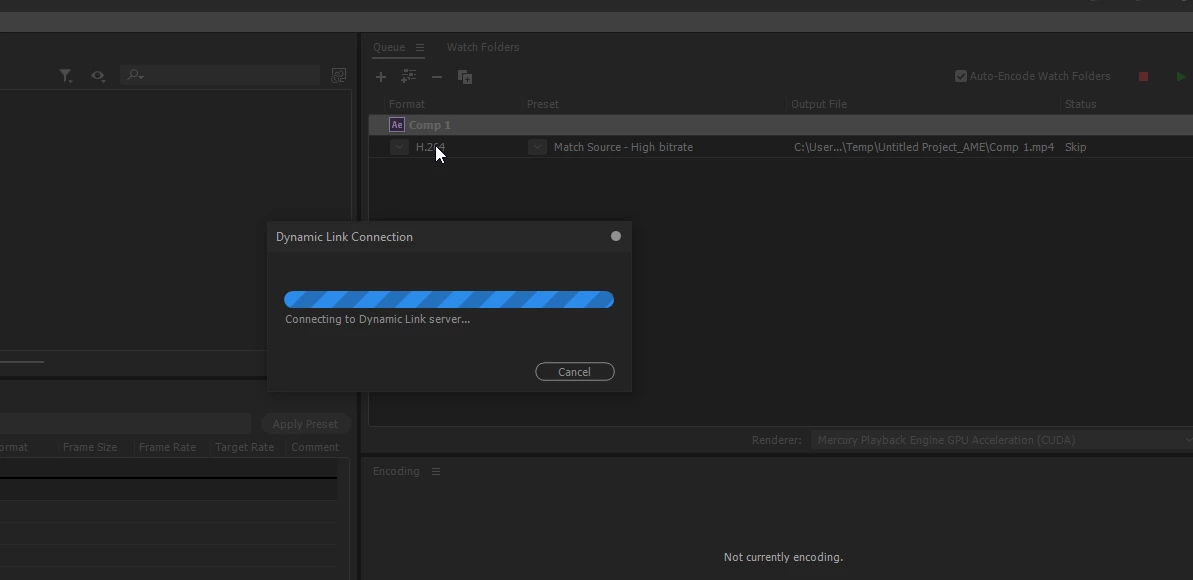
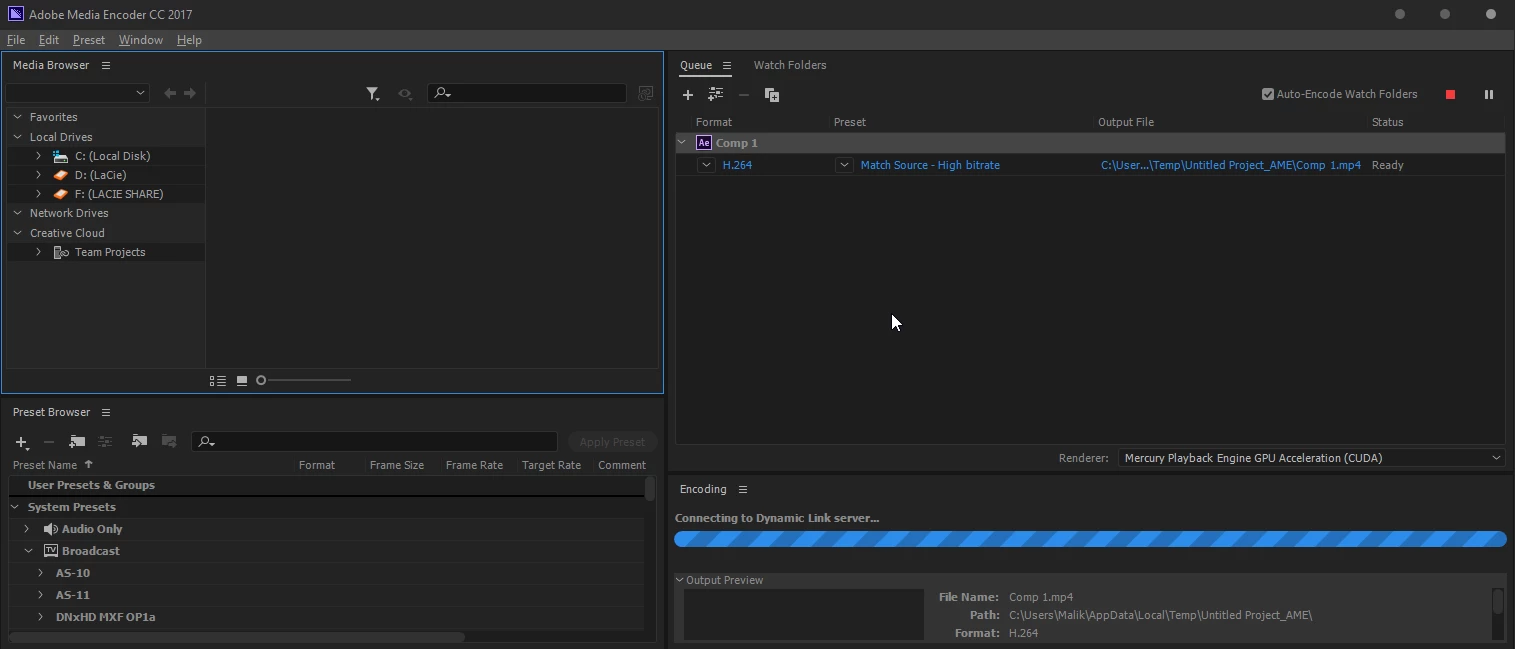
when i close the dynamic link window and click again on settings (H.264) then it tries to load the Project but again nothing happens.
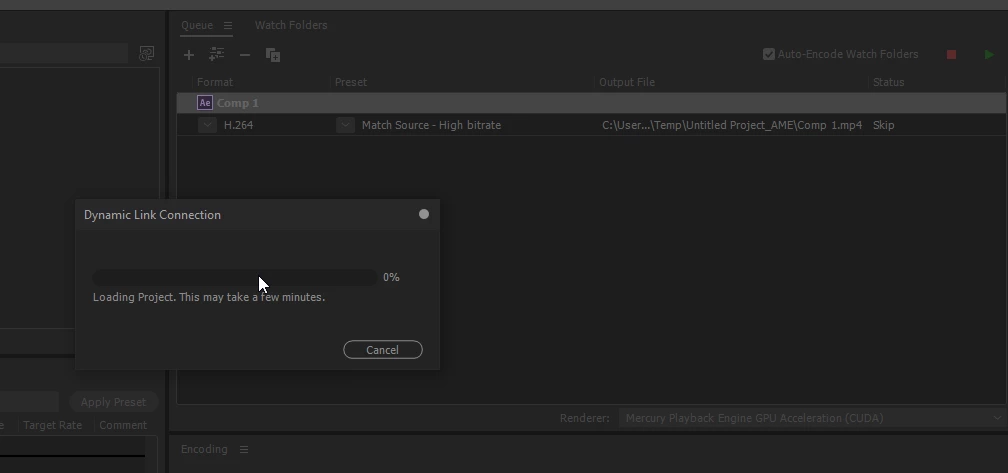
I am really stuck here and the customer support could not help me.
(after he recommended to restart my computer the remote programm was deletet automatically and the chat option was removed on the Adobe site)

This topic has been closed for replies.

2 replies

Participant
October 31, 2018

I am having this issue as well with CC2019.  I cannot believe Adobe is doing nothing about this.

It just will not connect from After Effects to Media encoder.  I have uninstalled and reinstalled each one.

Rameez_Khan
Legend
November 13, 2018

Hi jayb82651453 ,

Sorry for your issue!

Which language is your OS installed in? What kind of a computer do you have? Which OS are you on?

We're investigating an issue with dynamic link between After Effects and AME in CC 2019.

Thanks,

Rameez

Good_ok
Participant
April 21, 2020

I am having this problem

I have After Effects 2020, he doesn't want to start render from AME, always shows me "Connecting to Dynamic Link..." and always after the first time stops adding songs to the queue from After Effects

i have english version, and AME 2020, Premiere 2020, Photoshop 2020, 

malikd65516247
Participant
March 15, 2018

I tried different versions of after effects and media encoder (2018 and 2017) but it does not work. A few month before I had after effects 2017 installed and there it worked without problems

Kevin-Monahan
Community Manager
Community Manager
March 20, 2018

Hi MalikD,

Are you still facing this issue? Do let us know so that we can assist.

Thanks,

Kevin

Kevin Monahan - Sr. Community & Engagement Strategist – Pro Video and Audio
Participant
May 19, 2018

im having this exact problem