Participant
April 27, 2020
Question

Adobe Media Encoder exporting colored bars

  • April 27, 2020
  • 7 replies
  • 11121 views

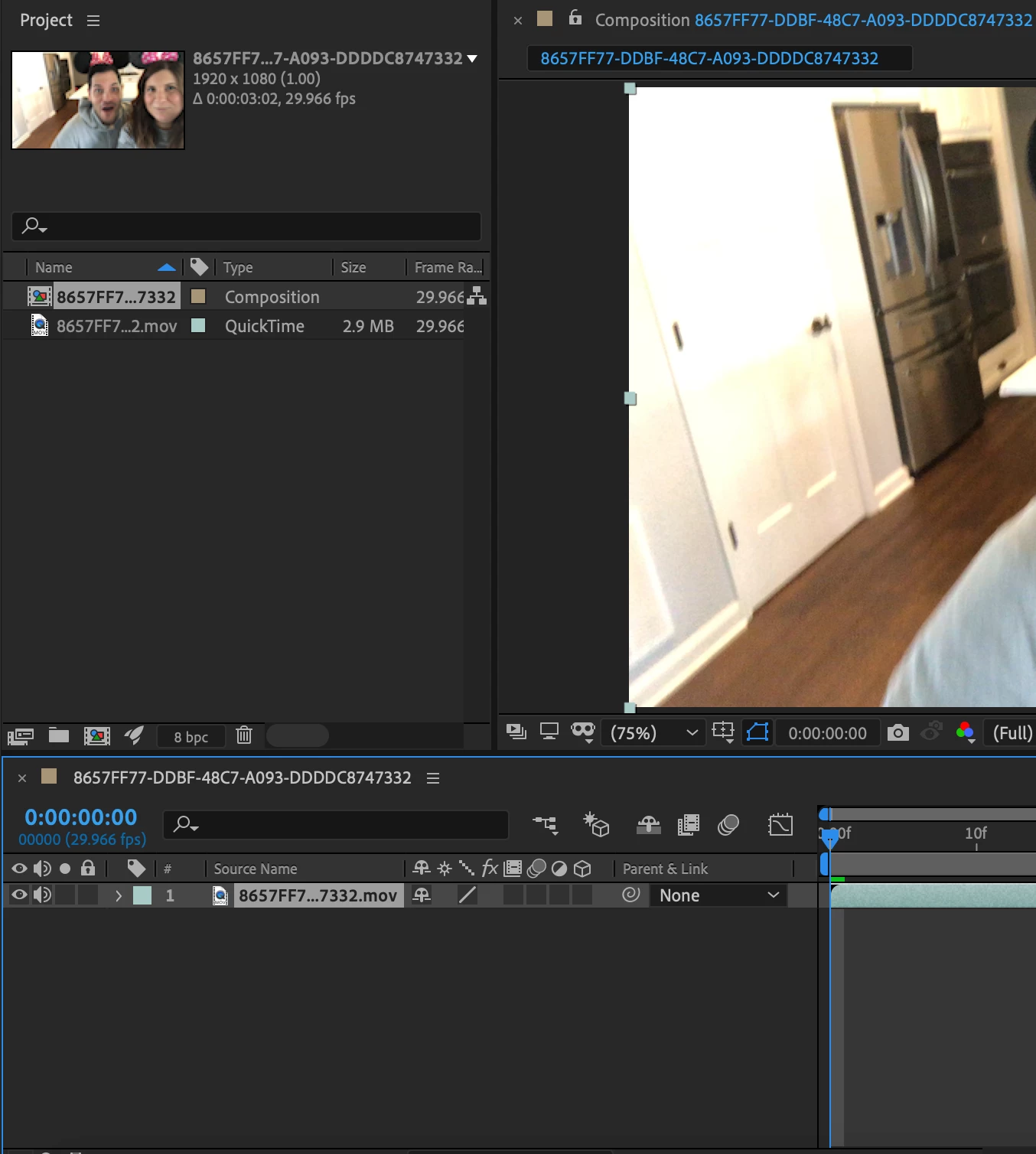
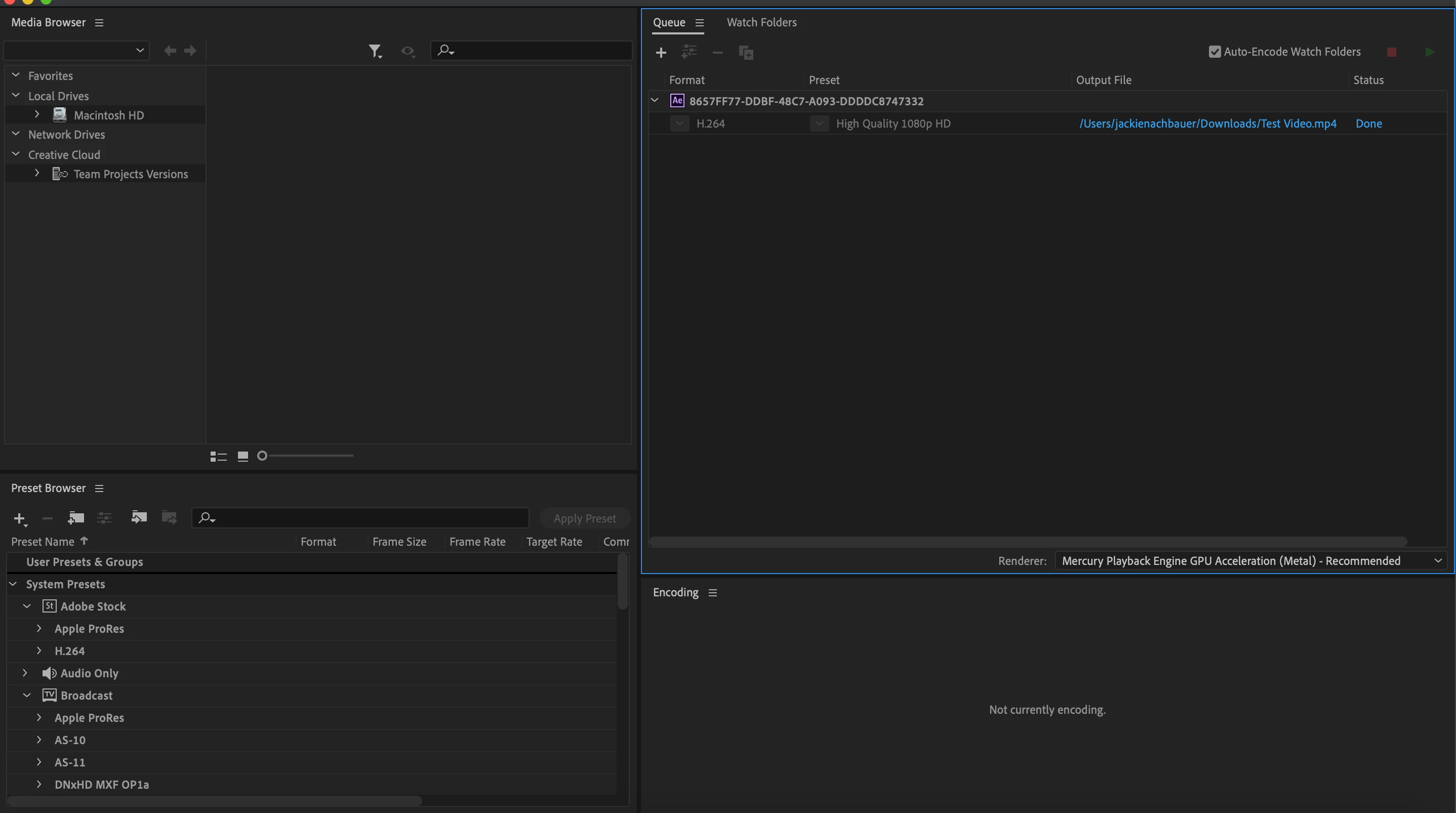
Whenever I export my video it just exports colored bars even though when I scrub through the .mov file in AE 2020 it scrubs fine. What am I doing wrong... See colored bars at bottom, note no audio comes through either when I try and play the file in the rendered version. I've also tried the YouTube Format with no success.... all footage shot on an iphone 


This topic has been closed for replies.

7 replies

Participant
February 17, 2023

One of the files may be corrupt. It happened to me. I just changed it and everything exported fine.

Participant
February 17, 2022

I solved this! I'm on a Mac, at some point I must have denied After Effects access to my downloads folder (where my files were located), after allowing access it's working again!


To check if after effects and media encoder have access, go to System Preferences > Security & Privacy > Privacy > Files and Folders


Participant
March 25, 2022

thank you so much that's work perfectly for mac.

Participant
May 20, 2021

I am having the same problem... Tried to remove everything and place them together... still get this weird result. Note: I never moved any file

Participant
August 13, 2021

After spending hours trying to solve this issue, I realized that all my source files was being saved on a OneDrive folder, which was having cloud uploading issues. I simply moved all my files (even the AE file) to a root folder like "Documents" and linked the footages again.  Worked flawlessly 🙆🏽‍♂


Participant
October 24, 2021

nothing worked for me pls help

Mohammad.Harb
Community Expert
Community Expert
August 22, 2020

Try this workaround:

quick After effects and Media encoder ,

then create a new comp place the video and render it again.

Anna Lander
Inspiring
August 22, 2020

When rendering, all source files must stay at their original places, where you've imported they from. Otherwice, encoder can't find them and generates these color bars.

Participant
August 22, 2020

Hey, I am facing this problem aswell.  How did you fix it.  How did you solve this problem?  It's really annoying since it was working perfectly before.

Mohammad.Harb
Community Expert
Community Expert
August 22, 2020

Does it paly correctly inside after effects before exporting to media encoder?


Participant
August 22, 2020

Yes.

Community Expert
April 27, 2020

You have moved, renamed, or deleted the source files. Open After Effects and make sure that the links to the source files are still good. 

Participant
April 28, 2020

Thank you, so when I go to export the media all files need to be in the same folder including the exported file? 

Community Expert
April 28, 2020

Do not move the source files. You can render to any location that has enough dis space, but you cannot move the source files before you render.