Participant
October 15, 2020
Question

Advanced Lightning Glitch

  • October 15, 2020
  • 3 replies
  • 2320 views

Hello Adobe Community!


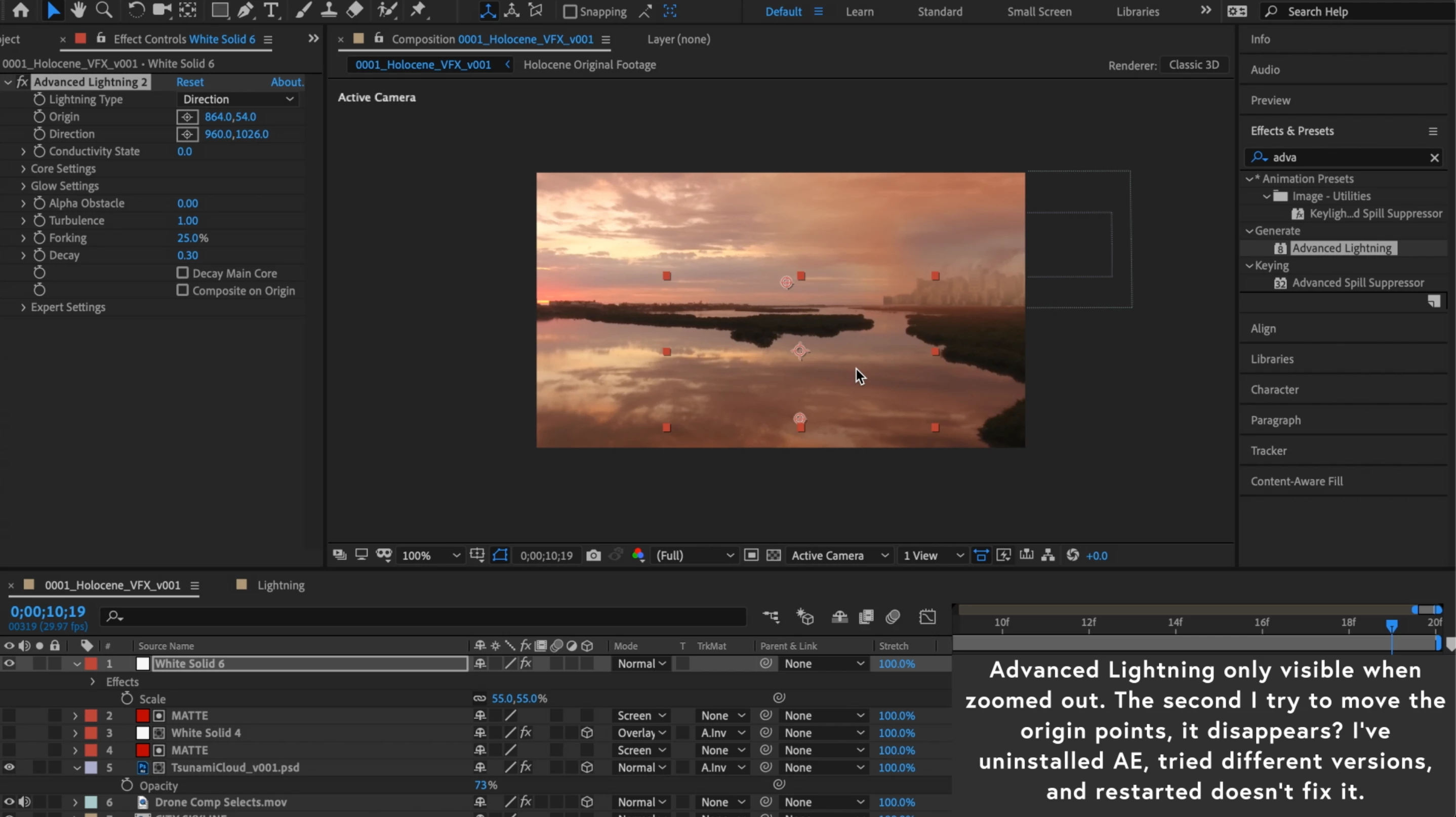
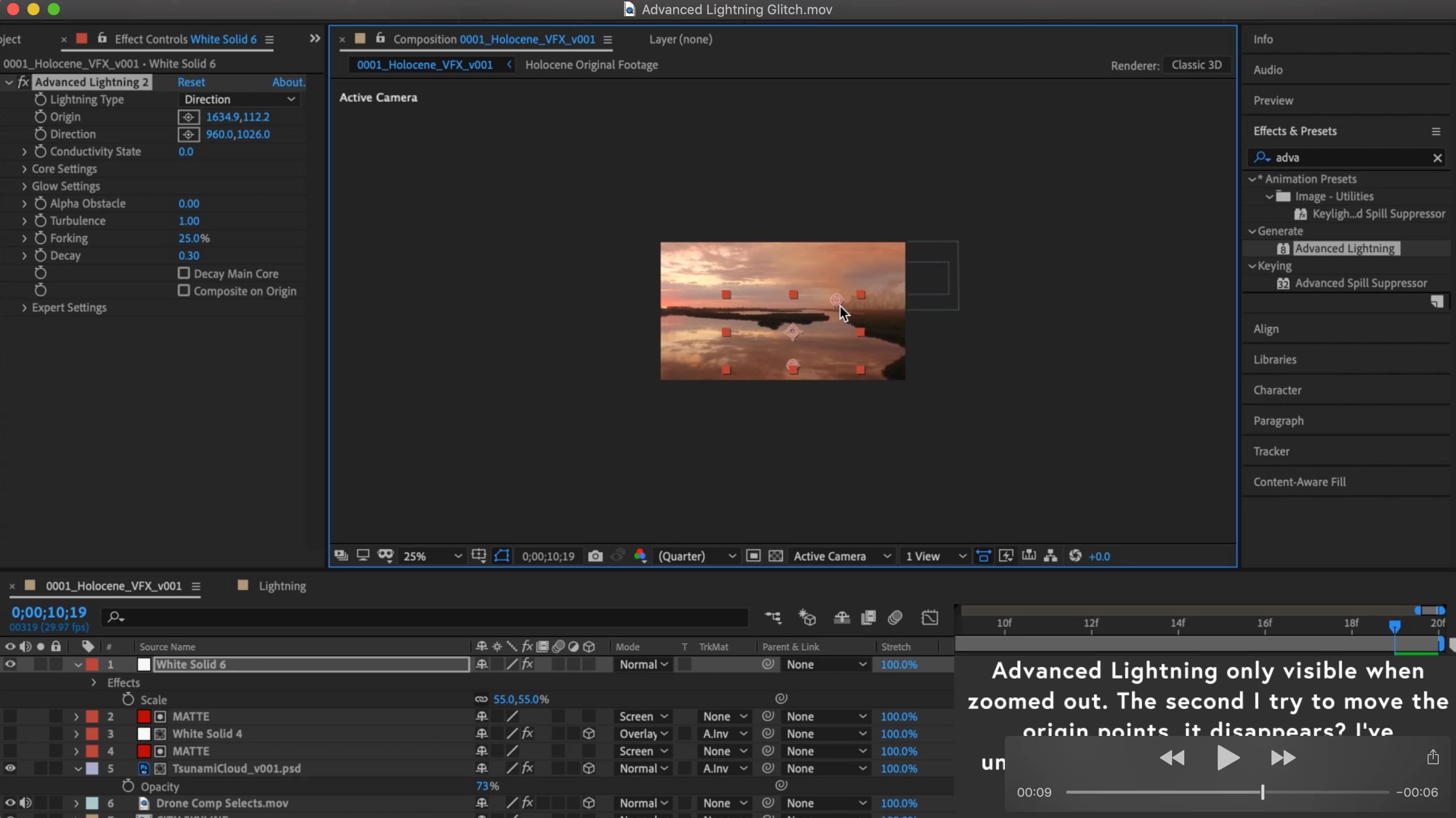
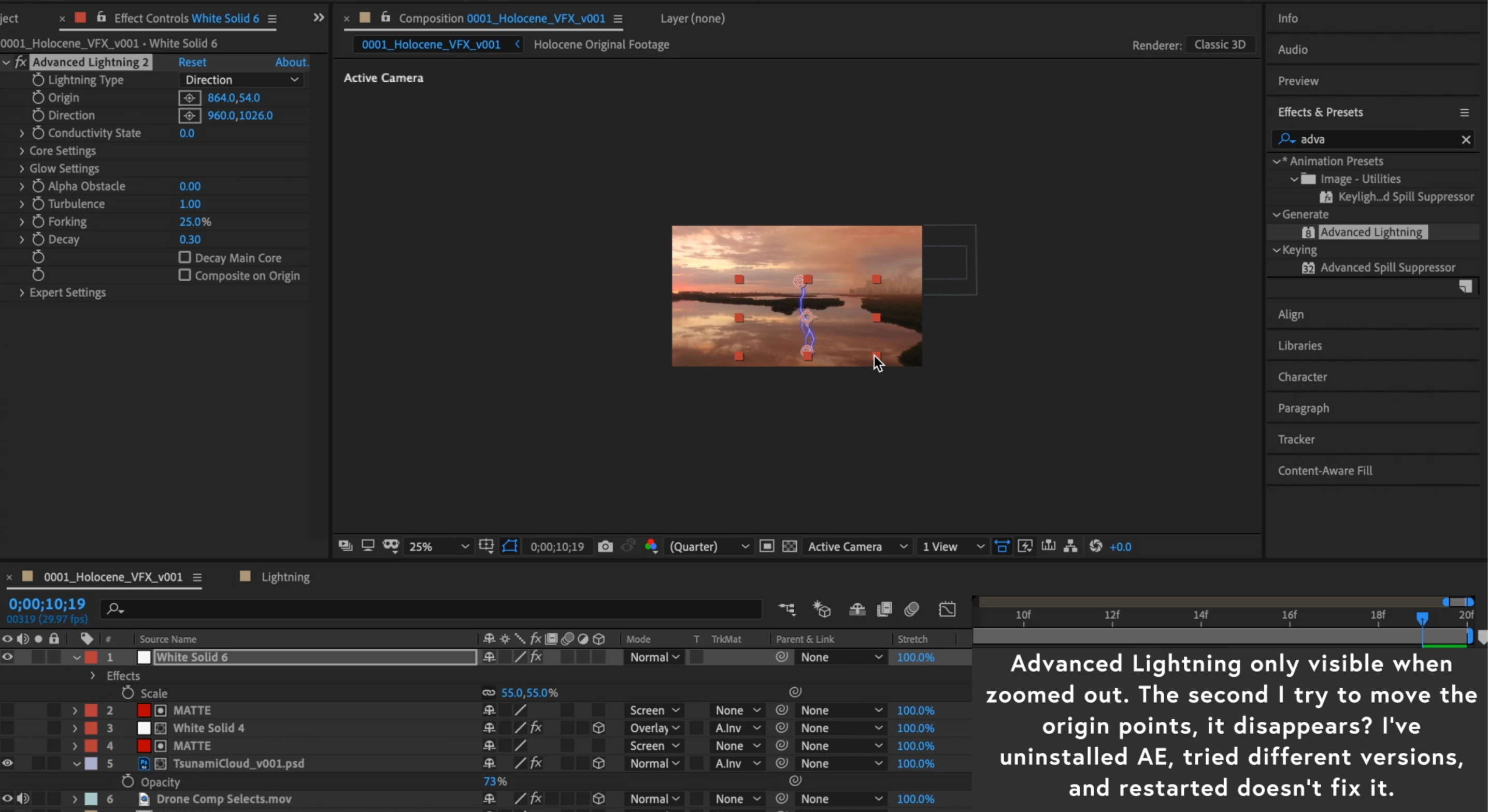
I'm trying to use the advanced lightning effect to highlight some storm compositions, but the second I change any parameters the lightning disappears. If I shift magnification it also disappears. I'm viewing it in the comp window (not layer window), have restarted AE and my computer, uninstalled AE, and have attempted this over multiple versions of AE (2020 and 2019). Both instances have given me glitches making the effect inoperable. I've attached a video below as well as some photos.


I'm operating on a MacBook pro Mid 2014, Mojave, all recent updates of AE

32 bit project (I know the effect is only 8 bit supported, but that shouldn't cause this issue)

Video Rendering and Effects in Project Settings - Mercury GPU Acceleration (Metal)


Any thoughts would be much appreciated.

Hopefully, I'm just making some bonehead setting issue!


G


This topic has been closed for replies.

3 replies

Mylenium
Legend
October 15, 2020

I'm not sure what you are getting at. You are zoomed to 25% at quarter resolution and the layer with the lightning is scaled in addition. This gives you a post-stamp sized area to work with. Incorrect previews therefore are inevitable. Start by actually setting your resolution to Full and your zoom to 100%.


Mylenium

Participant
October 15, 2020

I zoomed out to 25% because that is the only way that the lightning effect would display for some reason. I wasn't working in that magnification. When the resolution is set to full and zoom is at 100% there is still no lightning. Confused that it wasn't displaying, I zoomed out and bingo there was the effect. But then when zooming back to 100%, toying with parameters, or even scrolling on the timeline, the lightning suddenly disappears, never to be seen again even after resetting parameters.


I've purged - so I know it's not a glitch preview frame. I didn't alter any parameters before this issue started. Immediately after applying the effect to a layer, the lightning will not display unless set to this strange zoom. Scaling the layer down was also done out of frustration during trying to get it to work. It's not a scaling issue. This happened when the layer was scaled to comp. Nor is it a preview or cache issue - I've purged multiple times.


I'm starting to believe that I have a corrupt file. I haven't come across anyone else with similar glitches. Thanks for your thoughts. Any other potential problem solves are much appreciated.

Participant
July 6, 2022

same thing happening to me in 2022, any fixes yet?

OussK
Community Expert
Community Expert
October 15, 2020

Try to change the Video rendering from GPU accelerator to Software Only, go to file/project settings then follow the image below 

Participant
October 15, 2020

Unfortunately still no luck! But thank you. Any other thoughts are much appreciated.

Community Expert
October 15, 2020

Don't scale the layer with Advanced Lightning. It should be the same size as the comp. 


When you post screenshots it is helpful to name the layers and to show us all modified properties by pressing 'uu' so we can see what you are doing. 

Participant
October 15, 2020

Sorry I didn't clarify. I haven't changed any parameters. It does this immediately upon adding the effect to a solid layer - even if the solid layer is scaled to fit the comp. I scaled it solely out of frustration with it not working haha. Any other thoughts are much appreciated.