


Advanced text expression needed for motion design
The following task in Adobe After Effects:
A text of unknown length is read into a text layer with an integrated text frame and should not exceed the maximum width of e.g. 1000 px (this value is read from a shape layer).
As the text in the text layer with text frame is already wrapped, the question is how to technically implement the text to be reduced in size in order to stay within the intended maximum dimension of the shape layer.
The text should be reduced as required using the font size in increments of 50px and should not exceed the length of 3 lines of text. If the text is cut off at the end, that would be bearable.
In addition, the text should be a maximum of 300 px and not smaller than 100 px.
I know how to script to scale text and make it the size of the shape layer, using the font size or scaling the text layer, but that does not completely solve the task presented here.
Behind the text there is a shape layer as a support surface, which has already been solved using an expression.
Is it even possible to use an expression to create text of unknown length at the end with breaks, taking the desired maximum width into account?
This could be very useful for a lot of cases i think.
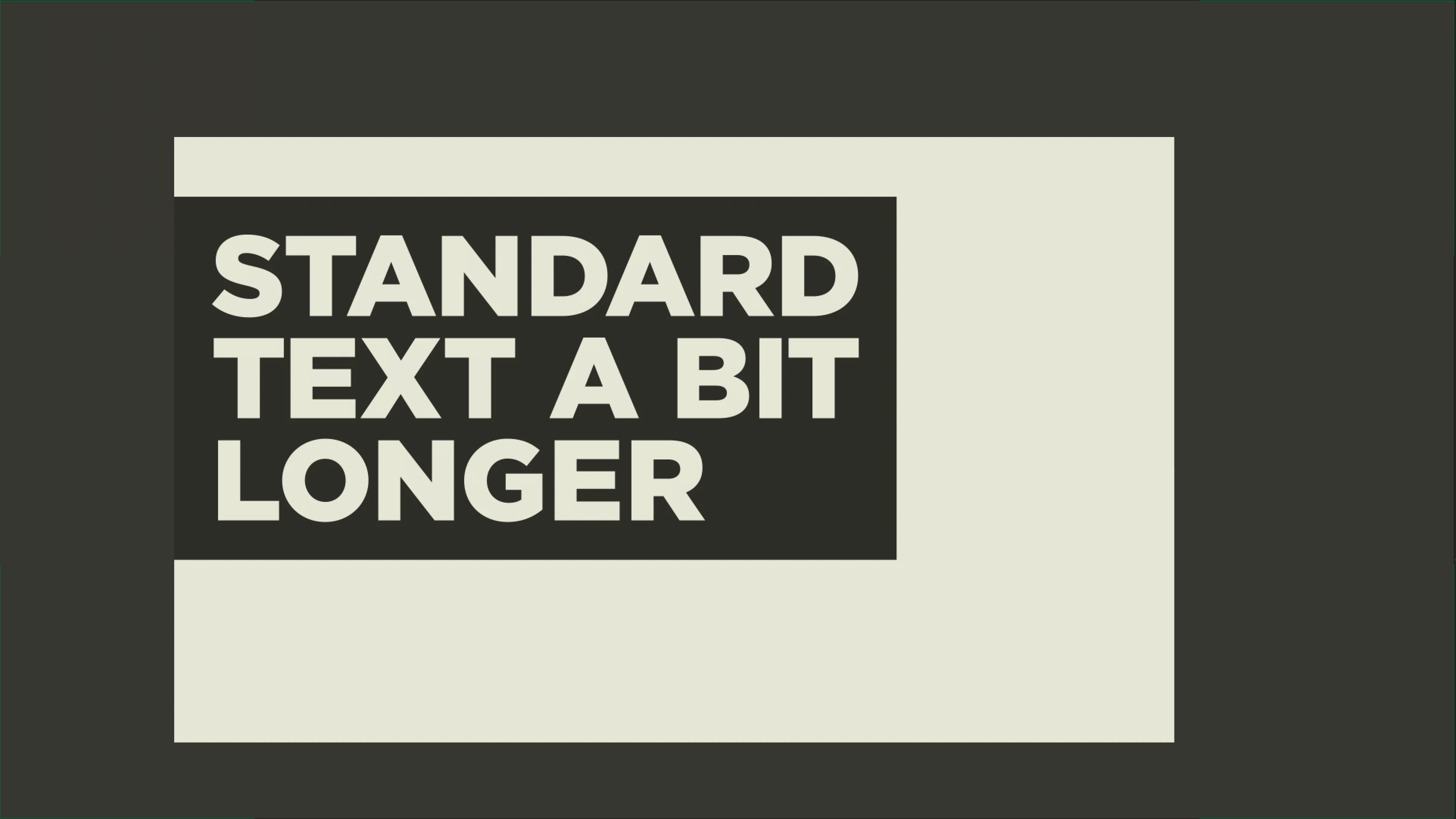
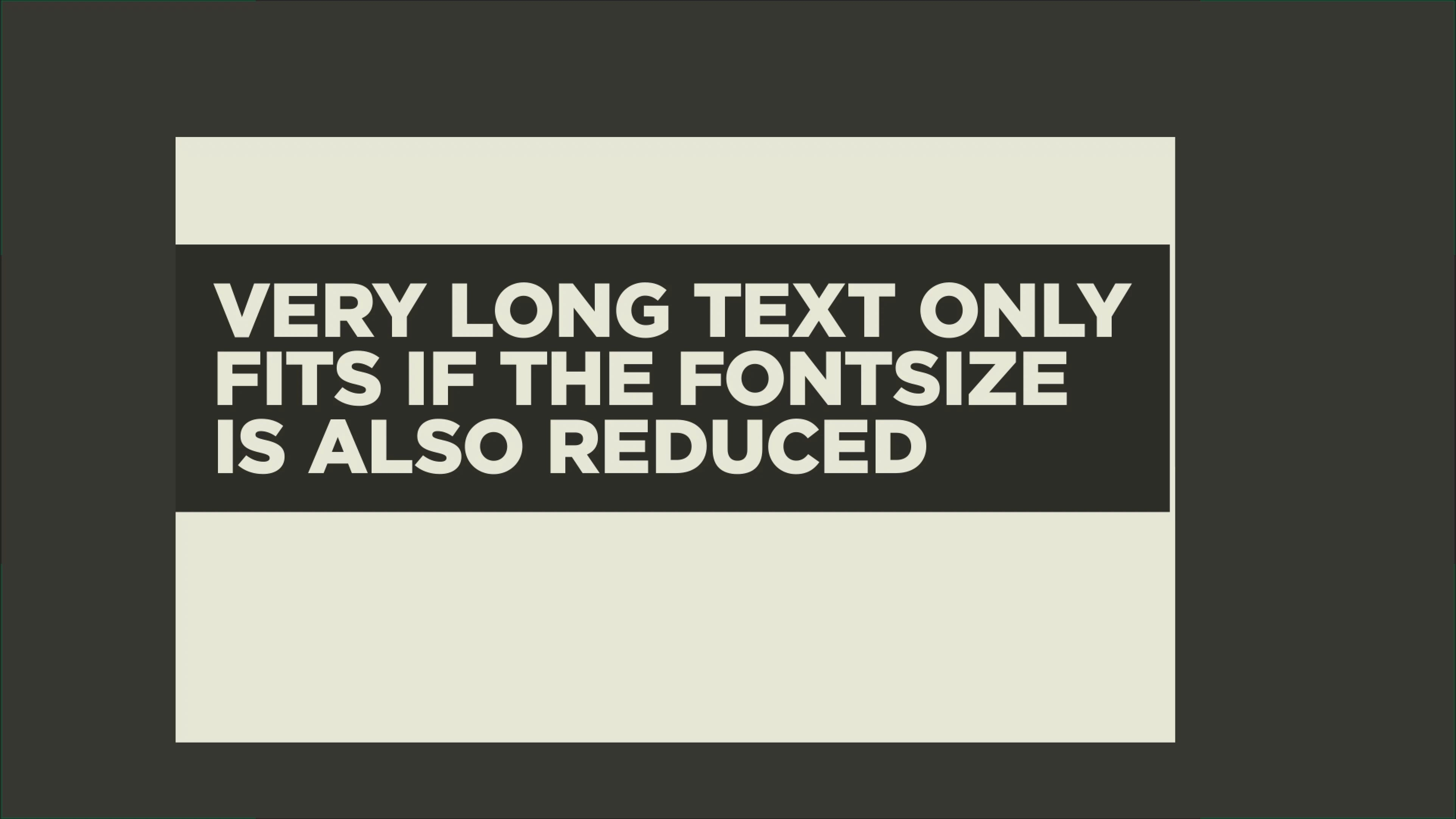
I have attached images that may make this easier to understand. The intended safe zone, which should not be exceeded in width, is included in the screenshots.

 AdChoices