
Participant
December 1, 2021
Question

AE 2020 crash when using a boris fx (mac)
  • December 1, 2021
  • 1 reply
  • 4846 views

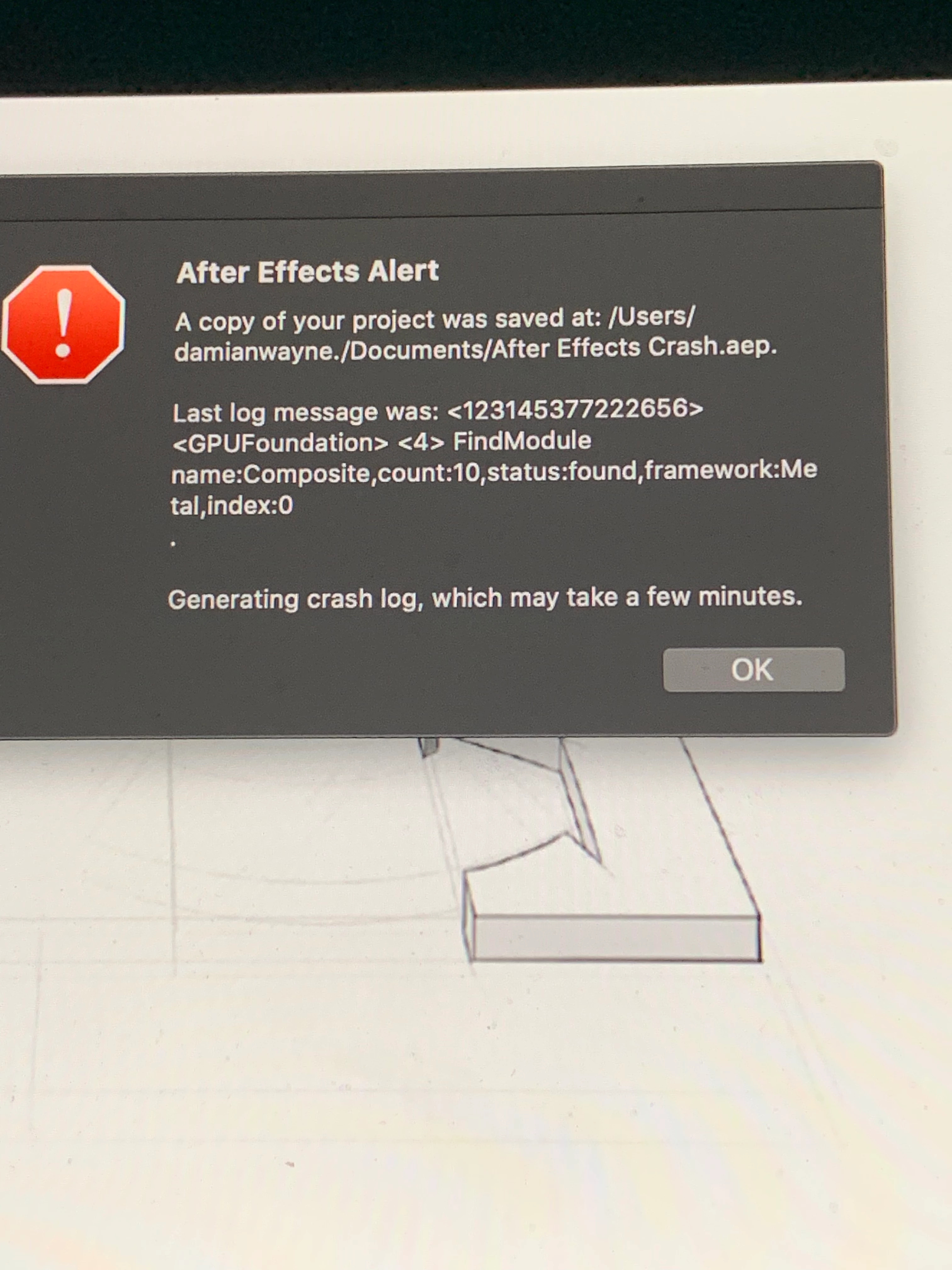
 hello, so i have a bcc plugin and everytime i try and use some of their effects, my ae crashes and i cannot open that same file. that is one of the errors i got, and the other error message was this:


- Last log message was: <123145321713664> <GPUFoundation> <4> FindModule name:Memory,count:8,status:found,framework:Metal,i ndex:0


does somebody know a fix to this? everytime i use an effect in the boris fx (bcc) plugin it keeps crashing 😞

This topic has been closed for replies.

1 reply

Jose Panadero
Community Expert
Community Expert
December 1, 2021

Try a couple of things:


1.- Be sure you are using the latest version of Boris plugins compatible with your OS and AE version

2.- Deactivate hardware acceleration for effects under File > Project Settings > Video rendereing and Effects. Choose Mercury software only and try again.


Participant
December 1, 2021

hmm okay so

1. im using the 13.0.1.4 for my ae 2020 and my other friends use it too for their macs and its worked for them, i dont know why it doesnt work for mine 😔


2. just tried it and when i put an effect on it (bcc scanlines for now to be specific), it crashes again and shows me this error:

- Last log message was: <123145321713664> <GPUFoundation> <4> FindModule name:Memory,count:8,status:found,framework:Metal,i ndex:0


nothing has worked , could it be the problem with my GPU? it's weird because my friends use mac too  and if so, how do i come to fix that? 😔🙏


Jose Panadero
Community Expert
Community Expert
December 1, 2021

It looks like the error is related to Metal graphic acceleration. Not all macs use the same graphic cards.


What BCC version are you using?? You can check your applications folder, where you can find a Boris Continuum Complete folder. Inside, you will find a Check for updates application.  Run to let the app check that you are using the latest version for your system.