
vimisses1the9
Participant
December 26, 2021
Answered

AE 2021 not closing

  • December 26, 2021
  • 1 reply
  • 1362 views

had been working on After Effects 2021, but for some reason I am unable to open or close it. It says here that the app is open, but nothing pops up. The issue continues to extend to now, it's been around 12 hours since it started.
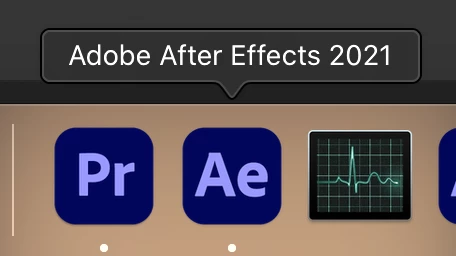
Whenever I try to force quit it, it just...doesn't happen? I tried force quitting from the dock, from the Force Quit Applications function itself, but it's just...unresponsive. I also tried locating it on Activity Monitor, but I see nothing...
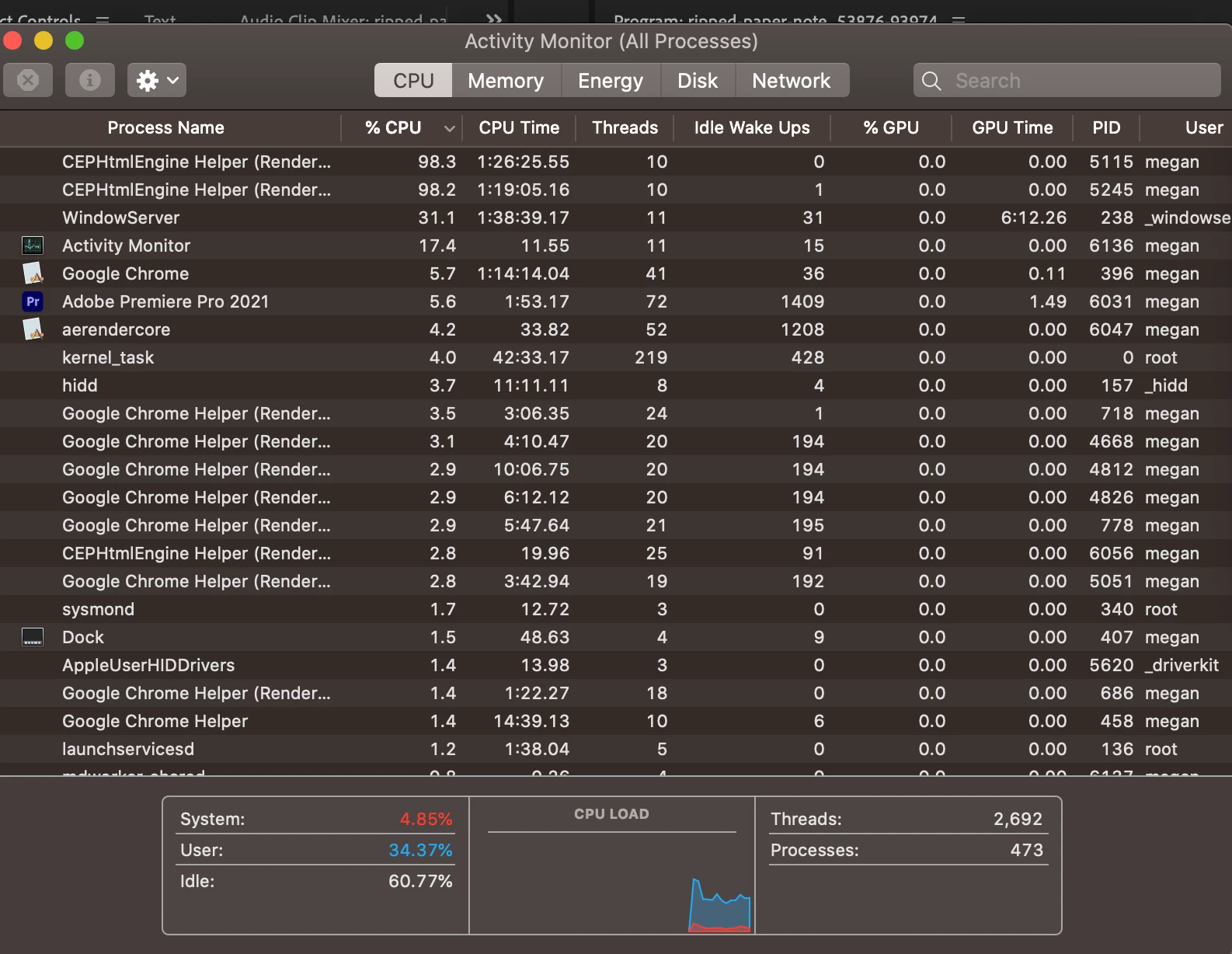
I am currently using AE 2022, which seems to work just fine for me, but I just want to close AE 2021. What should I do? 


This topic has been closed for replies.
Correct answer P.M.B

I would try a reboot of the system.  Or maybe go through the activity monitor and kill everything related to abloate, I mean Adobe, and then reboot.  Then if it happens again.

1 reply

P.M.B
P.M.BCorrect answer
Legend
December 26, 2021

I would try a reboot of the system.  Or maybe go through the activity monitor and kill everything related to abloate, I mean Adobe, and then reboot.  Then if it happens again.

~Gutterfish
vimisses1the9
Participant
January 3, 2022

Hi, I apologize for the late response, however I have been trying to shut down/restart my laptop. However, I cannot do so, as the unresponsive AE is still running. May I ask if there is anything else I might be able to do?

vimisses1the9
Participant
January 3, 2022

Nevermind, I force restarted my Mac and it finally quit. Thank you!