Known Participant
December 15, 2021
Question

AE constantly corrupting project files

  • December 15, 2021
  • 2 replies
  • 302 views

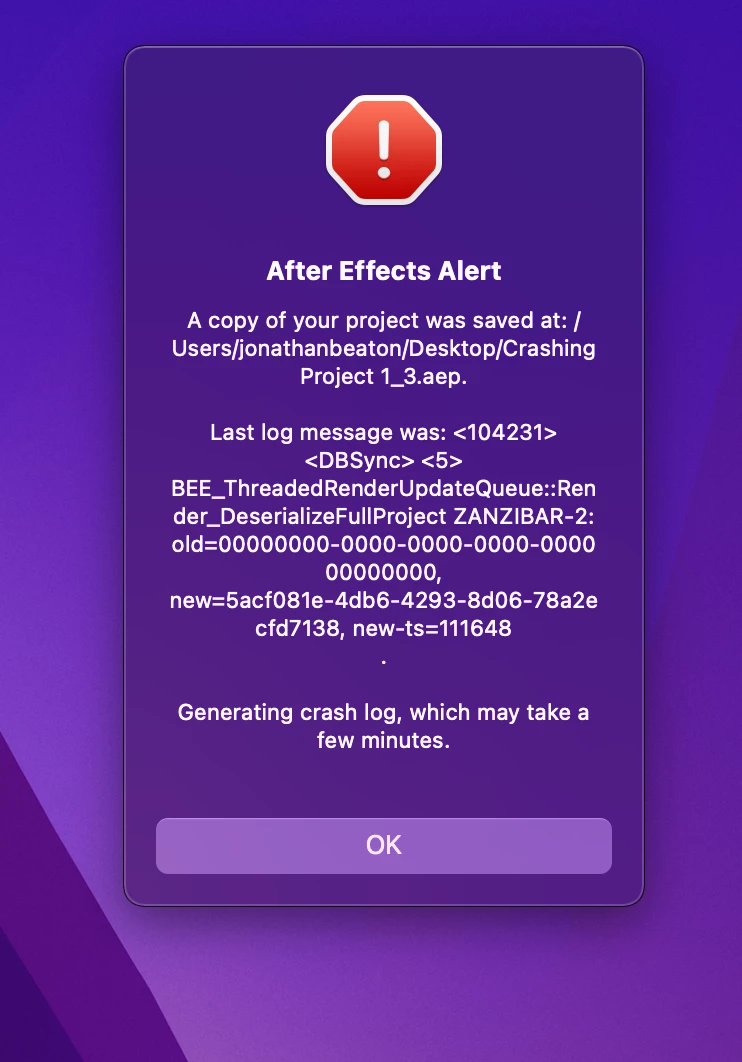
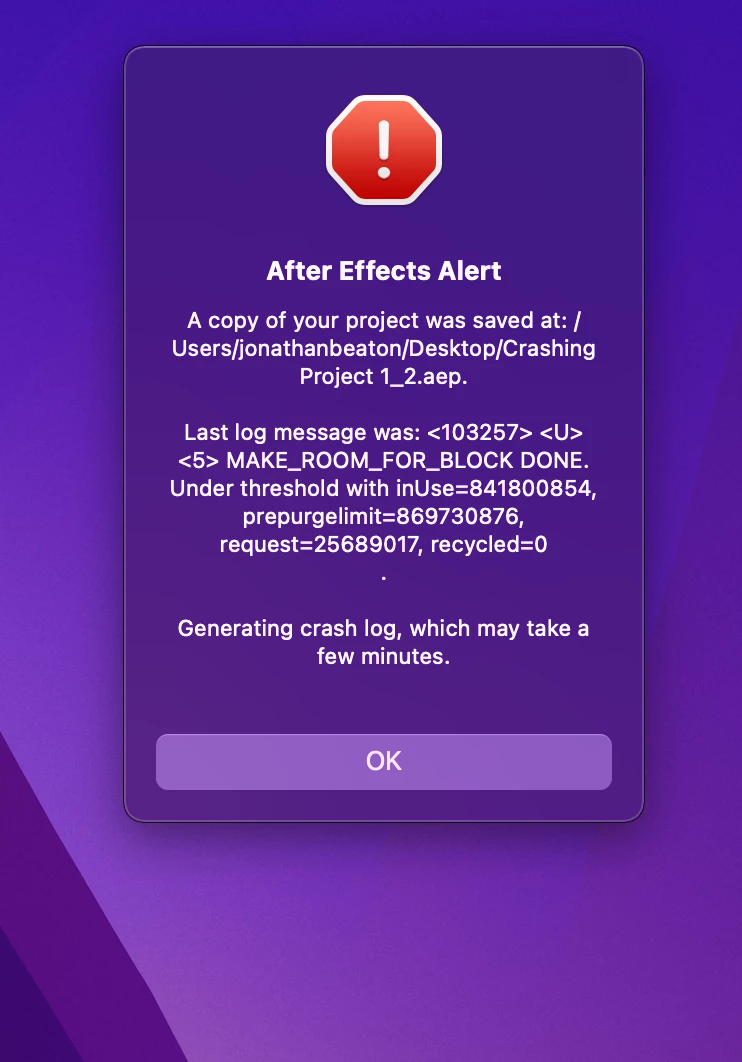
For the last couple weeks I have been having an issue where a project file will become corrupt and crash within a few minutes of opening up. The crash is always preceded by the AE save project dialog which I believe is trying to save a copy as a recovery project. The errors it puts up are all different:
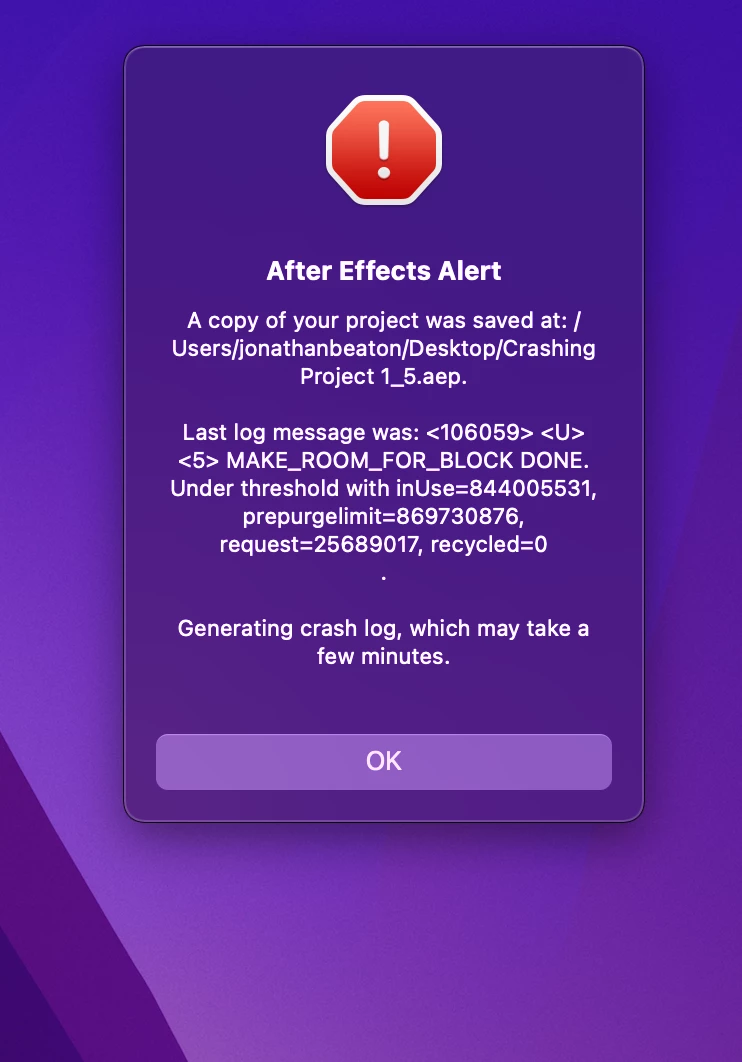
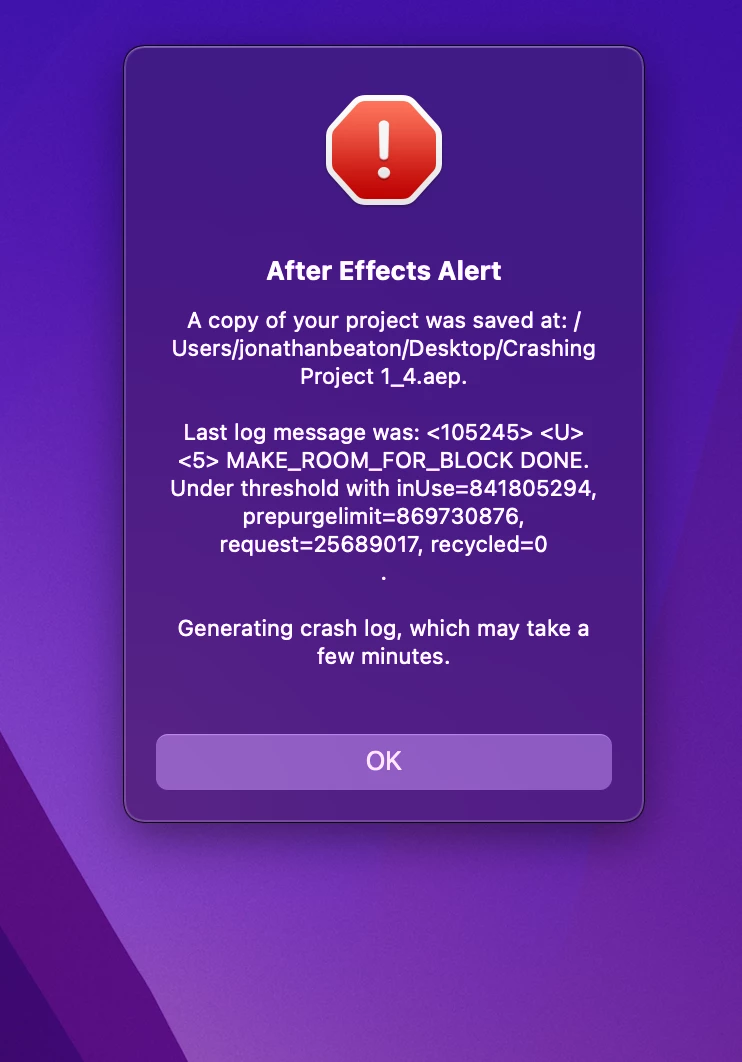
 

I have no idea what is going on, it is happening on all my projects. It happens to new and old projects, and seems to start randomly at some point when I am working on a project, and then from there continues to happen, I always need to go back one version on the project in order to restart my work. (I won't vent here, but I will say that I am beyond frustrated.)  I have been unable to work on all my projects without wasting half of my time working around these issues. I should also mention that the same thing happens with AE Beta and older versions of the app. For your information, here are my computer specs:
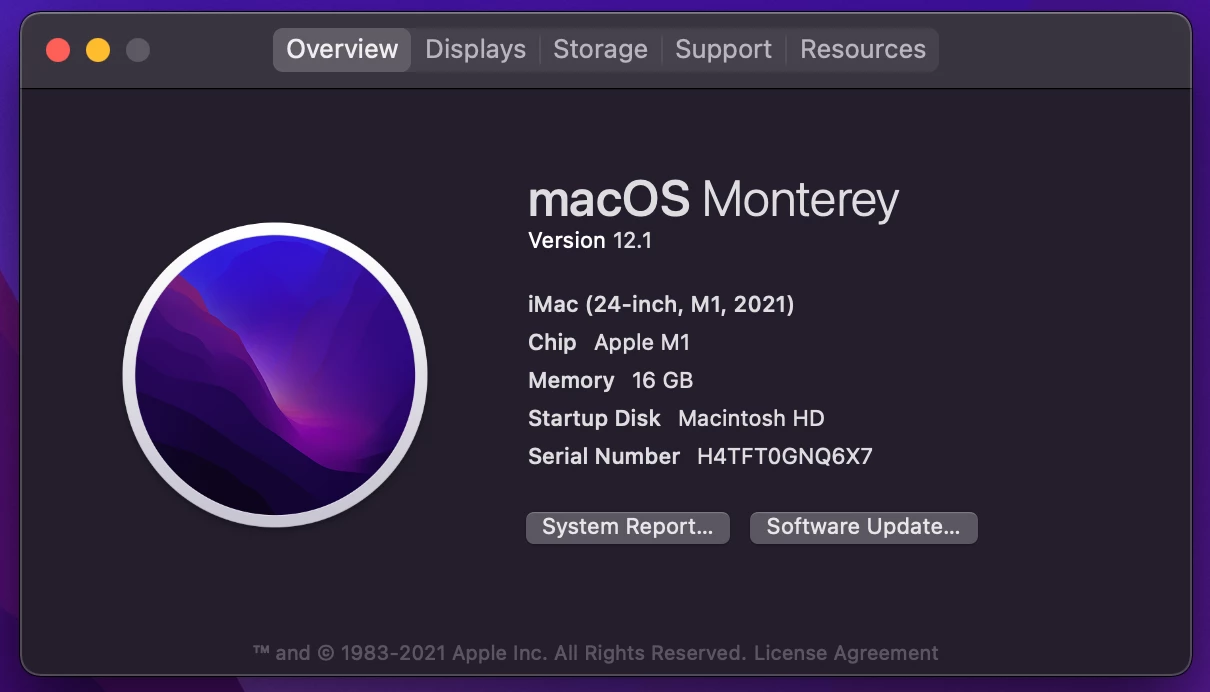
Please help!

This topic has been closed for replies.

2 replies

caroline_edits
Community Manager
Community Manager
December 16, 2021
Known Participant
December 17, 2021

Hi Caroline,


Thanks for your response. I was indeed using Red Giant VFX in After Effects so I tried removing it. My steps were as follows:


  • Crash Occurs (Prompting me to do research)
  •  Uninstall Red Giant VFX via Maxon app. (After learning it might be related to plugins)
  •  Without restarting, open After Effects and attempt to work on disfunctional project.


I then tried something different, without yet restarting my computer.

  • Installed older version of RG VFX (Release from September 2021)
  • I was able to use my project file for a while.
  • Similar crash occurs


At that point I releazing it just wasn't going to work, so I continued as follows:


  • Uninstall RG VFX completely
  • I was able to use my project file for a while.
  • Similar crash occurs


I then restarted my computer and was able to work on the project without issue.


Other possibly related issues I have been having:

  • AE Beta (latest build) says something along the lines of "the following plugins are not yet compatible with this version of After Effects when it is first started up and attempting to open a project that contains various Red Giant plugin effects.
  • Some project files in Premiere produce glitchy exports at some places in the timeline consistenly and others randomly.


Hopefully that helps!


Best Regards,

Jonathan


Known Participant
December 15, 2021

One more thing I will mention is that while some of the errors above are the same, it changes all the time. Sometimes it is Make Room for Block, other times it is something else completely.