Answered
AE crashes when I add more items to composition
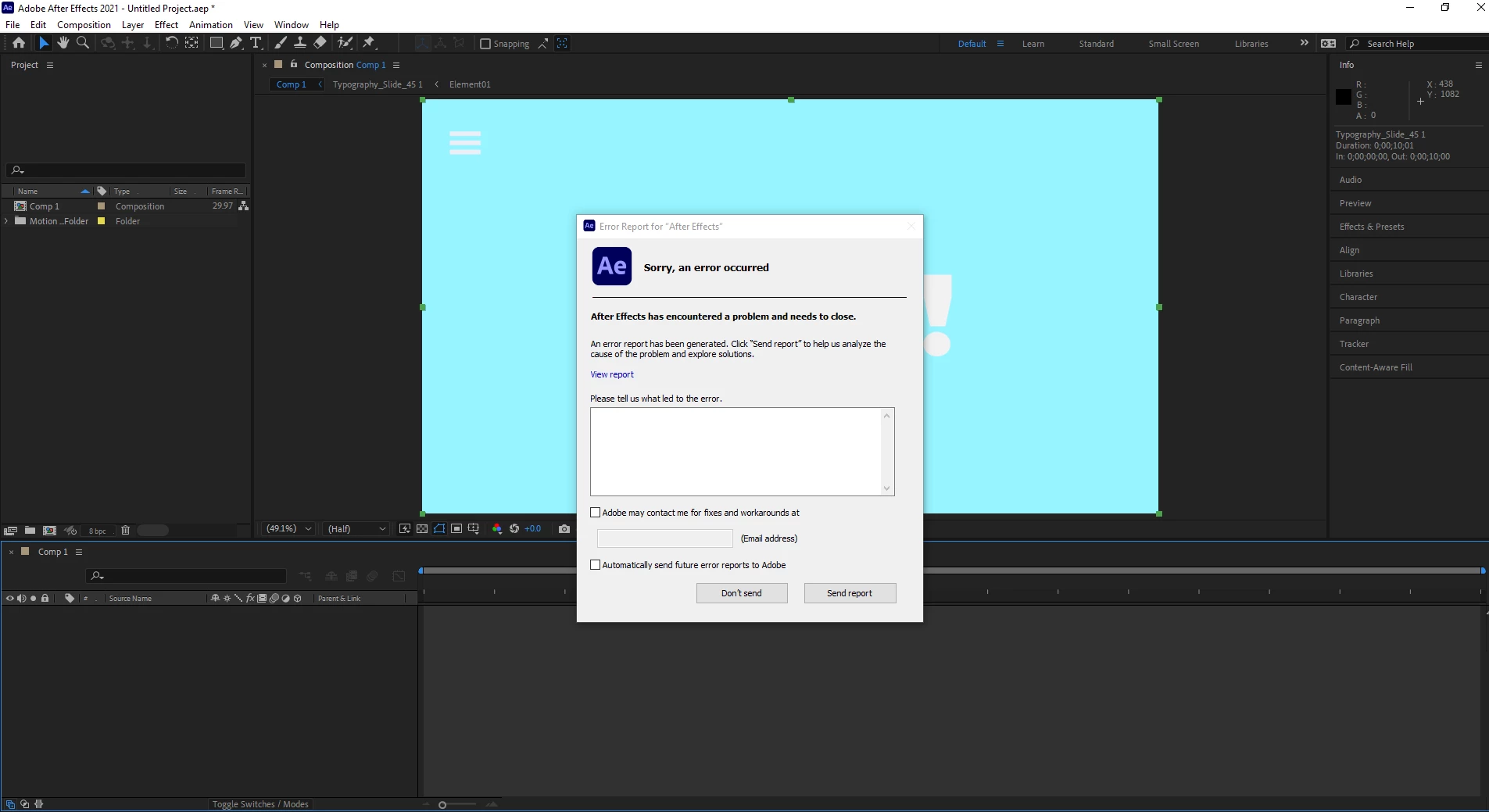
Like the title says, I keep getting this error not even 10 mins in when working with AE. I don't know whats wrong and why it's happening. Can anyone help me troubleshoot this please?

Like the title says, I keep getting this error not even 10 mins in when working with AE. I don't know whats wrong and why it's happening. Can anyone help me troubleshoot this please?
I really can't thank you enough., The Beta works really well and I can use it for work. I would still like to know why the original isn't working though. Hopefully someone still replies to this post
I'm glad to hear the beta worked! This very likely means that some preferences files or associated files cache files associated with the "public" version are still sitting on your drive after you uninstall that version. When this type of thing happens to me, I uninstall the app, make sure I clear the preferences, then I search in the standard folders where Adobe files are stored, like Application Data (Win) or Application Support (macOS) and completely remove the folders associated with the version of AE that's causing you the problem.
For example, on Windows, the path C:\Users\[USERNAME]\AppData\Roaming\Adobe\After Effects contains folders with each set of prefs for various version of AE. Deleting any of these after uninstalling won't affect the beta because the beta files are stored in C:\Users\[USERNAME]\AppData\Roaming\Adobe\After Effects (Beta)
There are several other folders, including in your user Documents folder that also contain files associated with the app, but I like to use the program "Everything" from Voidtools to search for, and wipe out files that could be causing problems.
Already have an account? Login
Enter your E-mail address. We'll send you an e-mail with instructions to reset your password.


 AdChoices