
Participant
April 6, 2019
Question

Ae Error, Content-Aware Fill

  • April 6, 2019
  • 5 replies
  • 6996 views

Hi,

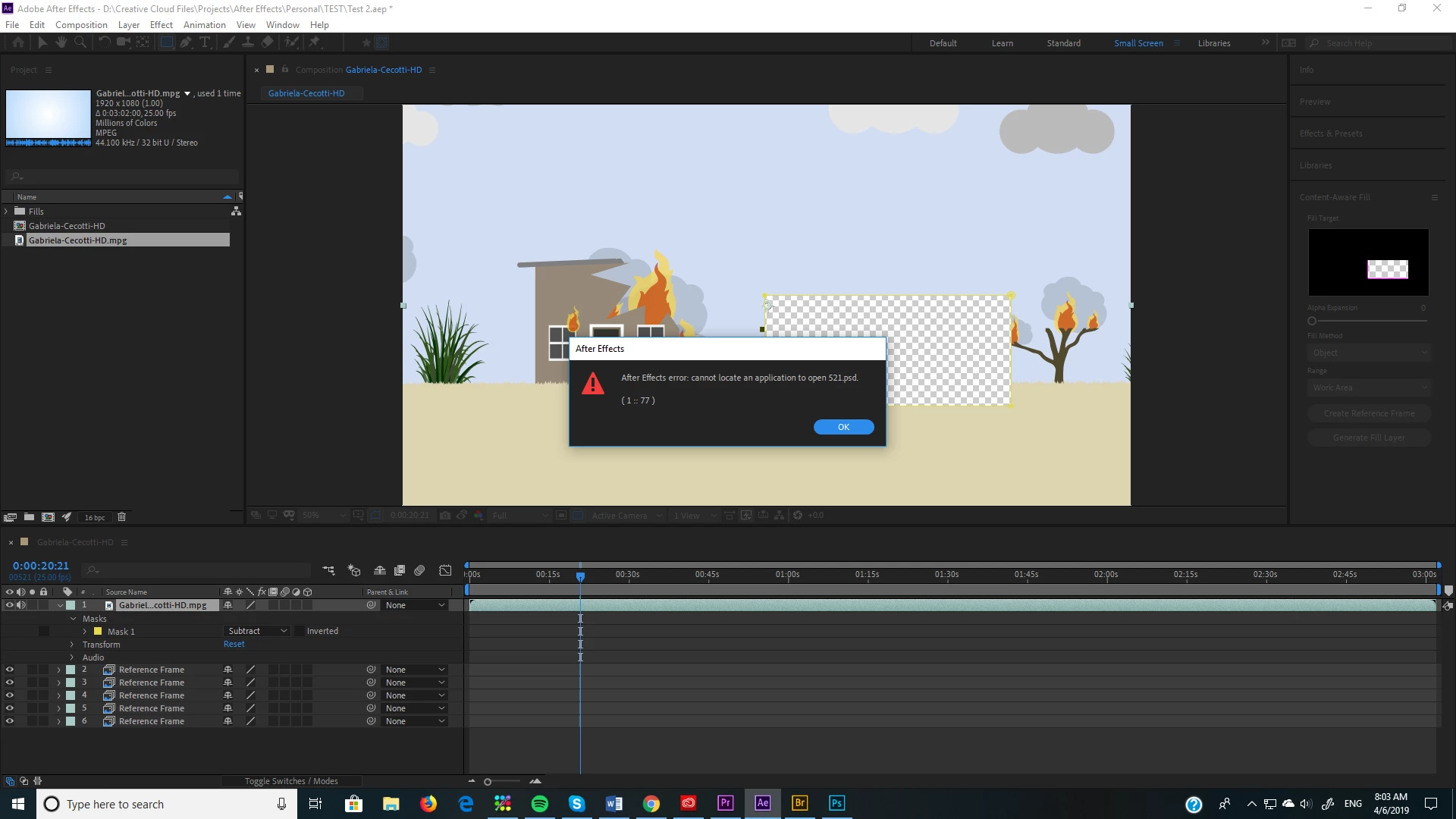
I have an issue when I try to Create a Reference Frame from Ae to open automatically in Ps.

It pops up : "After Error: cannot locate an application to open 521psd.   (1::77)"

I appreciate any help and your time. Thanks a lot.
5 replies

Participant
December 17, 2020
Make sure that photoshop is the default software for opening PSD files. Solved it here. The next time, it opened without problems


Participant
January 21, 2025

Thats it! did it for me!

Participant
March 31, 2020

Change the path under Content aware settings. For example, I created a folder on D:| called "Content Aware Fills" and the issue has gone.

Participant
May 15, 2019

Participant
September 16, 2022

Bro, Thank You!!! It's really helps! (Still after 3 yeasr 🙂

wamg89225476
Participant
April 12, 2019

I had the same problem. Here is the solution:

Create a frame of reference with "Content-Aware Fill".

You will have an error message, but a reference image will still be created.

In your project panel, look for the reference image. Right Click on> "Show in Explorer".

Once the file is found, all you have to do is open this file with Photoshop.

Here.

This text is translated by Google Trad, I am bad in English.

Participant
April 10, 2019

I have the same error but mine says "456.psd"

Community Expert
April 10, 2019

Try transcoding the footage to a production formatr. MPEG is not a production format.

Participant
April 10, 2019

Same problem