



Question
AE ERROR: layer does not have a source
Tody, out of nothing, AE showed 3 kinds kinds of errors.
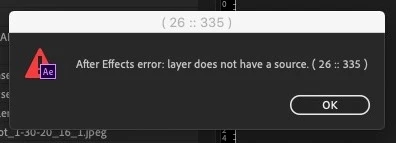
layer doen not have a source (26 :: 335)
unknown exeption on frame 0 on Warp stabalizer (1) (25 :: 16)
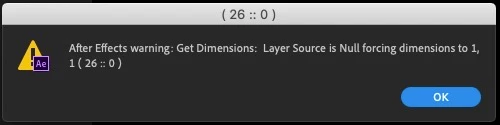
Ae warning: Get Dimensions: Layer Source is Null forcing dimensions to 1,1 (26::0)
I can't open the project anymore.. I can import it, and i see allthe stuff inside but when i click on a picture file it shows a black image and when i load a project it gets one of the messages. I think it has something to do with broken paths, but i can't reconnect the files as wel. And i can't safe it t a new place or collect files to a new place.... It's probably somthing in the metadata...
Anyone??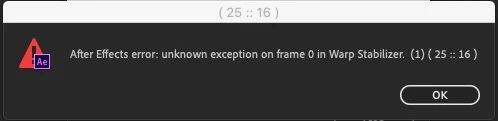
 AdChoices