
Participant
July 13, 2024
Question

AE Extremley Unstable crashing when previewing and when Exporting

  • July 13, 2024
  • 4 replies
  • 660 views
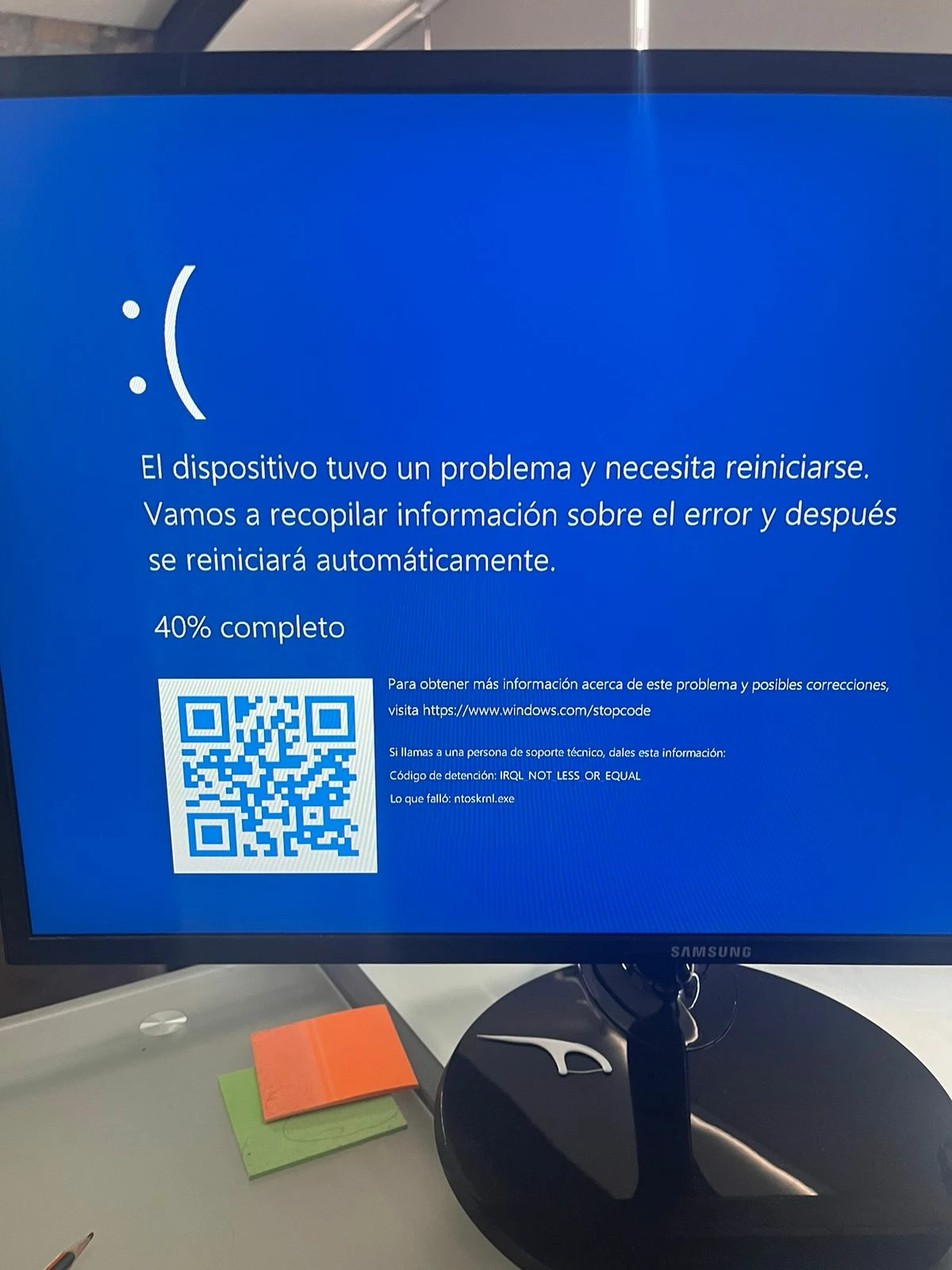
For about three weeks now, I've been having significant issues with After Effects. It's been incredibly unstable on my PC lately; it's constantly crashing and even causing the system to reboot completely. I don't know what the issue is, as my computer has high specs:
  • Intel i9
  • RTX 4090
  • 162 GB RAM
  • 2TB SSD


To add context, my PC is custom-built and completely new.


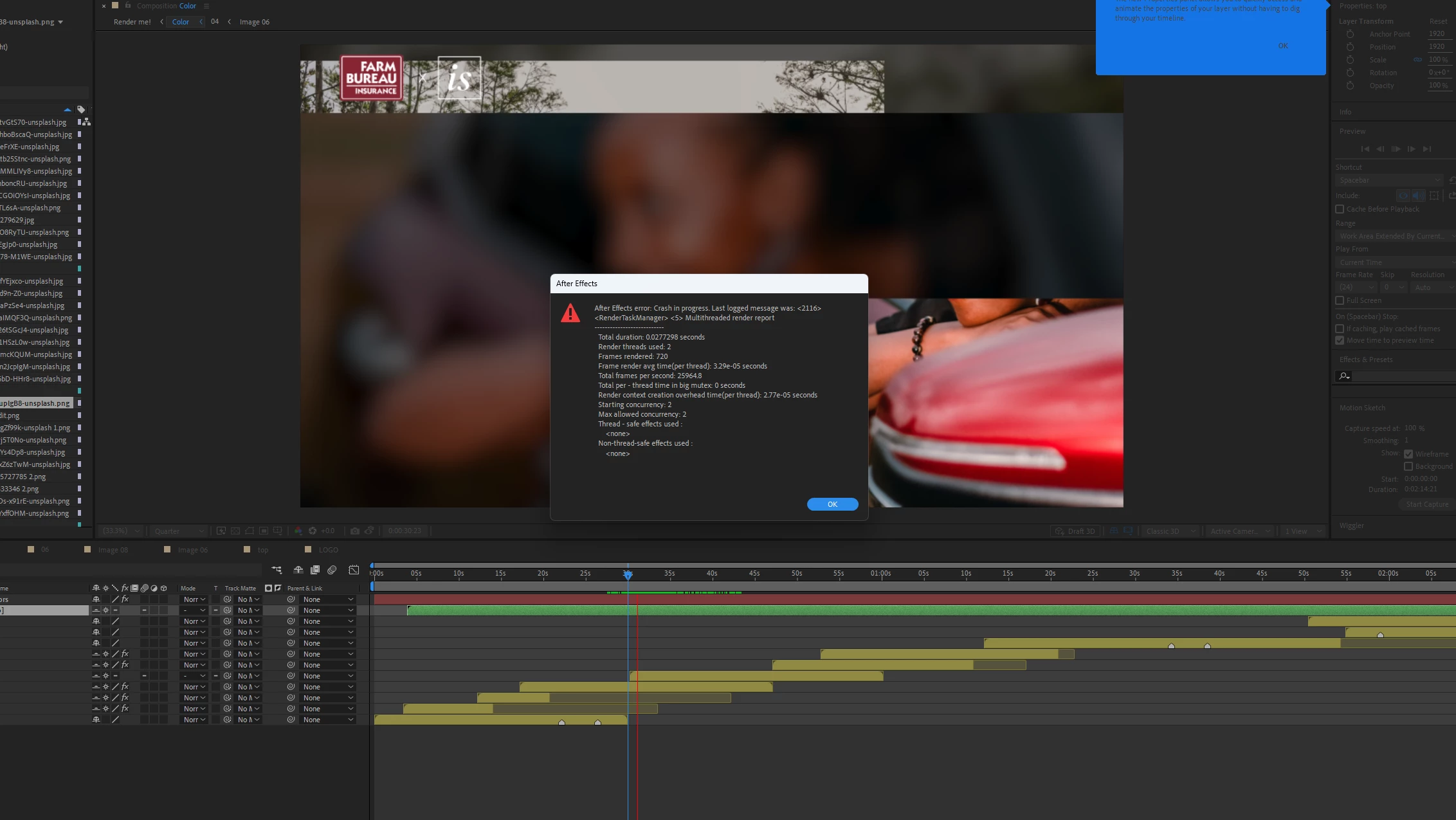
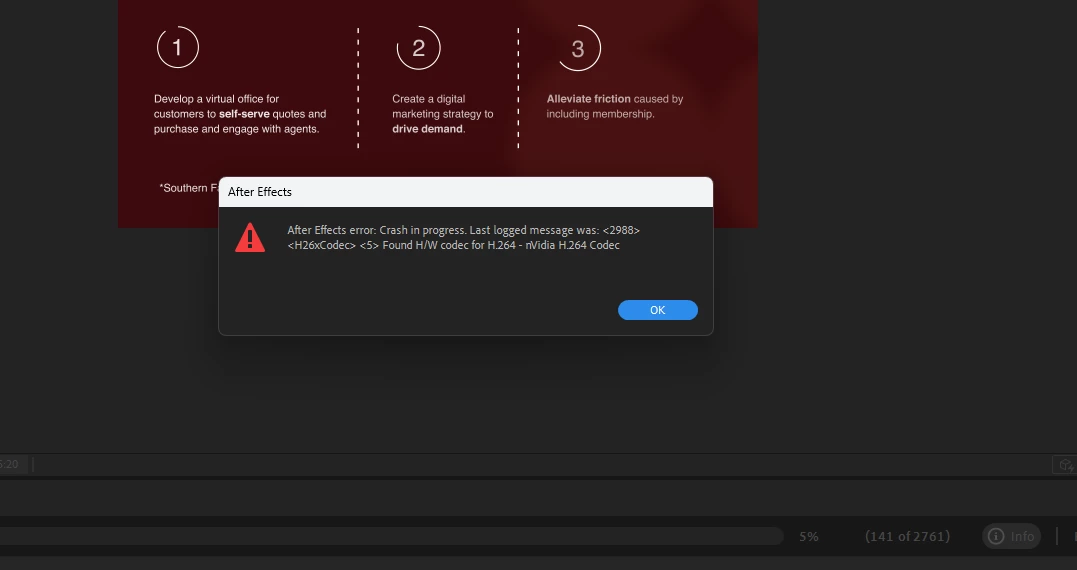
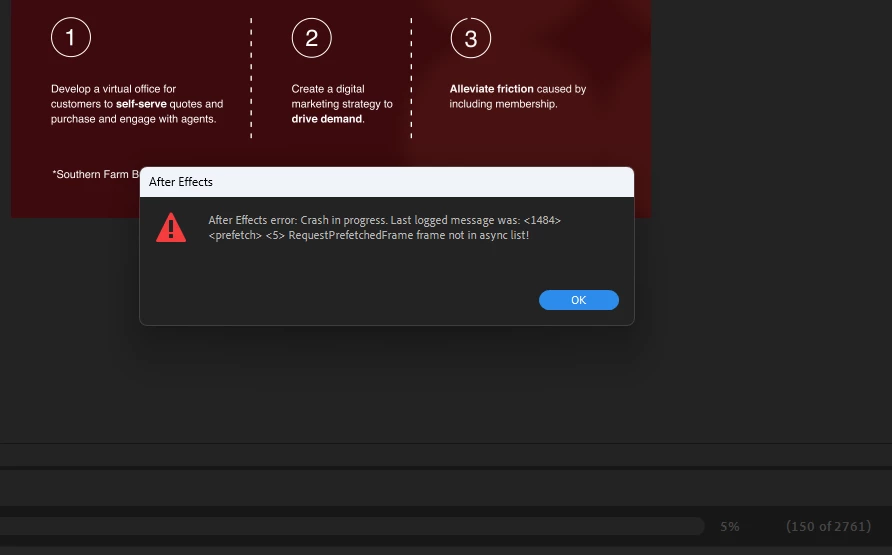
Every time I try previewing any project, it crashes out of nowhere or restarts my PC. I sometimes get a variety of error messages, each one different. I have already uninstalled all my external plugins and scripts. I've also uninstalled and reinstalled After Effects several times, even trying different versions, but I keep getting the same results.


At one point, I thought it was my new PC, so I called the manufacturer. We ran several benchmarks and scans, and they confirmed that my PC is working perfectly fine. They suggested it might be an energy issue, specifically the load balance of the line where the PC is connected. I'm not sure if this could be causing After Effects to be unstable, or if I might need to reset Windows and reinstall the drivers.

I'm very desperate with this situation and would really appreciate any help, as this has been significantly affecting my workflow. I'm adding screenshots for more context.
4 replies

chrisf76377389
Participant
March 14, 2025

Did you ever fix this?

Participant
July 16, 2024

Thanks so much for the support! What is the best way to run some troubleshoots to see what is failing on my hardware? Or is it the power supply? Thanks again

nishu_kush
Legend
July 16, 2024

Here's an article that I found on the same topic. It doesn't share a fix but does provide some potential solutions. One of them indicates that the corrupt GPU driver could be the issue. You can try clean installing your GPU driver before checking the hardware.

Hope it helps. Moving this thread from Bugs to Discussions for troubleshooting.


Thanks,
Nishu

Participant
July 16, 2024

Hi Nushu!

Thanks for the support. I didn't find the article you found about corrupt drivers. Would you mind linking to this thread so I can take a look?

Thanks!

Participant
July 16, 2024

Thanks so much for the support! What is the best way to run some troubleshoots to see what is failing on my hardware? Or is it the power supply? Thanks again

July 15, 2024

Given you're seeing the blue screen of death, that's a clear indication that something in your hardware is failing. Consistent power to the PC could be an issue. The 4090 GPU requires a lot of power, so make sure your power supply is able to provide enough power to the GPU as well.