


Participant
February 6, 2024
Question

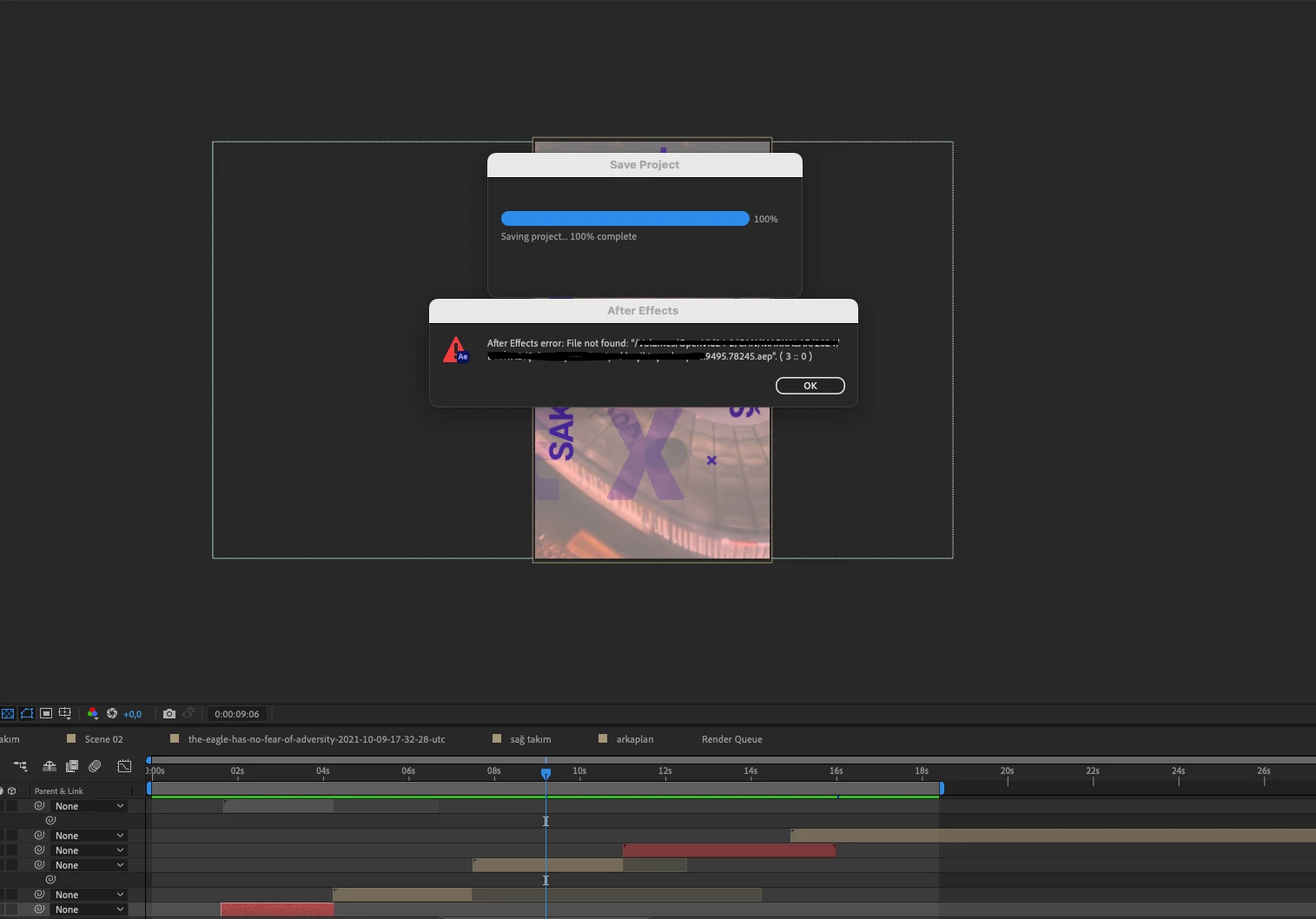
ae file not found 3 :: 0

For the last 2 months, I have been getting this error occasionally when I try to save or render files in After Effects. This error can occur both in newly created files and in old files.
Solutions I tried:
- updating programs to the latest version,
- deleting and reinstalling applications,
- formatting the external disk,
- buying a new external disk,
These methods did not work
System: Mac Mini ( M1)
Ce sujet a été fermé aux réponses.

2 commentaires

Participant
February 8, 2024

I think I found the source of the problem but I don't know how to solve it. The issue may be due to access, Premiere Pro has full access permissions while After Effects only has access to the documents folder.

nishu_kush
Legend
February 9, 2024

Yup, I suspect the same. Here's how you can provide full disk access: https://kb.synology.com/en-us/C2/tutorial/How_to_enable_Full_Disk_Access_on_a_Mac

If it doesn't help, make sure you have read and write permissions for your external hard drive.

Let us know the outcome.


Thanks,

Nishu

Participant
February 13, 2024

I tried it didn't work

nishu_kush
Legend
February 6, 2024

Are your project files and media files saved in an external/shared storage? What happens when you copy them locally and open the project file from a local location? Does that fix the issue?

Try providing full disk access to After Effects.

Let us know how it goes.

Note: Moving this thread from Bugs to Discussions for troubleshooting.


Thanks,

Nishu

Participant
February 7, 2024

yes I tried. There is no problem saving the file to the local disk, the operation is successful. However, due to my job, I have to use external storage. When I save it to the local disk and then copy it to the external disk, it still gives an error. I share the error screen