


TheFosterHouse
Known Participant
August 29, 2026

AE is Constantly hogging 99% of RAM

  • August 29, 2026
  • 3 replies
  • 44 views

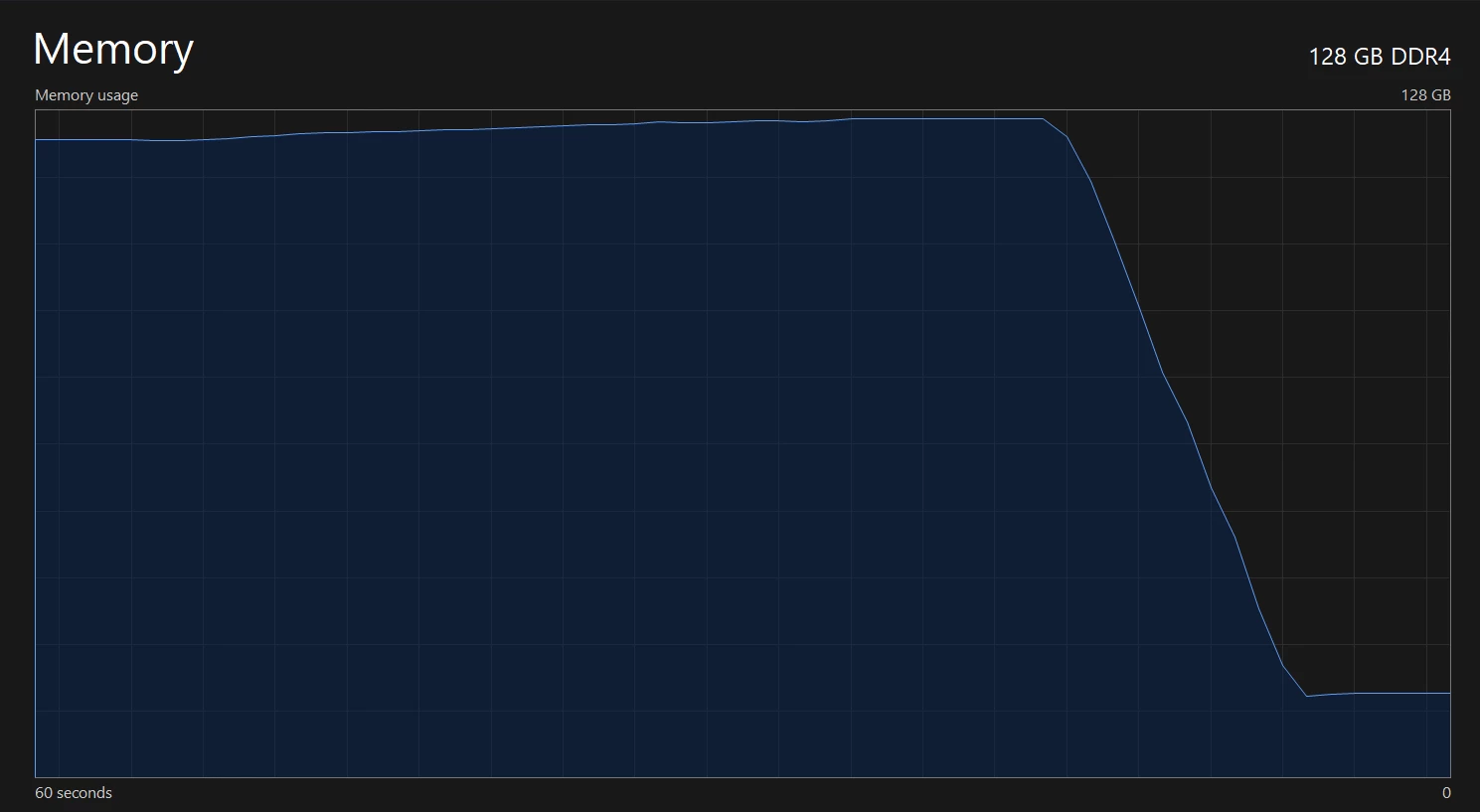
I’m running AE 2026.3 (Build 87) and I’m seeing AE use up all of my available RAM. The screen shot below is from my activity monitor right after I purged all cache with AE open. It looks exactly the same when I close AE. AE 2025 didn't seem to be doing this. Source footage is 2k, and it does this with just basic footage layouts with no complicated comps. After Purging, this repeats after a just a few minutes. The memory usage just climbs until is uses up everything.

 System: Win11 Pro, i9 9900X, 128Gb RAM, RTX A4500. 
 

3 replies

Warren Heaton
Community Expert
Community Expert
August 30, 2026

Hi, ​@TheFosterHouse 

After Effects will use as much memory as you give it.  The more memory, the more rendered frames will stay in memory for faster playback.  If you want to reduce usage, go to Preferences > Memory & CPU and then set the memory available for non-Adobe apps to a higher amount.  If you do that, double-check that the Disk Cache is turned on under Preferences > Disk and give it plenty of disk space.

If running After Effects 2025, these settings are found in Preferences > Memory & Performances and Preferences > Media & Disk Cache.

TheFosterHouse
Known Participant
September 7, 2026

Looks like my memory settings didn’t update from the previous versions. need to have it at half the amount of my system memory.

Warren Heaton
Community Expert
Community Expert
September 8, 2026

If the settings don't migrate, then yes, we have to set them manually.