January 26, 2026
Question

AE_Issue_Null object rotating page in opposite direction of desired output

  • January 26, 2026
  • 1 reply
  • 16 views

Helllo all! Hope you are all doing well. As a beginner in using After Effects 2024 version (AE), i have faced an issue using the null object while following a tutorial on making a faux 3d book using Cinema 4D renderer in AE. 


Link to tutorial - Animate a Simple 3d Book in Adobe After Effects

Timeline_8:01 - 9:32_


I have attached a short demonstration .gif of how i went about it. 
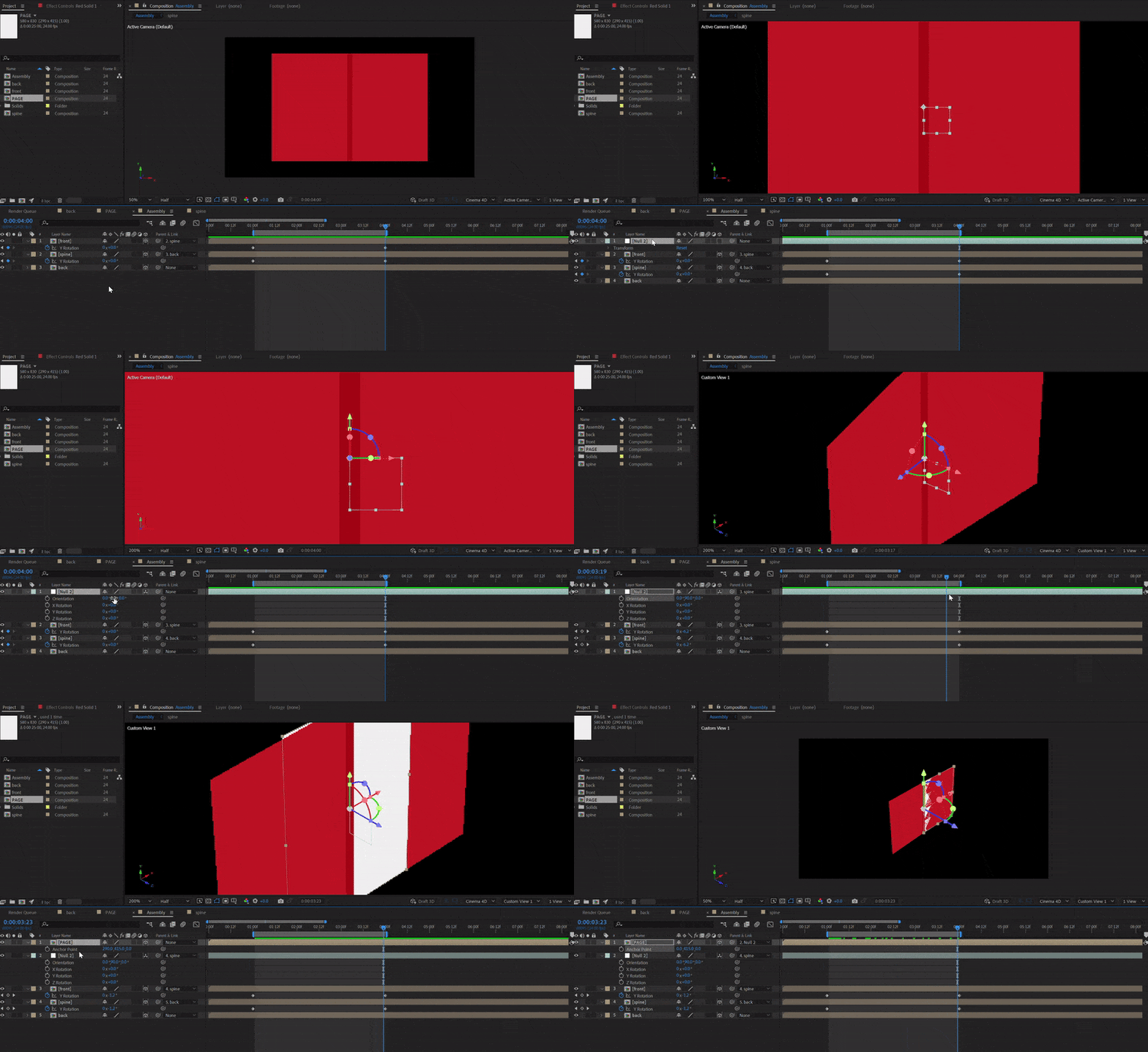
Process of making null object to rotate page.gif


The only difference i could find is that when i added a NULL object to my MAIN Composition, i did not have to adjust the position of the NULL since it was already at the middle of the SPINE layer/composition (in comparison to the tutorial).
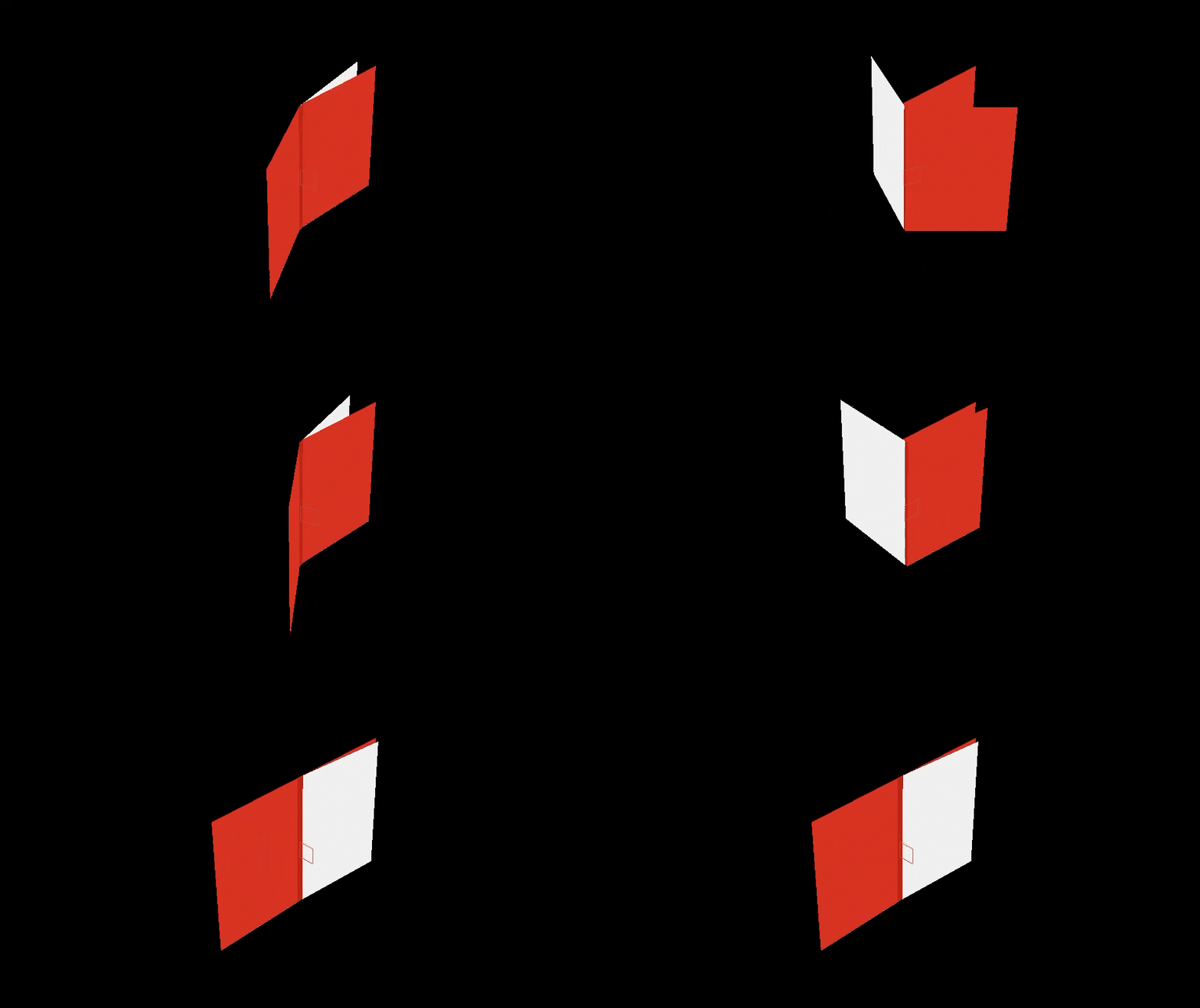
null object rotating page in opposite direction_gif.gif

_My_Output_


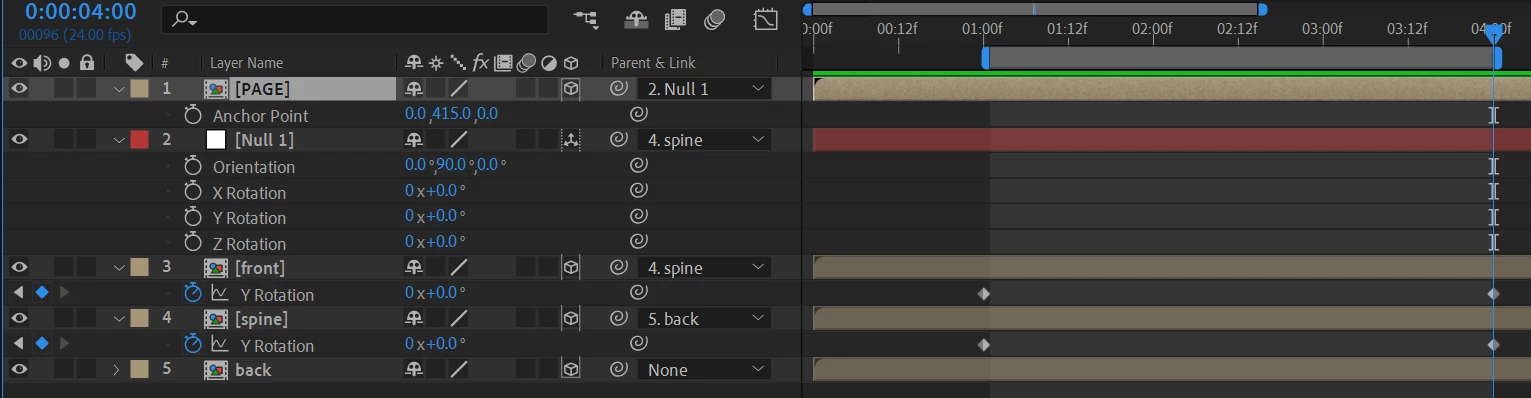
timeline of AE.png

_My_Timeline_


P.S. AE 2026 kept crashing hence i wasn't able to check if it worked on the latest version of AE.

1 reply

ShiveringCactus
Community Expert
Community Expert
January 27, 2026

That's working as I'd expect:

  • Your null layer is a child of the book's cover, so as the cover rotates the null rotates.
  • Your page layer is a child of the null layer, so that the null rotates (because the cover is) the page rotates.  
  • You lined everything up at the point where the cover is open and made the page a child of the null then.  When you start the animation, the book cover is closed, so the null and page are rotated backwards.


My guess is that you actually wanted the page to flip after the book cover had opened.  In which case, parenting is causing the issue here.  If you remove the parenting of the page layer, you can then animate that independently.  If you wanted to automate its animation, you could look at the valueAtTime() expression to get the page to open after the cover.