
Answered
AE - layer is cut off.
When I make a layer (png) a 3D image and rotate on any axis (here, the X-axis), half of the text is cut off. I'm trying to make a shadow and this looks horrid!
What am I missing?
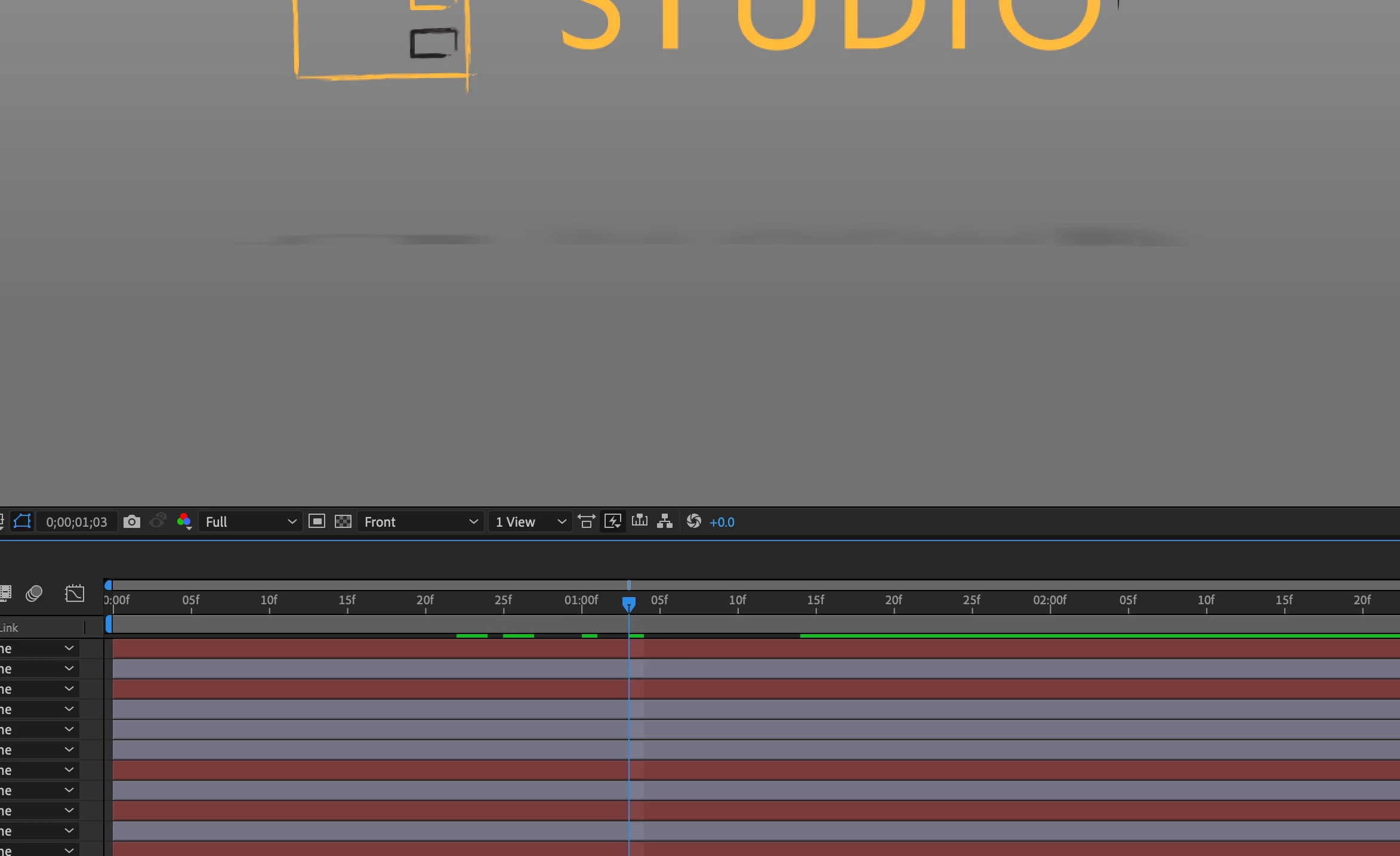

When I make a layer (png) a 3D image and rotate on any axis (here, the X-axis), half of the text is cut off. I'm trying to make a shadow and this looks horrid!
What am I missing?
In the Position property, move on the Z axis with a negative value, for example -300. This will cause your PNG to get a little closer to the screen and move away from the graphic that is causing that issue.
Already have an account? Login
Enter your E-mail address. We'll send you an e-mail with instructions to reset your password.
 AdChoices