danielb33235975
Participant
November 22, 2017
Answered

AE light on a comp not showing when the comp is inside other comp

  • November 22, 2017
  • 1 reply
  • 1075 views

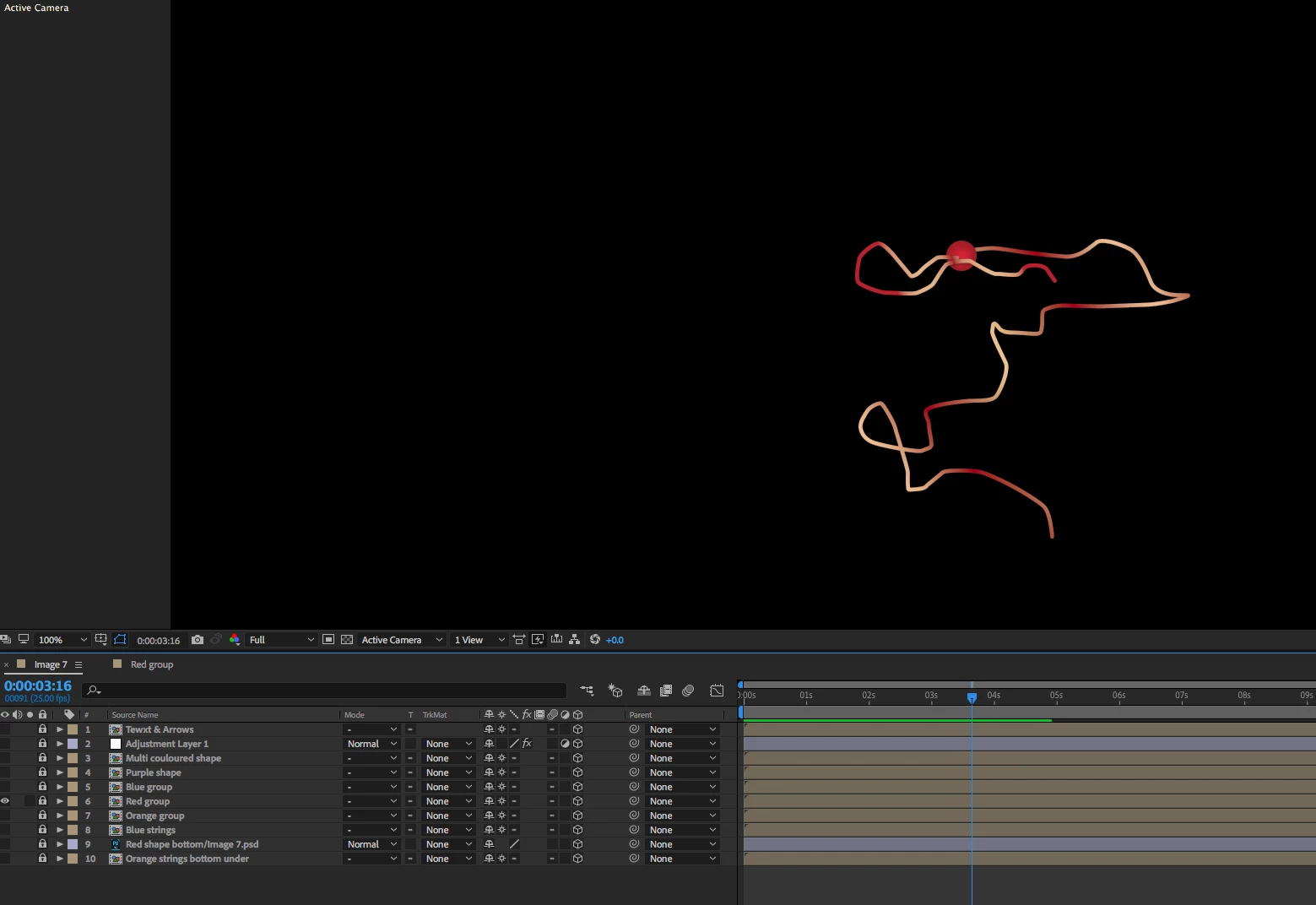
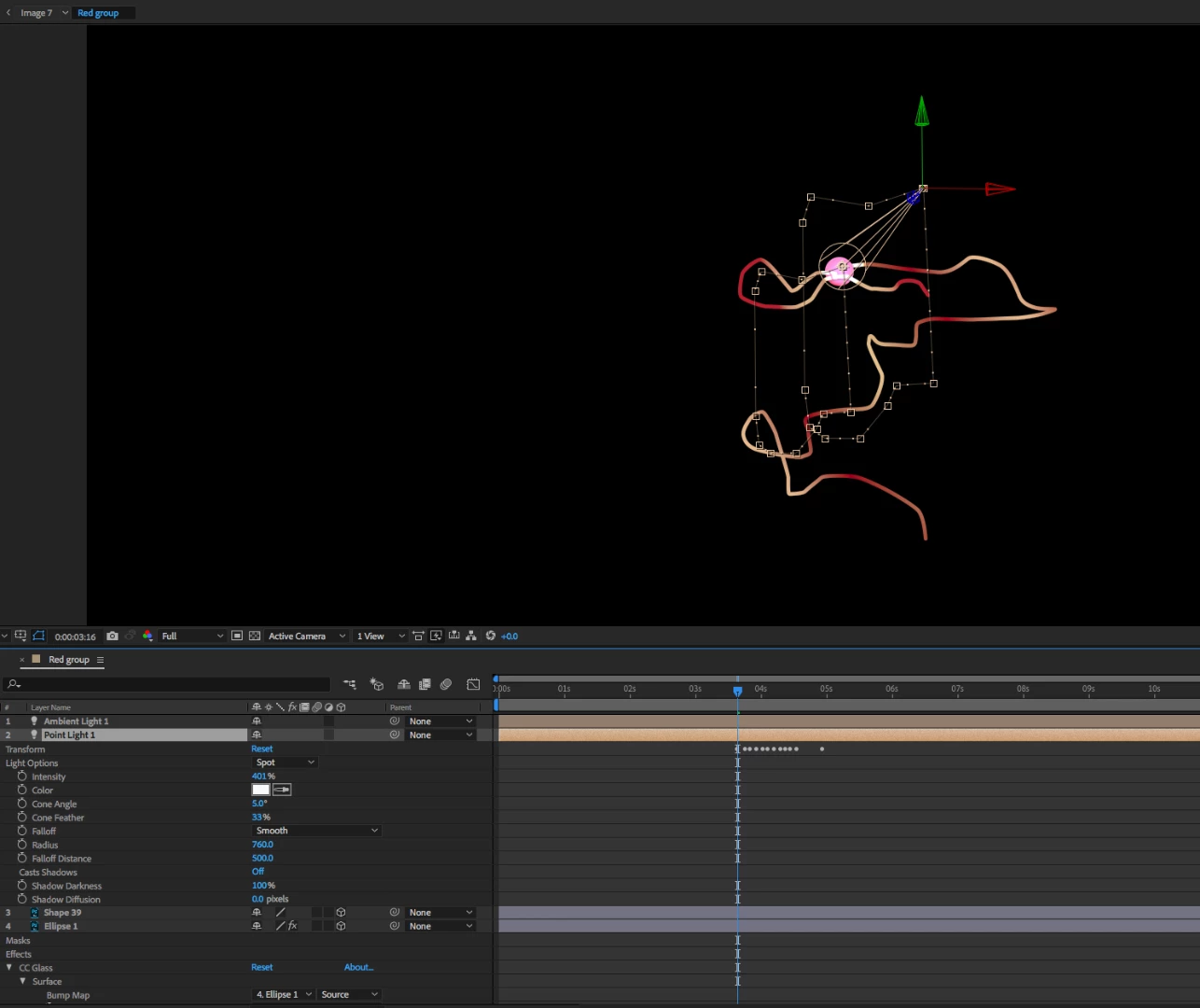
I have been using AE for a long time and something weird happened to after the last update of the program. I have a photoshop comp that contains many sub comps. In one of those sub comps, I have applied a light which I can see easily. Until here everything is normal. But when I go to see the comp above that contained that comp, the effect of the light is no longer visible. I tried it on another composition I had open, and it worked as normal. Any ideas?

Here are two pics of the comp with a light and the comp above where the light doesn't appear.

Thanks!
This topic has been closed for replies.
Correct answer Mylenium

There's nothing wrong. all your layers have enabled collapsed transformations, which passes through geometry, but only uses the parent comp's lights. this has never worked any different, so we can only assume you never used it this way before. also your comp does not have a proper 3D cam layer and uses an adjustment layer on top, both of which affect the rendering order. So there you have it. Nothing wrong with AE, just user error.

Mylenium

1 reply

Mylenium
MyleniumCorrect answer
Legend
November 22, 2017

There's nothing wrong. all your layers have enabled collapsed transformations, which passes through geometry, but only uses the parent comp's lights. this has never worked any different, so we can only assume you never used it this way before. also your comp does not have a proper 3D cam layer and uses an adjustment layer on top, both of which affect the rendering order. So there you have it. Nothing wrong with AE, just user error.

Mylenium

danielb33235975
Participant
November 22, 2017

Hi Mylenium,

Thanks for your much needed help. 

Daniel