



Question
AE's Text Tool - Range Selector Visualizer (Video + Logic Table)
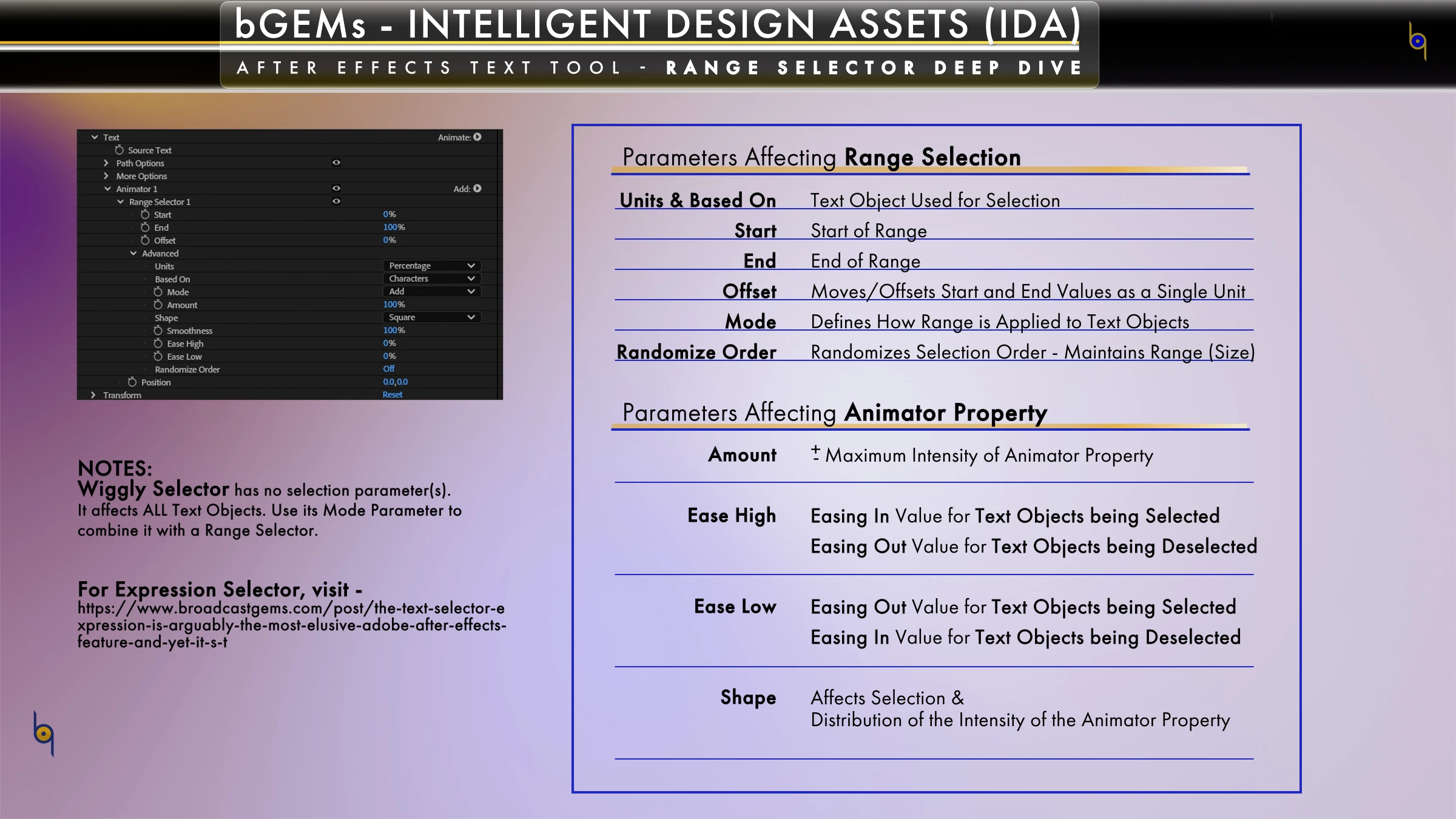
AE's Range Selector's exceptional features has also let to a lot of confusion for some users. There are lots of tutorials but most still have gaps on how it works and why it does what it does. I'm hopeful this video rundown and the accompanying Logic Table will help lessen/remove the confusion.
The video uses Responsive Features (Expression-driven) to create a visualization of the Range Selector and the different Shapes and built-in Eases (Ease High/Ease Low).
Post your Qs below if you have any and I'll do my best to answer them.
 AdChoices