
Participant
February 25, 2023
Answered

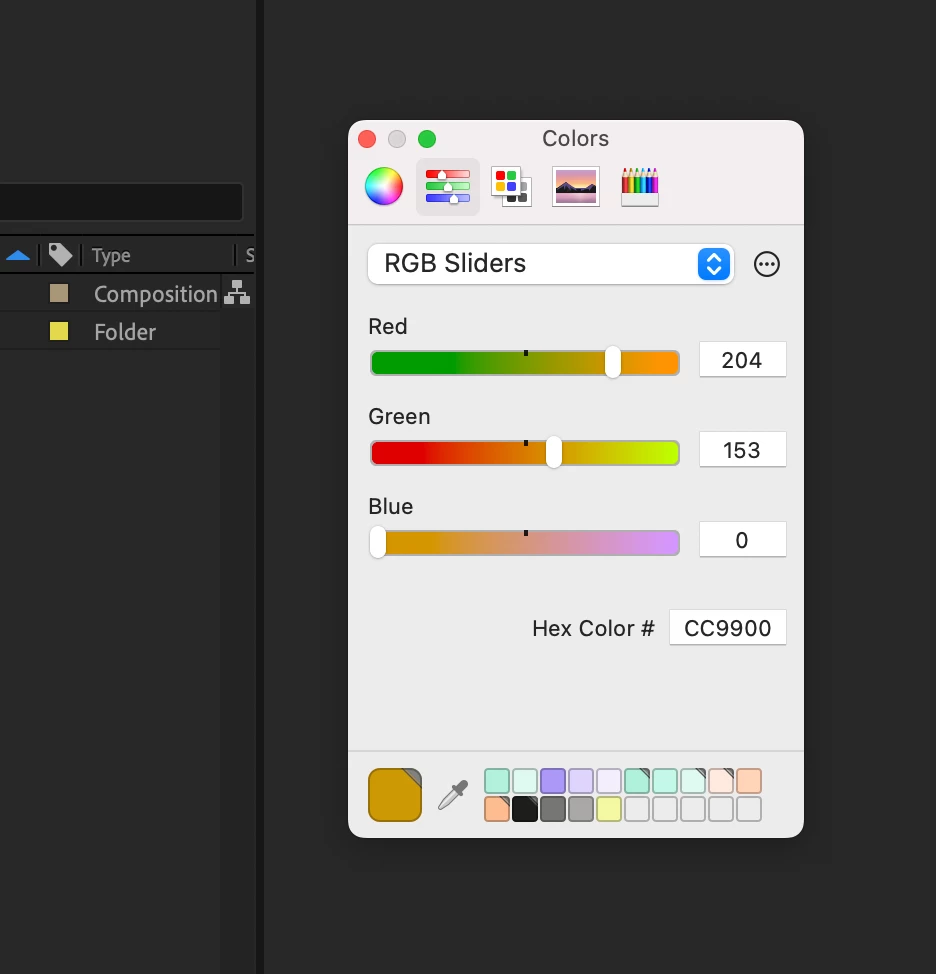
AE solid color interface

  • February 25, 2023
  • 2 replies
  • 567 views

Hello
I don't know what I did (shortcut or anything else) but I have now this interface when I have to change a fill color (for text, shape layer, solid, etc). And I don't know how I can return to the classic Adobe interface.

If it can help:

It's only in AE. No issue for Photoshop or Illustrator. 

Not this interface for gradient editor (linear gradient and radial gradiant).

It's only when I try to change solid color. 
 

This topic has been closed for replies.
Correct answer PA27299451w2oc

I just found my answer from another topic:

"Preferences / General / Use system Color Picker" was checked

2 replies

PA27299451w2ocAuthorCorrect answer
Participant
February 25, 2023

I just found my answer from another topic:

"Preferences / General / Use system Color Picker" was checked

kglad
Community Expert
Community Expert
February 25, 2023

good to hear!

kglad
Community Expert
Community Expert
February 25, 2023

<moved from enterprise and teams>