

Participant
November 2, 2016
Answered

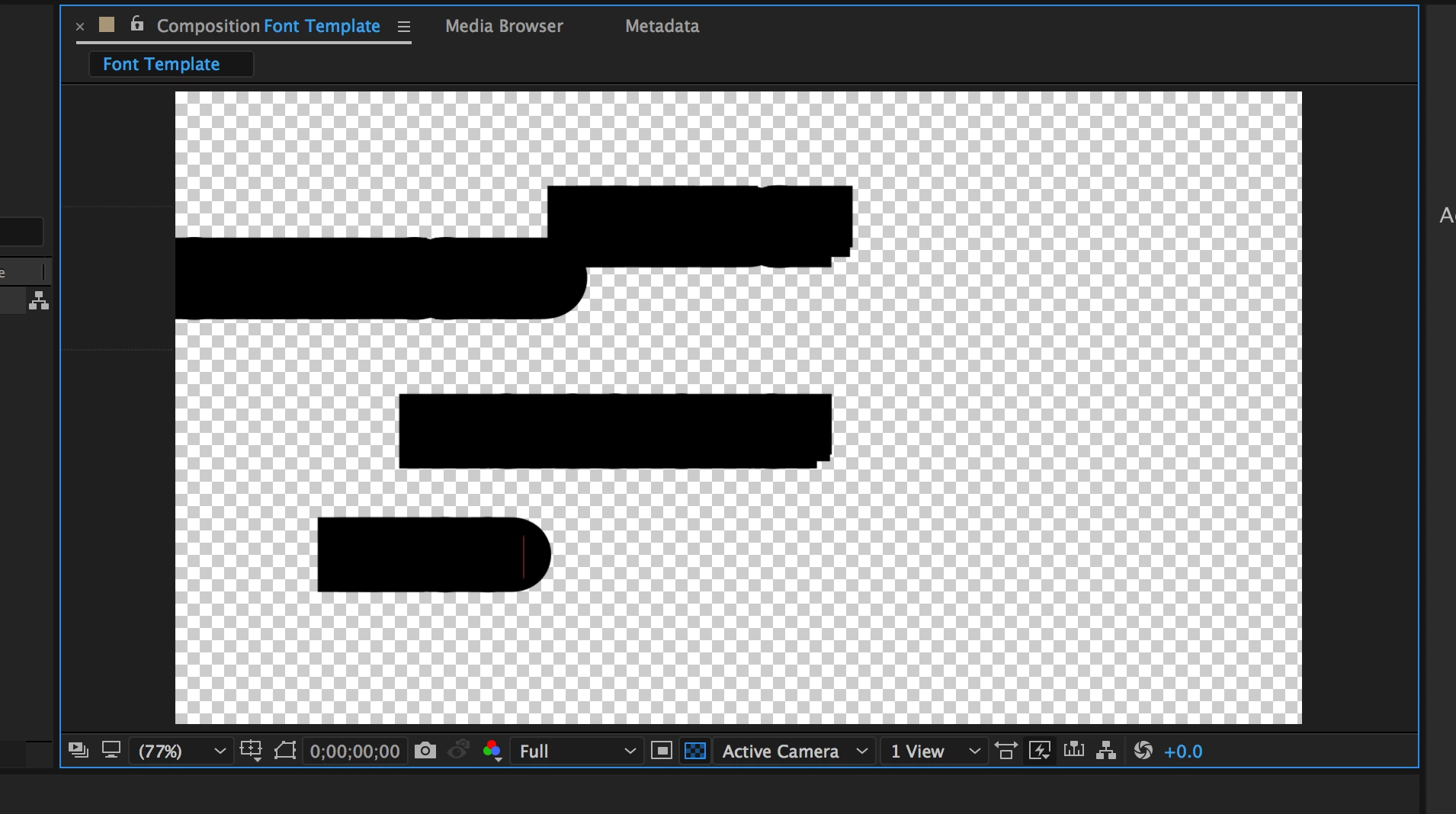
AE Text Produces Black Blobs

  • November 2, 2016
  • 4 replies
  • 2360 views

Every time I try to type text, I get giant black blobs. I've reset and rebooted and nothing changes this situation. Any ideas about what is going on?

This topic has been closed for replies.
Correct answer Rick Gerard

Reset your character panel. It looks to me like you might have a stroke replied to the text that is so big that it's filling in all the holes.

I also agree with Dave. Screenshots that just show the composition panel have little or no value in diagnosing a problem.

You need to show us as much as you can that is relevant to your problem. At the very least you should select your composition in the project panel so we know what the composition settings are, then the layer that's giving you problems (press the u key twice to reveal all the modified properties of that layer), and any other relevant information about your project including your OS and AE version down to the last decimal point.  Without that kind of information we are just guessing.

4 replies

Participating Frequently
October 7, 2023

Thank You!

Rick GerardCommunity ExpertCorrect answer
Community Expert
November 3, 2016

Reset your character panel. It looks to me like you might have a stroke replied to the text that is so big that it's filling in all the holes.

I also agree with Dave. Screenshots that just show the composition panel have little or no value in diagnosing a problem.

You need to show us as much as you can that is relevant to your problem. At the very least you should select your composition in the project panel so we know what the composition settings are, then the layer that's giving you problems (press the u key twice to reveal all the modified properties of that layer), and any other relevant information about your project including your OS and AE version down to the last decimal point.  Without that kind of information we are just guessing.

Jim451Author
Participant
November 3, 2016

Thank you all! The reset did the trick. Much appreciated.

Roei Tzoref
Legend
November 3, 2016

I've reset and rebooted

you were better off resetting your Ae preferences than your Computer. Reset After Effects Preferences

my guess would be is that your character panel is messed up. something like this with a thick stroke same color as the fill :

press the panel options and reset your character panel

after reset

now get back to work

Dave_LaRonde
Inspiring
November 2, 2016

Can't tell much from that window grab!  Give a whole screen shot with your complete user interface, especially the Character and Paragraph panes.

Jim451Author
Participant
November 3, 2016

Here's the full interface:

Dave_LaRonde
Inspiring
November 10, 2016

Not quite -- we see the PARAGRAPH pane, but not the CHARACTER pane, and if it's a way-too-big stroke you have applied, we can't see it.

And when you make the next grab, make sure the text layer is highlighted, and you see the pink stuff.