Participant
August 18, 2019
Question

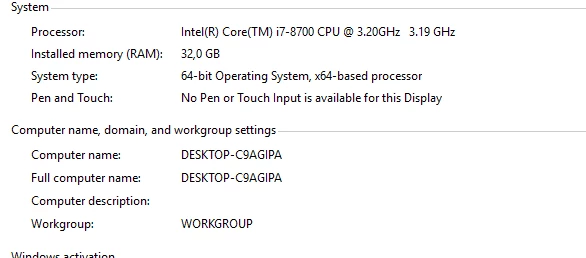
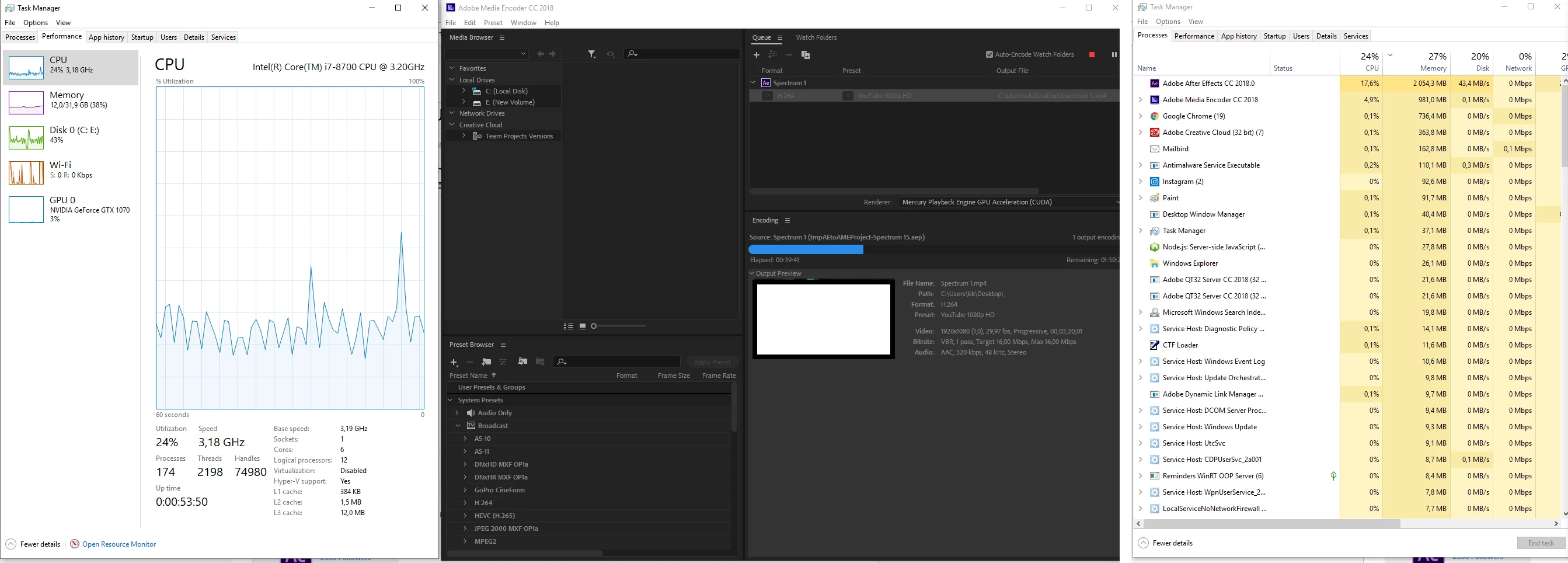
AE uses only 15-20% CPU on rendering
  • August 18, 2019
  • 1 reply
  • 872 views

SAMSUNG SSD 1TB

GeForce GTX1070 8GB

How can I fix it?

    This topic has been closed for replies.

    1 reply

    Legend
    August 18, 2019

    After Effects just isn't designed to use all the resources of multi-core processors. It can only go as fast as the slowest task (that could be disk I/O reading the source items, effect calculation or layer compositing) - and many of those tasks are not multi-threaded, so until each one is done the rest of the CPU is just waiting. AE renders frames one by one, so even though you have "spare" resources it won't try to use them. Outputting to H.264 also makes things a bit slower, as it needs to compare several rendered frames in memory to work out the B- and I-frames (as opposed to just writing each frame to disk as an image).

    Historically we could tell AE to "render multiple frames simultaneously", but that feature was dropped years ago. There are commercial third-party plugins which try to speed things up by starting several copies of AE, telling each to render part of the timeline as an image sequence, then stitching them back together at the end - but you cannot escape the system bottlenecks, and require a lot more RAM.

    Martin_Ritter
    Legend
    August 18, 2019

    In addition to Dave Merchant​, those tools are RenderGarden, RenderBoss and BGRenderer.

    Usual you run out of RAM before hitting a CPU load of 100%, but this is still the best option right now to speed things up.

    *Martin

    Community Expert
    August 18, 2019

    The biggest reason AE does not fully utilize all of the system resources is that it only processes one frame at a time one pixel at a time. When that frame is processed it moves on to the next frame and starts all over. You would have to have a massive frame to come close to requiring all of the processing power of a modern CPU. Hopefully, that is changing. As suggested, background rendering options will save you a bunch of render time. I use Render Garden and I never wait for renders because as soon as I send a comp to be rendered I switch back to AE and continue working on the next shot. Even doing that most of my renders are completed in less than 1/4 of the time it would take to have the Render Cue - Output Module crank out the footage.