
AE video goes black when using pen or rectangle
Hi folks, B here.
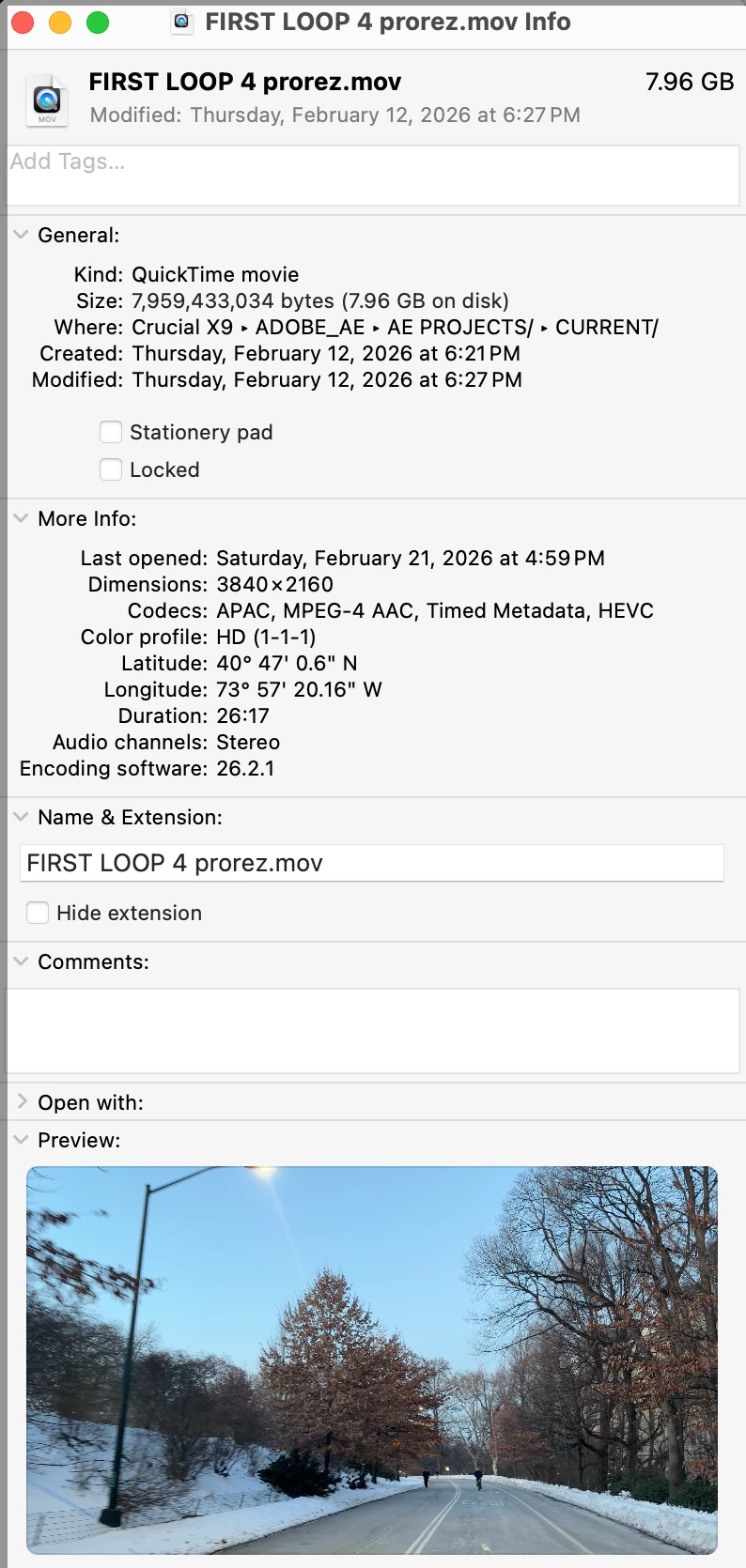
After trying to solve what may be a glitch or simple oversight I finally need to reach out to the hive mind. I am experiencing a problem in After Effects with a single MOV video
My steps
-
Import the .MOV into a new composition.
-
Select the video layer in the timeline.
-
Use the Pen Tool or Rectangle Tool to draw a mask around a small bright blob in the footage.
-
In the timeline under Mask 1:
-
Mask Mode = Add, no choice really works properly
-
Inverted = unchecked
-
Feather = 2–5 px
-
-
Observation: The video blacks out outside the mask, leaving only the masked area visible.
-
Open Content-Aware Fill → Fill Method = Object → Range = Work Area → Generate Fill Layer.
-
The issue persists: original video outside the mask remains black.
-
-
Tried resetting workspace and creating a fresh composition.
-
Mask path appears correctly under the video layer.
-
Tried Pen/Rectangle tools with RotoBezier on/off.
-
Timeline “None” dropdown ignored — no effect.
When I have changed to a smoother codec in Media Encoder the video embeds two black areas to the left and right, making video useless.
Can you advise why the video blacks out when applying a mask to the video layer, and how to fix it?
Thank you.


 AdChoices