
Question
AE2020: How to keep attachment point within the center of the feature region?
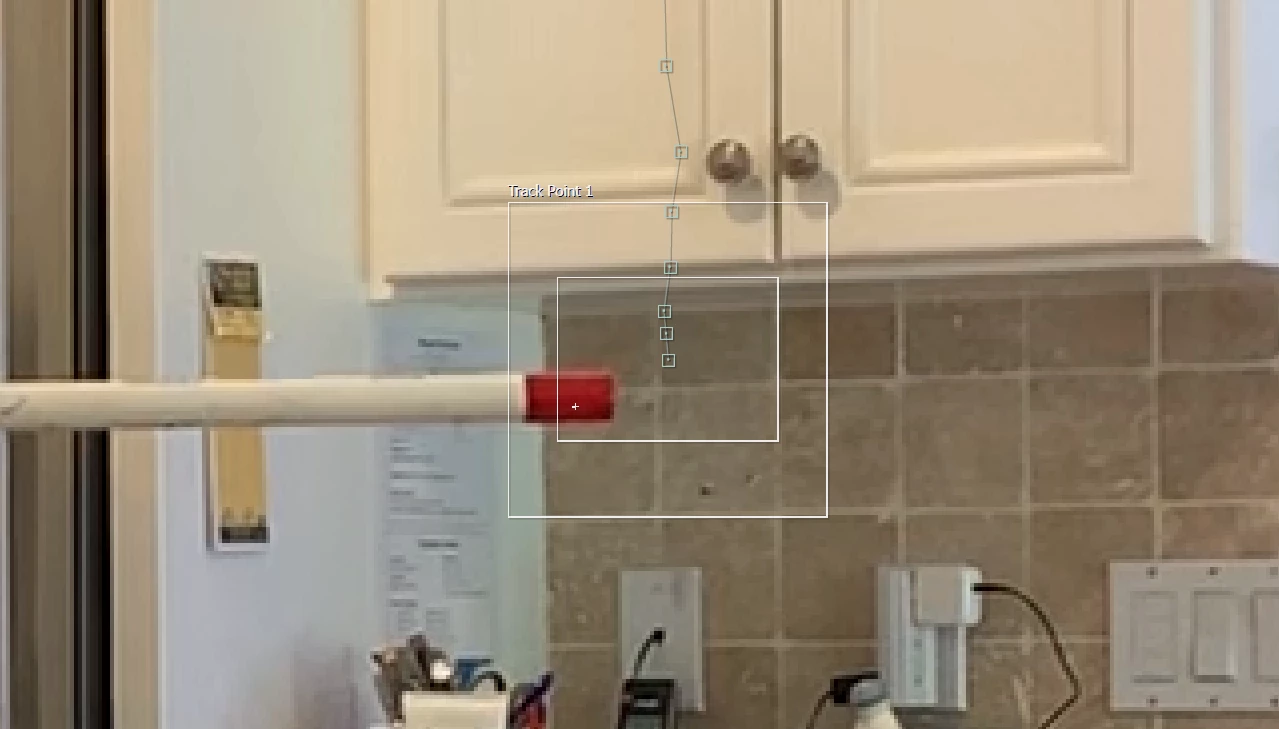
I'm playing around with the motion tracker, trying to track two red blobs on some PVC. As AE steps through the motion, it seems determined to move the Attachment Point increasingly off center from the Feature Region. It gets to the point where the Attachment Point is so far removed from the center that the Feature Region really isn't over the part I care to track and the whole process fails. However, fixing the region causes the Attachment Point to be in the wrong spot.
Is there a way to move the region and attachment points independently or to prevent the drift of the attachment point within the feature region?
 AdChoices