Participant
March 29, 2018
Answered

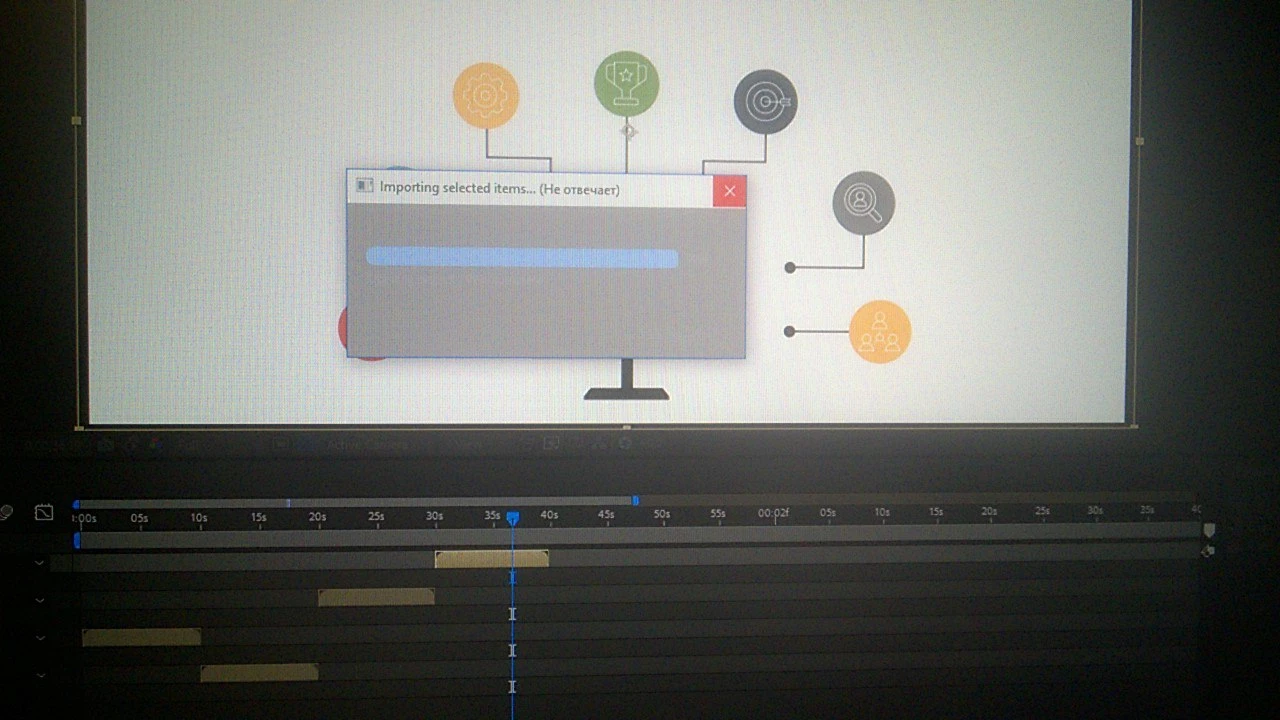
After effect cc 2018,hangs while importing others projects by 100%

  • March 29, 2018
  • 1 reply
  • 417 views

Hi everyone) I have such a problem when I'm working in one project and I want to import another project into this project, after effect hangs at 100%, hangs so much that does not work ctrl + alt + del, I have to restart the computer by pressing the reset button. the most interesting is that I reinstalled the system, the program, and then after effect could import once, and the next day, it again began to hang when importing one month ago everything worked fine if you have any solution, and if it's not difficult for you, answer spartanecy@gmail.com, guys help, and thank you very much.

i5 4570
8gb

msi geforse 960 2gb gaming

    This topic has been closed for replies.
    Correct answer Kyle Hamrick

    Your machine is probably under-powered for serious AE work. I wouldn't be surprised if it's getting slow on you if you make it work too hard.

    For the sake of discussion, let's call your main project A, and the one you're trying to import B.

    Is B fairly large/complex? Does it contain lots of footage? Does it contain 3rd-party plugins? (Do any of these apply to A?)

    Is B able to be opened by itself?


    Do you need everything within B, or just some pieces of it? You might be able to simplify.
    Open B, Save As "B Reduced," or whatever name makes sense. Select the comps you need, and choose File > Dependencies > Reduce Project. That'll throw away anything not associated with the selected comps, and result in a much smaller project.


    EDIT: One other thought - if you create a new project and import both A and B, do you see an improvement?

    Any of these improve your situation?

    1 reply

    Kyle Hamrick
    Community Expert
    Kyle HamrickCommunity ExpertCorrect answer
    Community Expert
    March 29, 2018

    Your machine is probably under-powered for serious AE work. I wouldn't be surprised if it's getting slow on you if you make it work too hard.

    For the sake of discussion, let's call your main project A, and the one you're trying to import B.

    Is B fairly large/complex? Does it contain lots of footage? Does it contain 3rd-party plugins? (Do any of these apply to A?)

    Is B able to be opened by itself?


    Do you need everything within B, or just some pieces of it? You might be able to simplify.
    Open B, Save As "B Reduced," or whatever name makes sense. Select the comps you need, and choose File > Dependencies > Reduce Project. That'll throw away anything not associated with the selected comps, and result in a much smaller project.


    EDIT: One other thought - if you create a new project and import both A and B, do you see an improvement?

    Any of these improve your situation?

    Participant
    March 30, 2018

    Thank you dude, really thank you so much, helped "File > Dependencies > Reduce Project" , and save to xml

    Kyle Hamrick
    Community Expert
    Community Expert
    March 30, 2018

    Glad to hear it!

    I've occasionally run into issues like this, especially if one (or both) of the projects are very large, were created in older versions of AE, or other such complications. When in doubt, simplifying like the above is usually a good first step. If that's not possible, sometimes starting a new project and importing the problem project into it can be a workaround.