Participant
May 5, 2023
Question

after effect does not use allocated RAM

  • May 5, 2023
  • 1 reply
  • 729 views

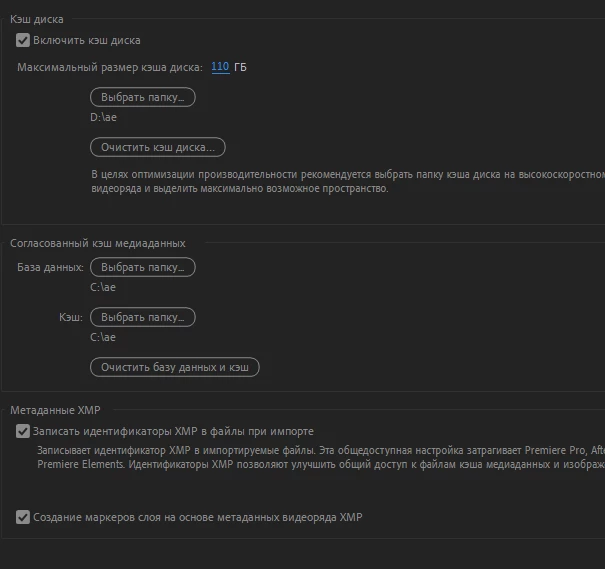
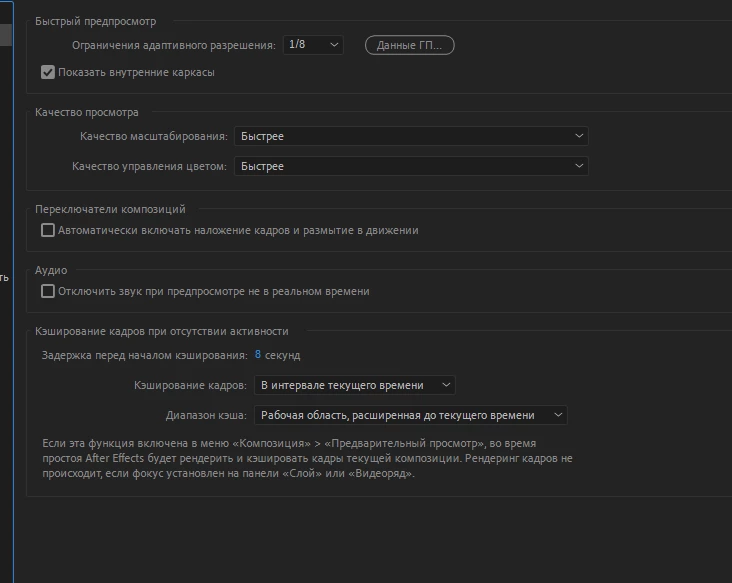
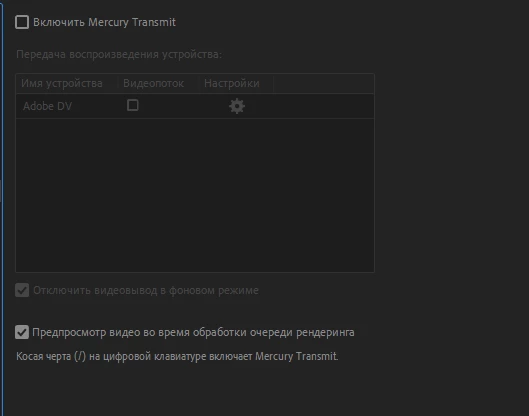
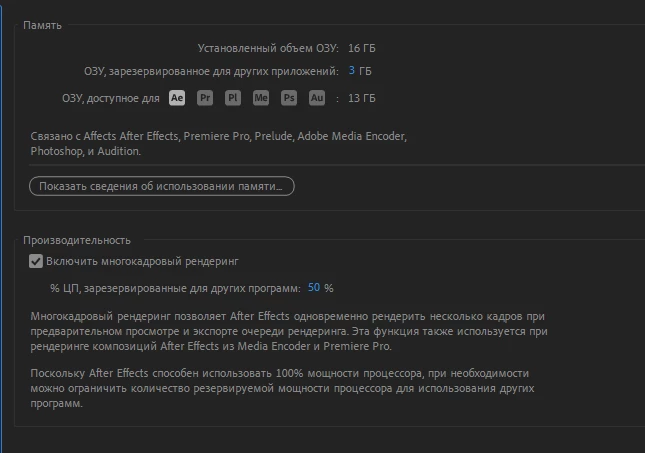
Help me please, I climbed all the forums, videos, sites. and did not find a solution to my problem now I'll try to explain. The problem is that the after effect does not use RAM when rendering and previewing, although in the task manager it says that it uses it very strangely. I looked through all the settings and did not find anything, because of this I have a two-minute project to render for 5 hours. I'll attach screenshots for clarity. If something is not clear, write because I do not know English well and could write something wrong. Sorry, the screenshots will be in another language, since I'm from Ukraine.

This topic has been closed for replies.

1 reply

May 5, 2023

You have Multi-Frame Rendering set to only use 50% of your computer, that might be causing some delay. However, it's more likely your project itself is complicated and that's just taking a long time to render.


Are you able to share your project? 

sova335Author
Participant
May 5, 2023

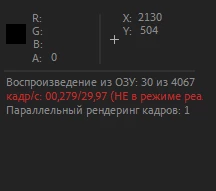
Thanks for answering. Yes, you're right, the project is quite large, but that's not the problem. The problem is that the after effect does not use RAM. on the third screenshot it says that it uses 30 RAM out of 4000, although I selected all of it.

May 5, 2023

That's the number of frames that have been rendered so far out of the number of frames to render. The line below that indicates how many frames are getting rendered per second, which looks like 0,279 per second of footage. 


If you are running AE 2022 or 2023, select a single frame in your composition. Then in the bottom left corner of the AE window, it will tell you how long it takes to render that one frame. Click around the composition and take a look at how long it takes to render a few frames. Make sure you are previewing at full resolution as well. 


You can then click on the Snail to the left of the Frame Render Time to see what layers are taking the longest to render. You may want to simplify those or adjust them so they don't take as long to render.