julienrbt
Participating Frequently
April 7, 2021
Answered

After Effect Export off-centered vs. composition

  • April 7, 2021
  • 2 replies
  • 2109 views

Hi,


I've looked for an answer but don't seem to find a solution


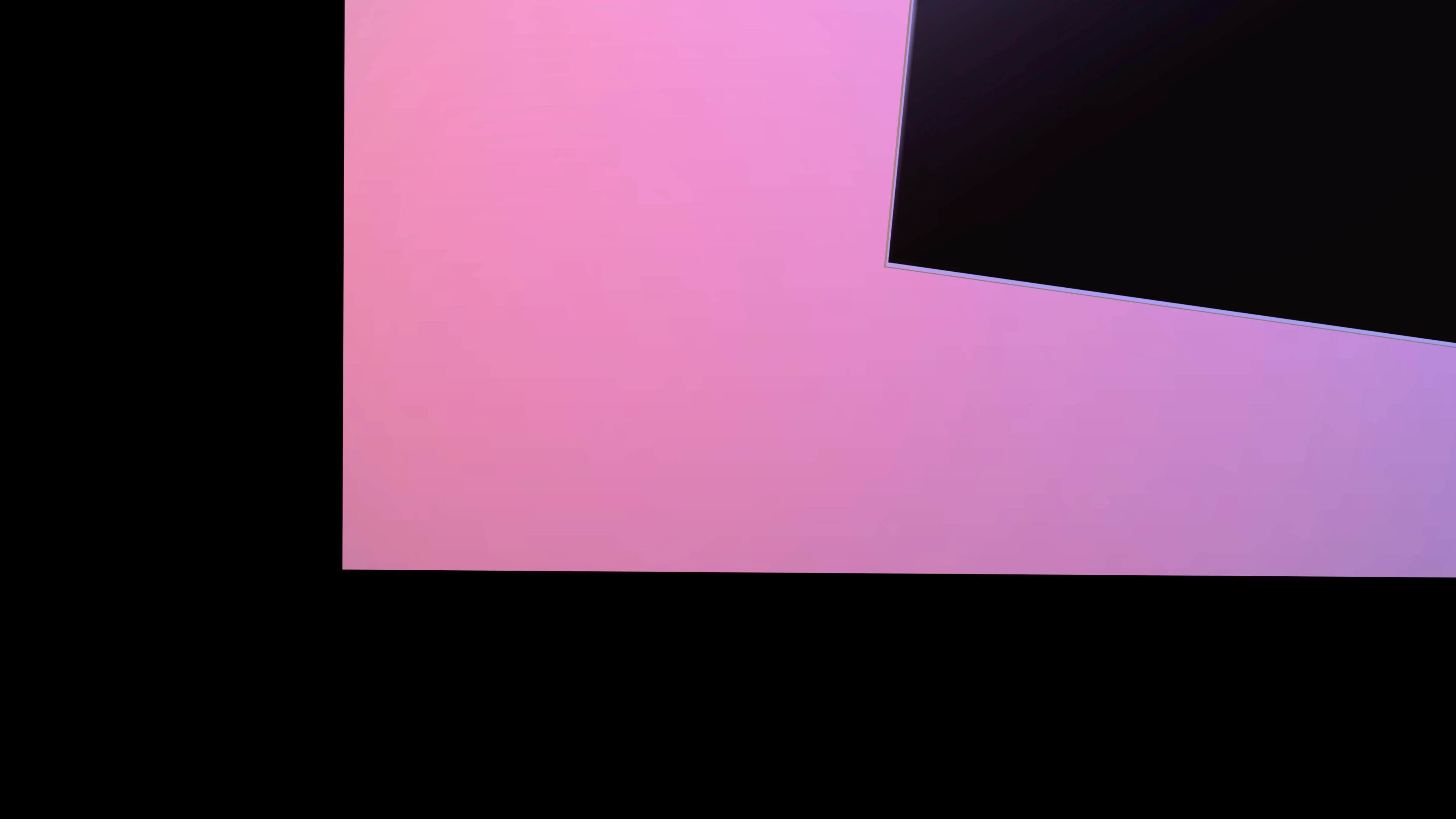
I have a perfectly centered composition in preview ready to export.

However when I do so the final mp4 comes out way off centered. 


All the black on the left side and bottom is supposed to be out side of the frame. The composition's edge is the pink block.


Let me know!

Thank you!


This topic has been closed for replies.
Correct answer Rick Gerard

Only the Active Camera will render. If you have more than one Camera in a timeline, the top Camera will be the Active Camera. The only purpose of the other views (Left, Right, Top, Bottom, Front Back, and Custom 1, 2, and 3) is to help you align layers on AE's 3D stage. 


If you need to reposition everything you have two options. Move the camera or parent all of the layers to a 3D null and move the null.


Perspective is controlled by camera position, framing by focal length. The focal length in an AE camera is the Zoom value. You can find it by pressing 'aa' with the camera layer selected or by double-clicking the Camera layer.


One more thing. Cropped screenshots that do not show the modified properties of the layers giving you problems are useless for diagnosing problems. When you have problems in the future, select the problem layer or layers, press 'uu', and take a screenshot. Show us the whole UI and if possible, have the Comp selected in the Project panel so we can also see the comp properties.

2 replies

Rick GerardCommunity ExpertCorrect answer
Community Expert
April 7, 2021

Only the Active Camera will render. If you have more than one Camera in a timeline, the top Camera will be the Active Camera. The only purpose of the other views (Left, Right, Top, Bottom, Front Back, and Custom 1, 2, and 3) is to help you align layers on AE's 3D stage. 


If you need to reposition everything you have two options. Move the camera or parent all of the layers to a 3D null and move the null.


Perspective is controlled by camera position, framing by focal length. The focal length in an AE camera is the Zoom value. You can find it by pressing 'aa' with the camera layer selected or by double-clicking the Camera layer.


One more thing. Cropped screenshots that do not show the modified properties of the layers giving you problems are useless for diagnosing problems. When you have problems in the future, select the problem layer or layers, press 'uu', and take a screenshot. Show us the whole UI and if possible, have the Comp selected in the Project panel so we can also see the comp properties.
julienrbt
julienrbtAuthor
Participating Frequently
April 7, 2021

Thank you Rick, this was perfect! Really helpful on this.


Noted for next time

Mylenium
Legend
April 7, 2021

Without any comparative screenshot and the pertinent info on the project nobody can tell you much. The only clue in your image is the black layer being a 3D layer, which could mean you have fallen for the old trap of aligning your stuff in one of the auxilairy 3D views, ignoring that only the "Active Camaera" would actually render and there things may simply not be aligned. either way, if that's not it, you definitely have to provide more info on comp settings, render settings and so on.


Mylenium

julienrbt
julienrbtAuthor
Participating Frequently
April 7, 2021

Hi Mylenium,


It seems, after all, that I gave enough information! 


The culprit, besides me being new to the software, is the active camera. I aligned everything in front view which is now offcentered in active camera.


Is there a quick fix to this or I just have to move everything piece by piece?


Thank you!