S_ A
Inspiring
June 18, 2022
Question

After effect grid snapping not working

  • June 18, 2022
  • 1 reply
  • 1198 views

Hi,

I have some questions.

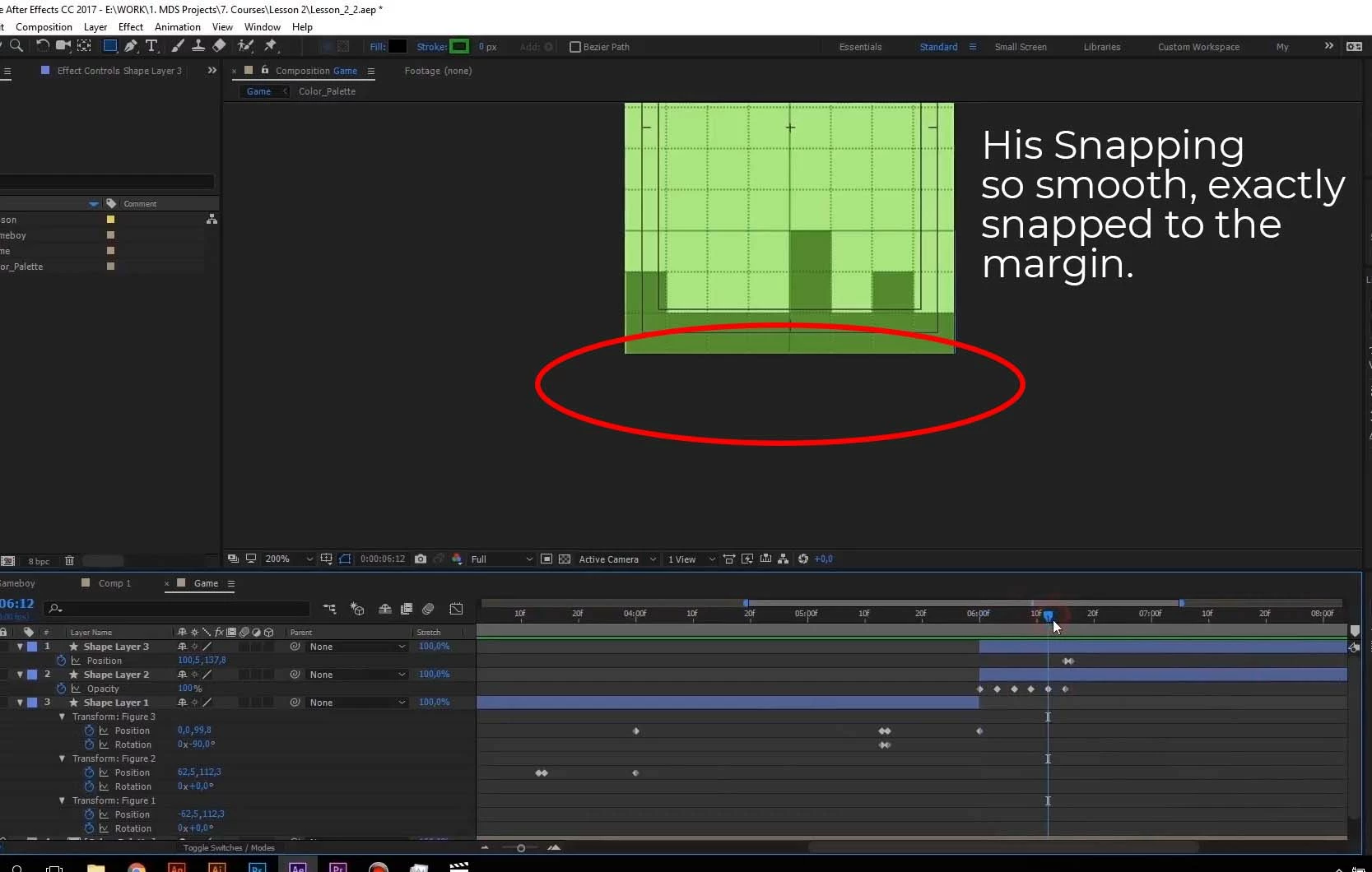
1-I am using after effects 2020. So I am following one tutorial (Motion Design School- Motion Beast).

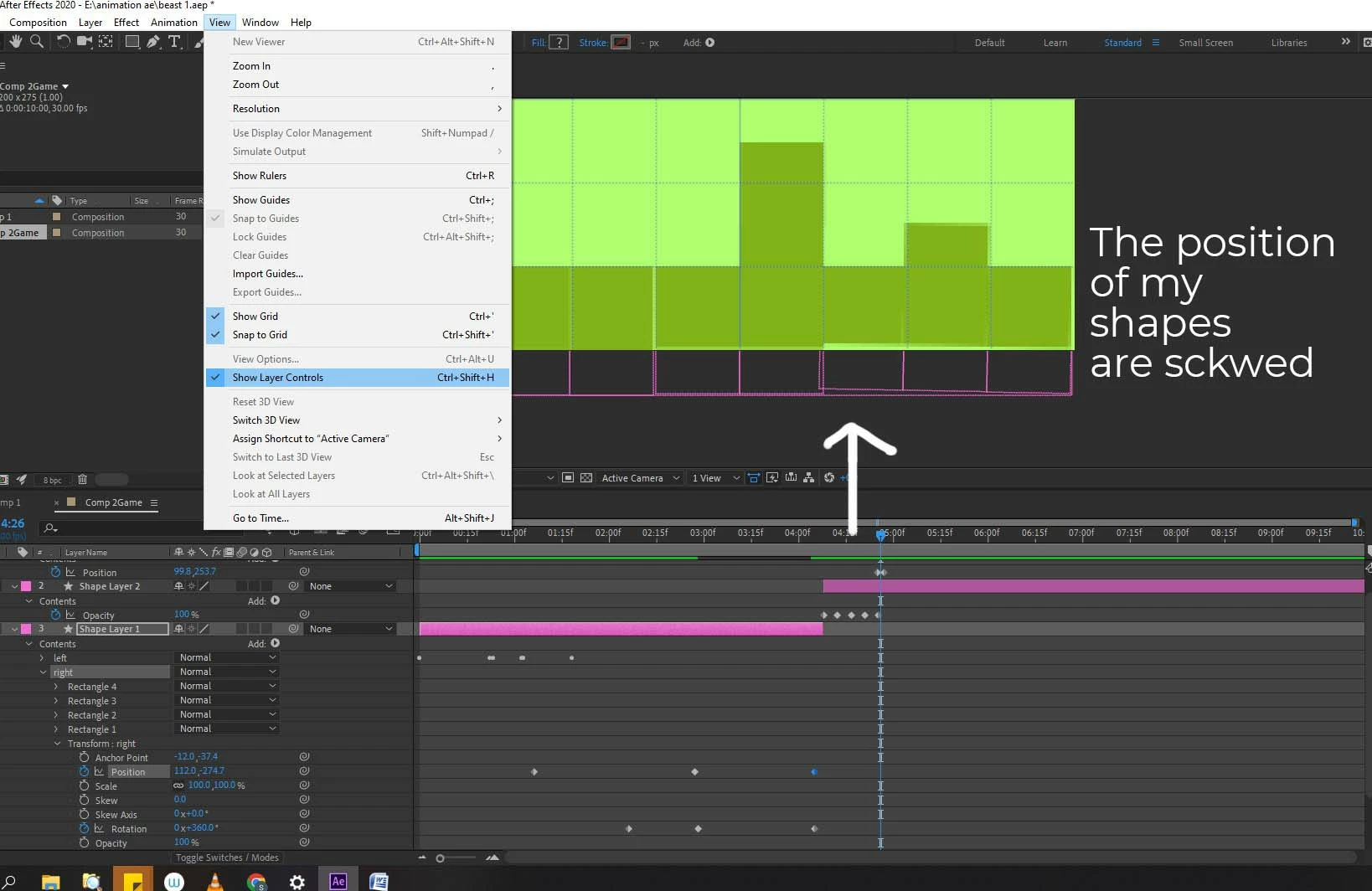
There the tutor can snap all the shape to the grid like magic! I can’t do that. I had to eye the position then rotate or place them manually. How can he do that and I can’t? Btw he is using after effect 2017.

I have checked, the entire grid snapping, they all are ticked.


2- What is the right way to learn any software?

Project based learning, where tutor does all the things, shows you without explaining why and what he is doing!

Or,

Learn the basics of the software like Interface, viewport, this and that! (it’s boring kinda). Where the tutor giving long-winded, boring explanation of everything!

Thank you.


This topic has been closed for replies.

1 reply

S_ A
S_ AAuthor
Inspiring
June 18, 2022

*skewed

Participating Frequently
June 24, 2022

So I'm having the same issue after the latest update.

Was working on a project with several layers that needed to be alingned along a grid (think of roads made of a few different pieces: straights, turns etc.) in a way I can basically build a 'track' by duplicating and moving pieces around.

All pieces were precomp'd in a way they would perfectly align when snapping to the grid and everything was working as intended until today, when I updated AE to the latest version.
Now snap to grid simply has no effect, it's driving me crazy. 
Anyone?

Participating Frequently
June 24, 2022

Ok it appears in my case it's because I linked my layers to a parent null object. Working now