
Participating Frequently
June 24, 2023
Answered

After Effect LoopOut Duration type cycle

  • June 24, 2023
  • 3 replies
  • 4676 views

Hi, does anyone know why the animation of my legs as it moving more, it keep geting out from the skirt?


i mean if you look at the first second it was fine but as it keeps going, there is a bit of the leg part was seen beyond the skirt and i didnt want that. the animation was actually 1,5 seconds long and i used Property> LoopOut Duration (type= "cycle", duration = 0) soo it should be looping around those 1,5 seconds right which shown my attached video is fine. 


Any Help??
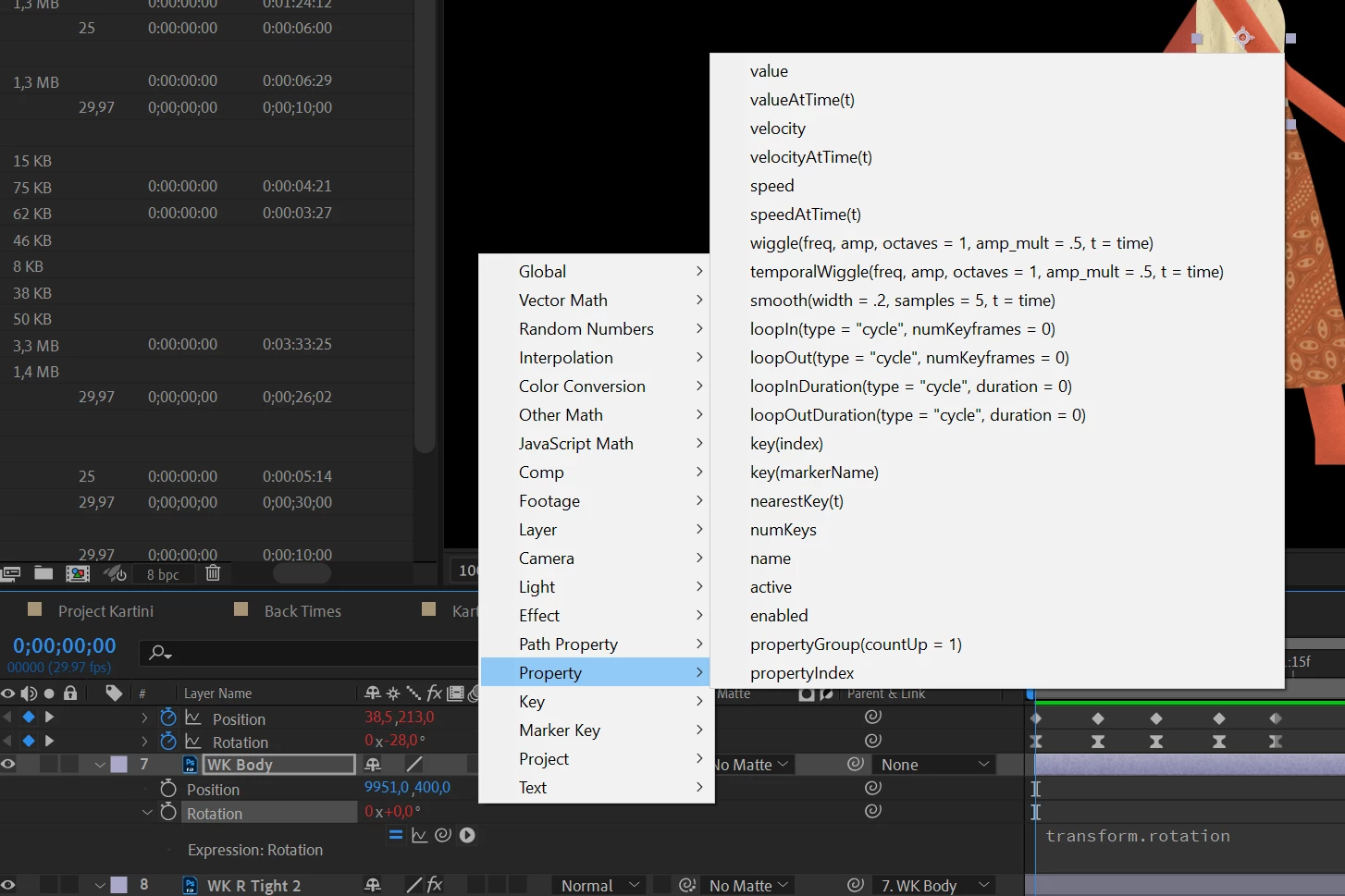
 

(The image above was the LoopOut Duration that i used)
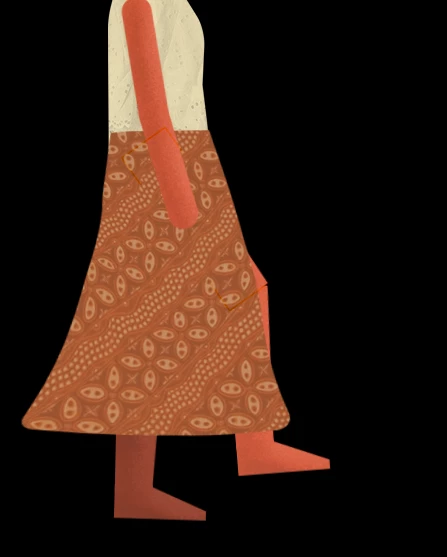
(if you see the knee, it shouldnt pass through the skirt)
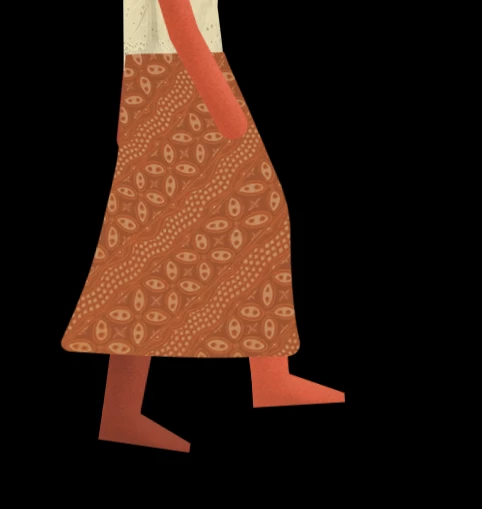
 

(it should look like this, "this is how it looks at the first seconds")


This topic has been closed for replies.
Correct answer Rick Gerard

That is the speed graph. Try the value graph and make sure you turn on the little Graph Icon when you spin down the Expression so you can see the curves that the expression generates. You can see it just under the values when you spin down the rotation property. 

3 replies

Dan Ebberts
Community Expert
Community Expert
June 24, 2023

loopOutDuration(type = "cycle", duration = 0) loops the time from the layer's in point to its last keyframe. From your video, it looks like maybe all the in points aren't aligned. If you have an in point that's not at 0, you might want to use the time of the last keyframe as your duration.

Community Expert
June 24, 2023

The cycle's first and last keyframe values must be identical to get a seamless loop. Try copying the first keyframe in the walk cycle and pasting it where the last keyframe is. Let us know if that solves your problem.


If it doesn't, take a look at the Value Graph with the Expression Viewer turned on and see if there is a difference in the shape of the curves. If there is you'll have to adjust the curve in the first section.

VaysaAuthor
Participating Frequently
June 25, 2023

i did match the first and last keyframe by copying it before, then i changed to normal keyframe again without ease keyframe but the problem still there. what do you think about this? 


Rick GerardCommunity ExpertCorrect answer
Community Expert
June 25, 2023

That is the speed graph. Try the value graph and make sure you turn on the little Graph Icon when you spin down the Expression so you can see the curves that the expression generates. You can see it just under the values when you spin down the rotation property. 

Mylenium
Legend
June 24, 2023

All your keyframes are ease keyframes, which could simply mean you haven't matched the start and end pose correctly. of course this may cause timing issues on repeat due to the interpolation. Adjust your stuff in the graph editor.


Mylenium 

VaysaAuthor
Participating Frequently
June 24, 2023

does normal keyframe without ease keyframes have interpolation aswell? as it is flat? if its not then i have matched the start and end of it since they have the same keyframe so that its match?