Hi Paul,
Thanks for this post. There is a change in After Effects 18.0 that causes this.
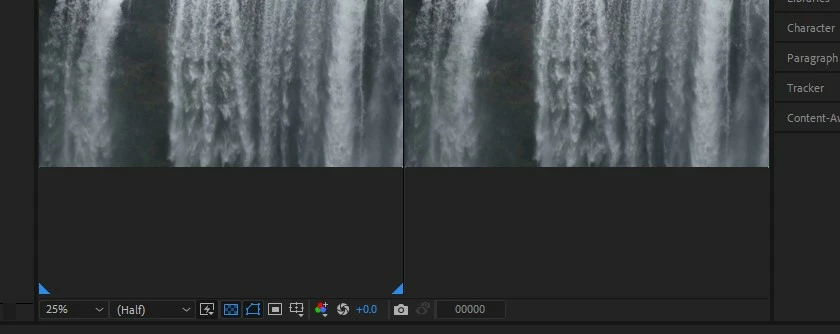
tl;dr - Create a 3D layer (any layer with the 3D layer switch enabled, or a camera or a light), and the View Layout menu will come back. The team is looking at how to make these workflows better.
As part of the improved Composition panel toolbar, 3D controls only appear in the toolbar when there is at least one 3D layer in the comp. This includes the View Layout menu (1, 2, or 4 views), the 3D View menu, the 3D Renderer menu, and the new Draft 3D and 3D Ground Plane buttons.
There's a bit of an unanticipated, sticky problem here that when you create a new comp: the Composition viewer panel for that comp will inherit its view settings from the previous comp. This is how After Effects has worked for a long time, but the change to only show the 3D controls when 3D layers are present brings a new wrinkle. Thus, if you had changed the view layout (as you did) to something other than a single view, the new comp will be showing that same set of views but the controls to change the views won't appear until you make a layer 3D.
We're actively discussing the best way to address this problem.
While I've got your attention, I have a question: the View Layouts are primarily designed for 3D workflows (so you can view top, sides, etc. of 3D layers while working in 3D space). However, because the individual views can all hold different comp viewer settings like alpha channel, transparency grid, etc., they can also be used for 2D work, similar to having 2 independent Composition panels open for the same comp. Are you using the View Layouts only for 3D work or are you also using them for 2D work?




 AdChoices