
Participant
August 4, 2020
Question

After Effects 2019 / 2020 taking up 90% of my RAM on new laptop

  • August 4, 2020
  • 1 reply
  • 1126 views

hi everybody, i've just bought a new laptop which is asus rog with this spec..

- 2.60Hz 10th Intel i7-10750H (12CPUs)
- RAM : 32GB (DDR4) | HDD : 1TB PCIe
- 17.3" FHD IPS 100% sRGB, 240Hz
- VGA 1 : Intel UHD Graphics 630
- VGA 2 : NVIDIA RTX 2070 8GB
- Four Zone RGB lighting Key
-Windows 10 License

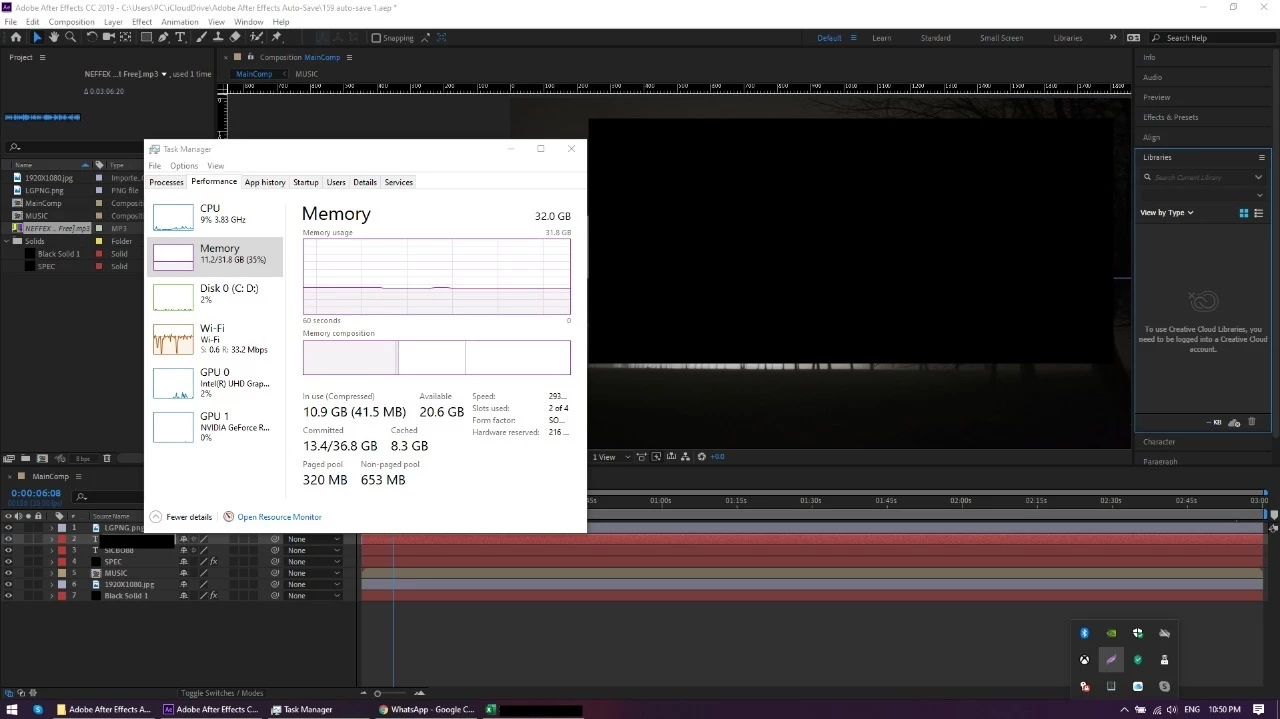
And i've using the adobe after effects 2019, try to open the old file.. *just opened* without editing .. and it comes out taking my ram is 11gb.


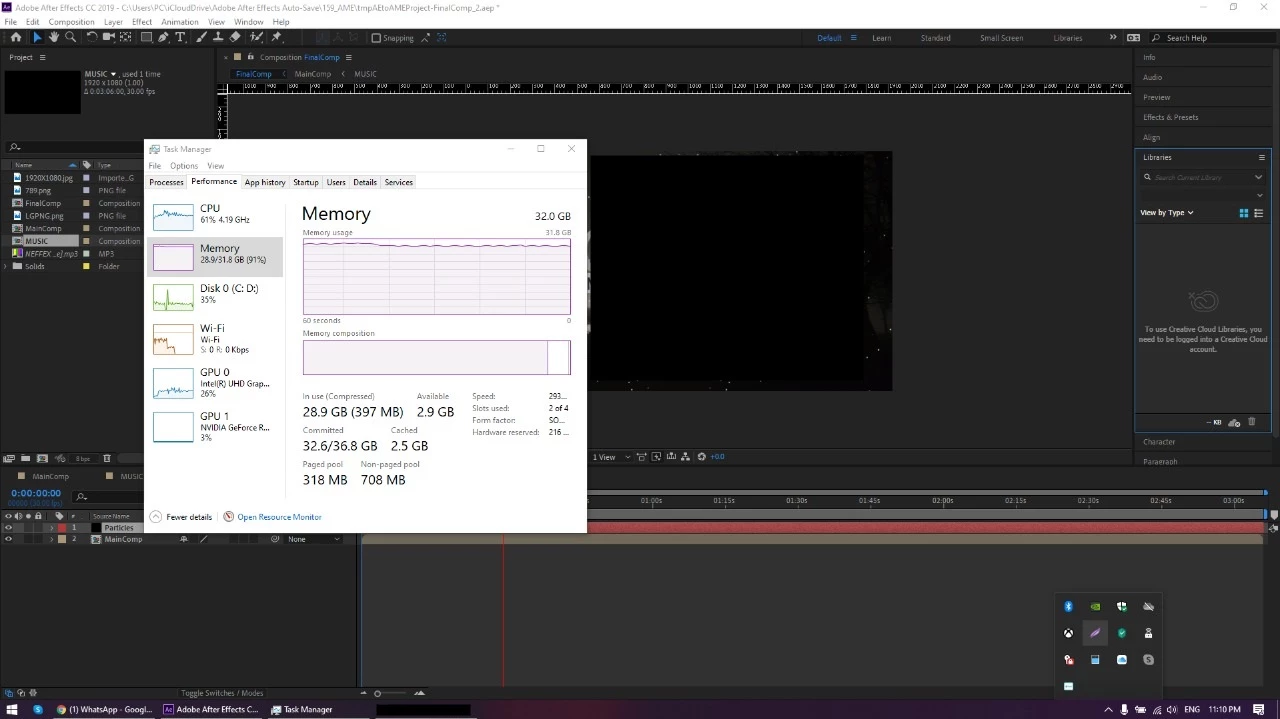
After, i try to playback *only* without editing ... and show up almost run out of all my RAM...

I never change any setting on after effects, and i did not opened until or more than 5 tab on browser, so please anyone can tell or teach me how to solve this please ??? It's a brand new laptop, with c drive 700gb, and d: drive 200gb.. so please..

This topic has been closed for replies.

1 reply

Inspiring
August 4, 2020

Given the chance After Effects will quickly maximise the amount of memory it's using. That's only a bad thing if it's affecting your ability to use other apps, and if your RAM is maxed out the OS will use more virtual memory which isn't very efficient.

Open the After Effects preferences and select the Memory category, then increase the 'RAM reserved for other applications'. You could find that only leaving 4GB RAM available for After Effects will be adequate, but the more you let it use the more efficient it can be. If it warns you it can't render a frame due to lack of memory then you'll have to reduce the 'RAM reserved' amount.


Just googling 'after effects memory' will bring up this page which has lots of information about memory and caches in AE:

https://helpx.adobe.com/uk/after-effects/using/memory-storage1.html