
Participant
July 25, 2021
Question

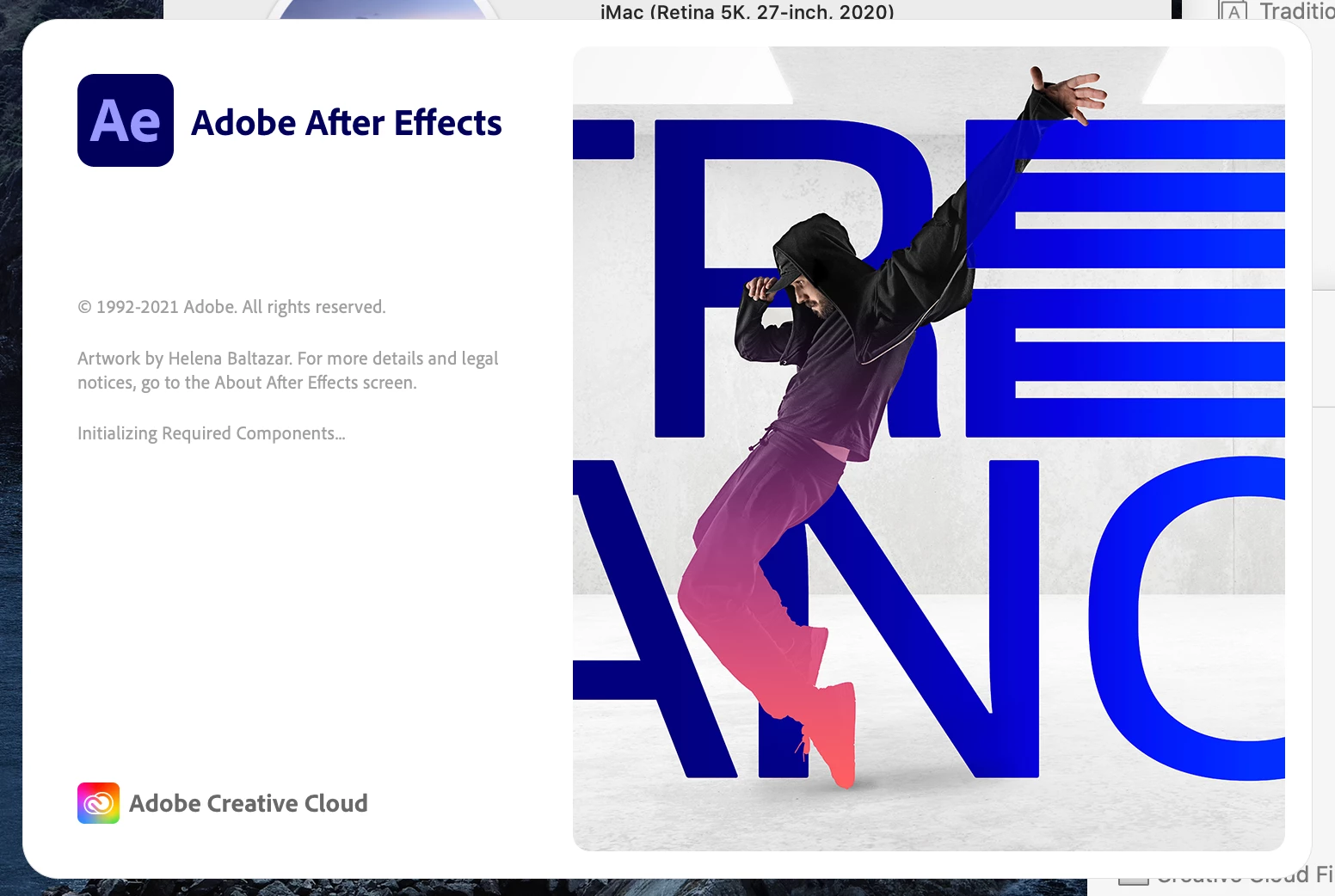
After Effects 2021 stuck on (initializing required components) Mac

  • July 25, 2021
  • 2 replies
  • 3909 views

After effects is stuck on splash screen and won't open, I've tried almost every thing at this point reinstalled like 8 times, restarted the computer multiple times, tried different versions of after effects, nothing is working. I've tried all of the following threads:

https://community.adobe.com/t5/after-effects/after-effects-stuck-at-quot-initializing-required-components-quot/m-p/11001454

After Effect cc 2019 - Stuck at initializing required components
After effects stuck at "initializing required components"

https://helpx.adobe.com/in/x-productkb/multi/preferences-folder-read-only-error.html


There seems to be a fix on Windows using a program called "Font Frenzy" but it's not compatable with Mac, so I've tried deleting all my fonts aswell, still not working.... I've never had any issues before this and has been working fine before but today it's just started doing this all day I've been trying everything to fix it. The rest of the Adobe Suite is working but it doesn't really help that I'm a motion graphic designer and I need AE to do my job.


Mac OS 10.15.7

Processor:  3.8 GHz 8-Core Intel Core i7

RAM : 64 GB 2667 MHz DDR4

Graphics : AMD Radeon Pro 5700 XT 16 GB

This topic has been closed for replies.

2 replies

Participant
April 11, 2022

I think its a global problem. Same issue for me for every Adobe app.

nishu_kush
Community Manager
Community Manager
July 26, 2021

Hi Mark,


Sorry for your issue.

What's the exact version of After Effects you're using? How did you remove the fonts? Did you try validating the fonts: https://support.apple.com/en-in/guide/font-book/fntbk1000/mac 

If that doesn't help:

Try removing the third-party plug-ins from the MediaCore folder if there are any. Here's to the location: HD/Library/Application Support/Adobe/Common/Plugins/7.0/MediaCore

Let us know how it goes.


Thanks,

Nishu

mmarkkkAuthor
Participant
July 26, 2021

Hey Nishu,


So I tried to re-install the versions:


After Effects 18.4

After Effects 18.2.1

After Effects 18.2


I've tried them all with no luck...


For the fonts I simply just reset to the default fonts, using this method, I just tried to valadate the fonts there, and it's not working, non of the ont's are going in (See attached video)

https://support.apple.com/en-gb/guide/font-book/fb34862/mac


I went to the following location on my computer

HD/Library/Application Support/Adobe/Common/

But when I got there there is no folder called Plugins (See screenshot attached)