


EdenEuphoria
Participant
June 12, 2026
Question

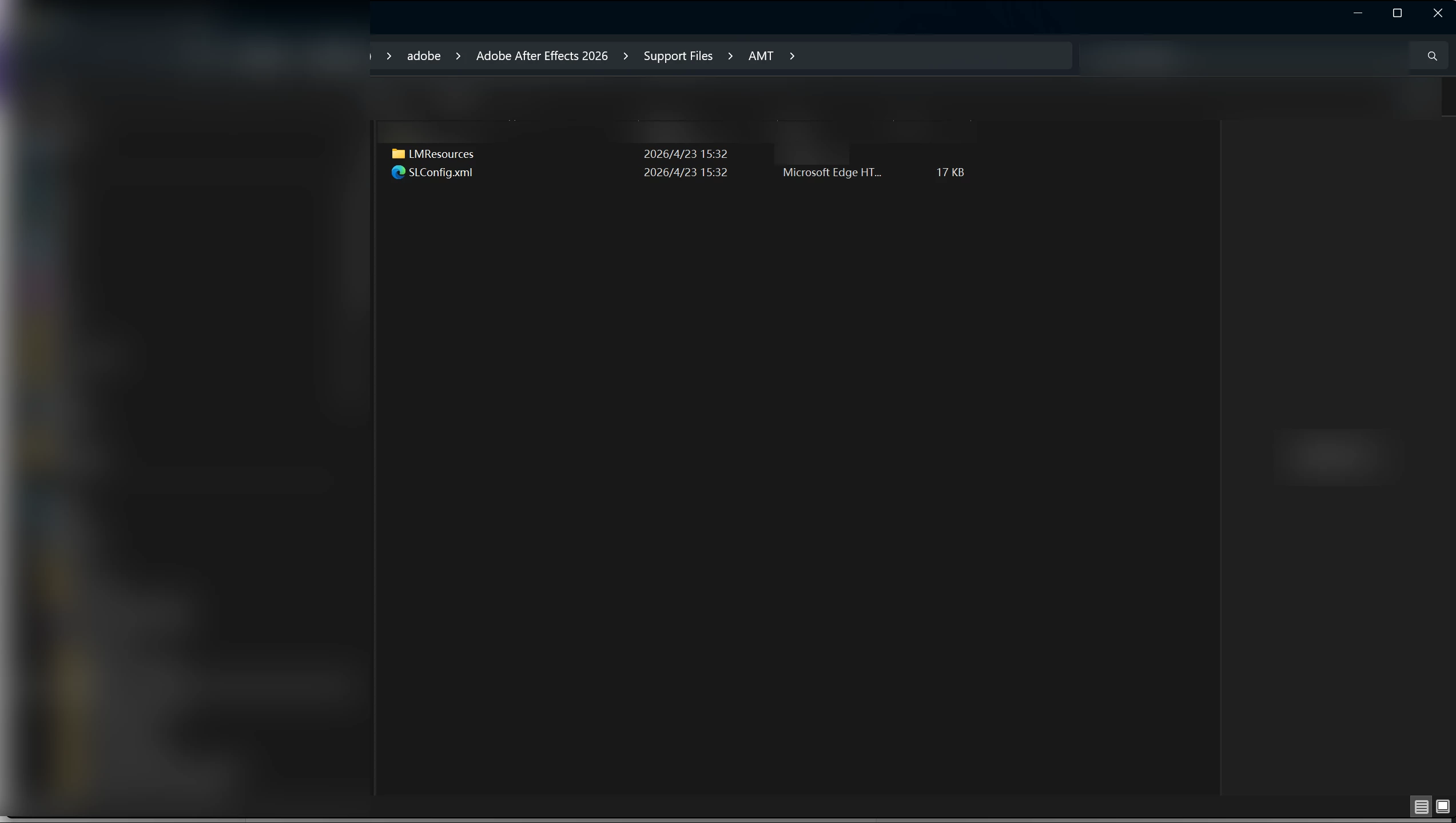
After Effects 2026: Missing application.xml in Support Files\AMT

  • June 12, 2026
  • 2 replies
  • 57 views

I accidentally deleted the application.xml file inside D:\adobe\Adobe After Effects 2026\Support Files\AMT. How can I restore it?

 

    2 replies

    Community Manager
    June 12, 2026

    Hi,

    Have you tried reinstalling the app?


    Thanks,
    Kevin

    EdenEuphoria
    Participant
    June 13, 2026

    Thank you for your reply.

    I was thinking that it would be best if I don't have to reinstall After Effects, because I have a lot of plugins and project files in there. So, I am wondering if there is a simpler way to restore the application.xml file.

    Nishu Kushwaha
    Community Manager
    Community Manager
    June 15, 2026

    Hi there,


    Thanks for the additional detail. application.xml is a core application file that AE checks at startup, and there isn't really a way to restore just that single file outside of a reinstall. It's not user-editable and isn't included as a recoverable component anywhere.

    I think reinstalling is the only option.

    1. Your project files are stored in your drive. They're completely separate from the AE installation and won't be touched.
    2. Most plugins live in shared/common locations like C:\Program Files\Adobe\Common\Plug-ins\ or your user plugins folder, not inside the AE installation folder. Those will also be untouched.
    3. As a precaution before reinstalling, you can copy the contents of D:\adobe\Adobe After Effects 2026\Support Files\Plug-ins\ to a temporary folder. Just in case any plugins were installed directly into the AE folder rather than the common location. After the reinstall, you can put them back.

    You may still need to reinstall some of your plug-ins.

    Hope that helps.


    Thanks,

    Nishu

    EdenEuphoria
    Participant
    June 12, 2026

    I used Microsoft Word to edit this XML file, which caused it to become corrupted and unusable. My version is 26.2.1