

After Effects 24.1 is now available for download!
After Effects 24.1 is Here
Greetings, After Effects Users!
The December release of After Effects 24.1 is here, packed with dedicated 3D-related features such as native model import, alignment tools, Image-Based Lighting, and high-fidelity, GPU-accelerated renders!
Seize the excitement of this update available now on the Creative Cloud desktop app. Let's explore the multitude of incredible possibilities.
What's New
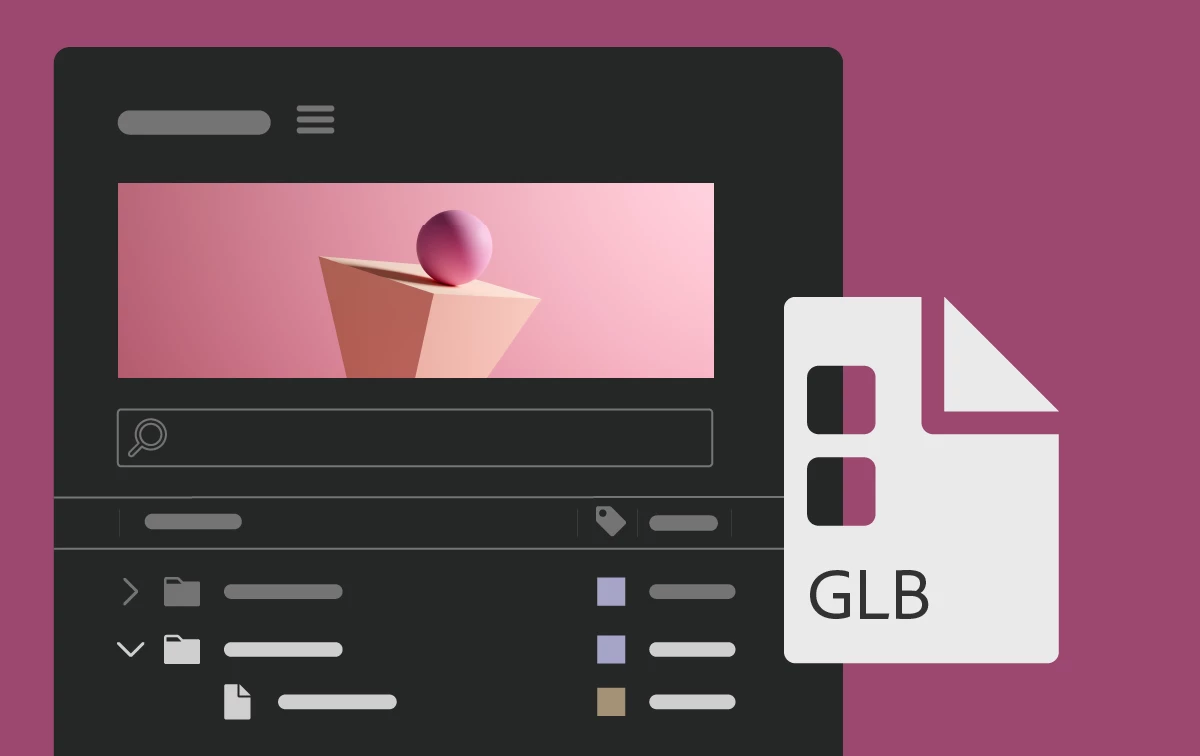
3D model import
Natively import 3D models (GLB, GLTF) with materials directly into After Effects and design your compositions in a unified space with 3D shapes and text.
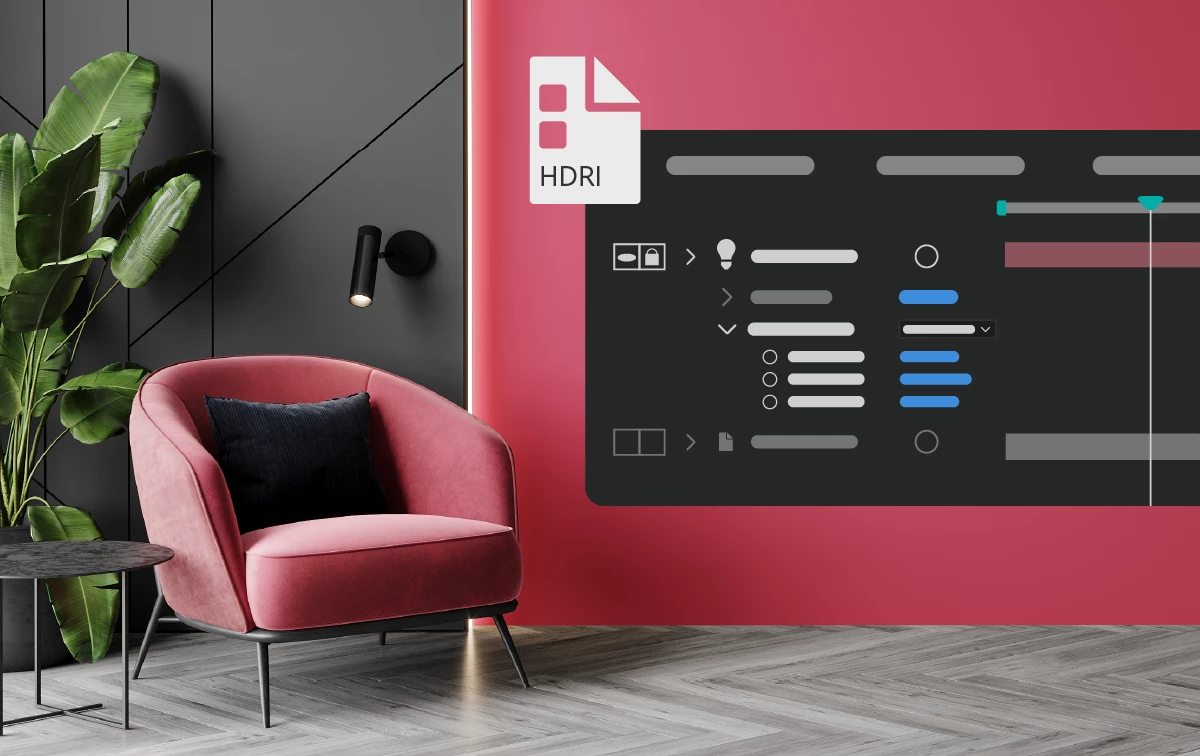
Image-Based Lighting
Use 360-degree High Dynamic Range Image (HDRI) files as a light source to realistically place models into a scene with complementary lighting and shadows, making objects appear as though they naturally belong.
Advanced 3D renderer
Render 3D motion graphics with this high-performance, GPU-powered engine that offers high-quality antialiasing and transparency.
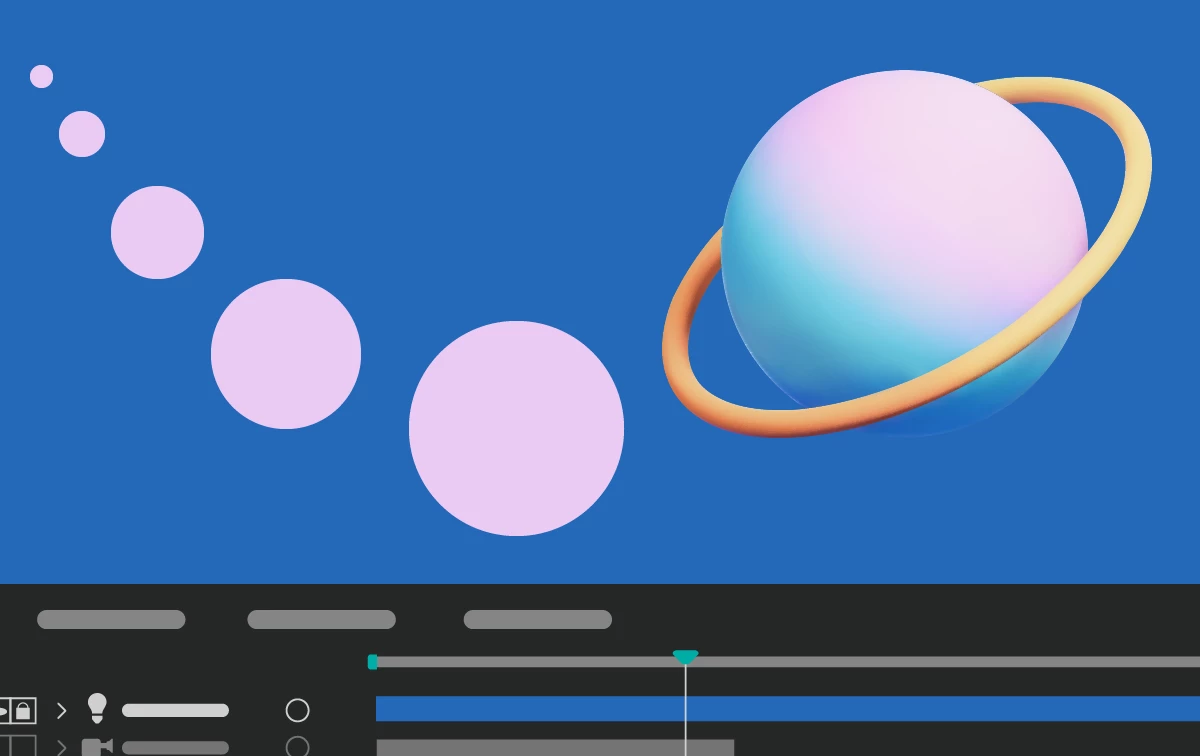
2D/3D interoperability
Seamlessly use 2D and 3D elements in the same composition to create more visually exciting and complex animations.
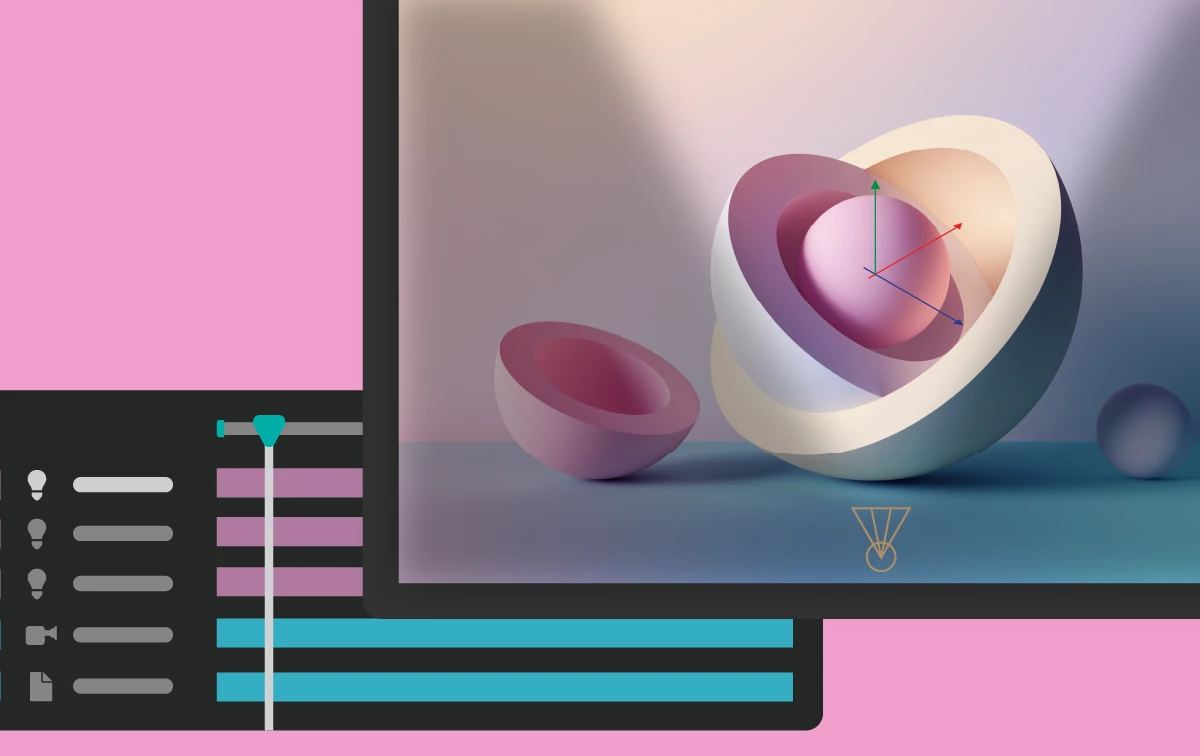
Animated lights and cameras
Get creative flexibility by extracting lights and cameras from a 3D model to improve the lighting in your scene and create dynamic camera effects.
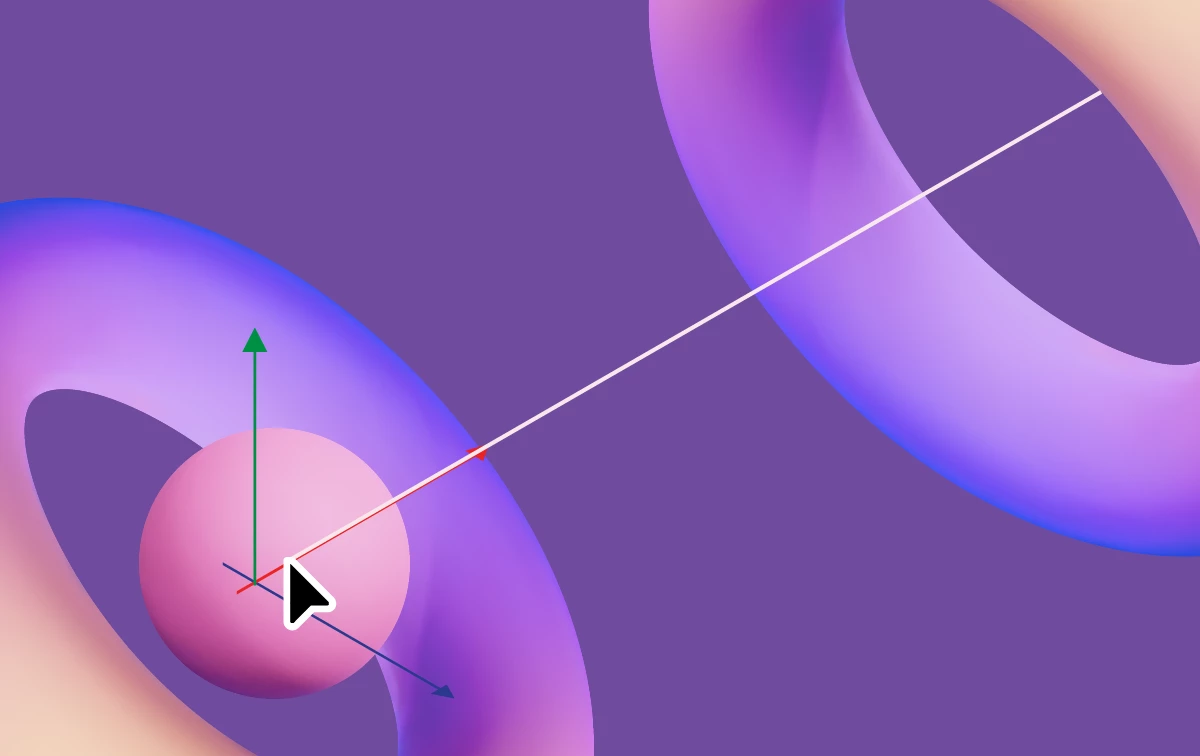
3D Snapping
You can now snap layers in 3D space while dragging the constrained X, Y, and Z position handles of the 3D Gizmo. This includes the XY, XZ, and YZ combo handles of the 3D position gizmo.
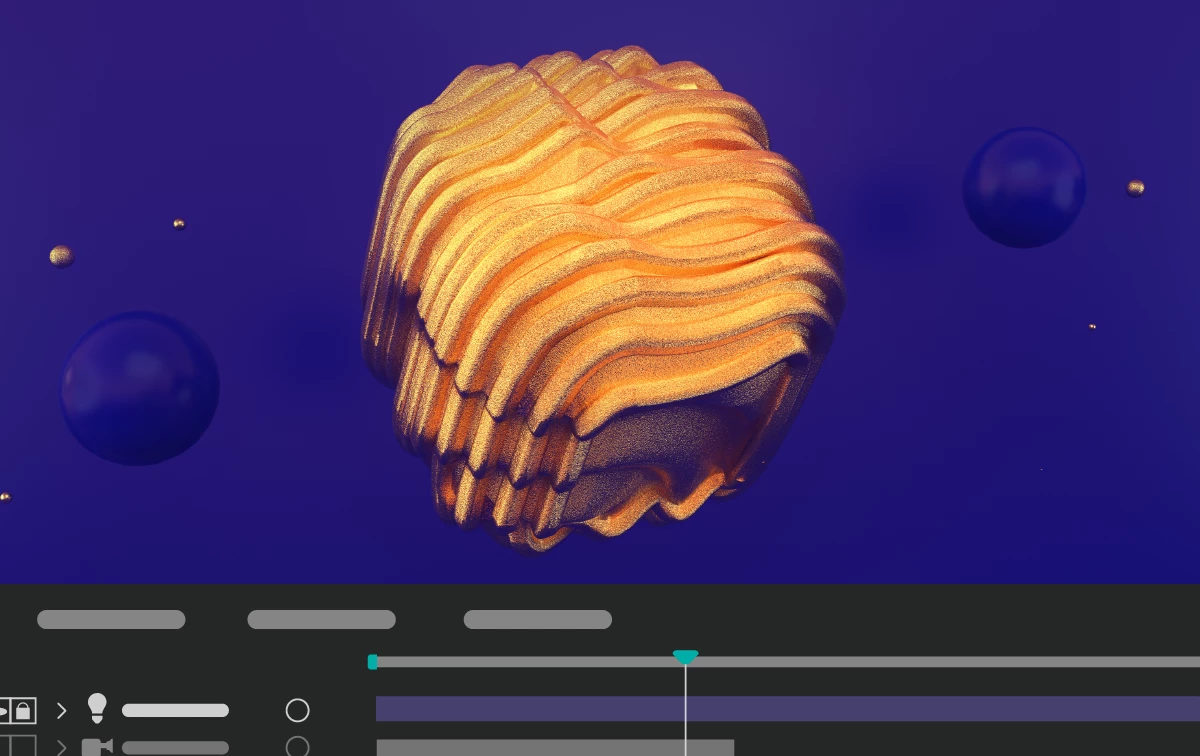
3D model-driven effects
Combine 2D and 3D workflows in one composition. Effects that reference another layer, such as Displacement Map, Vector Blur, or Calculations, can use a 3D model layer as a source to create highly stylized renders.
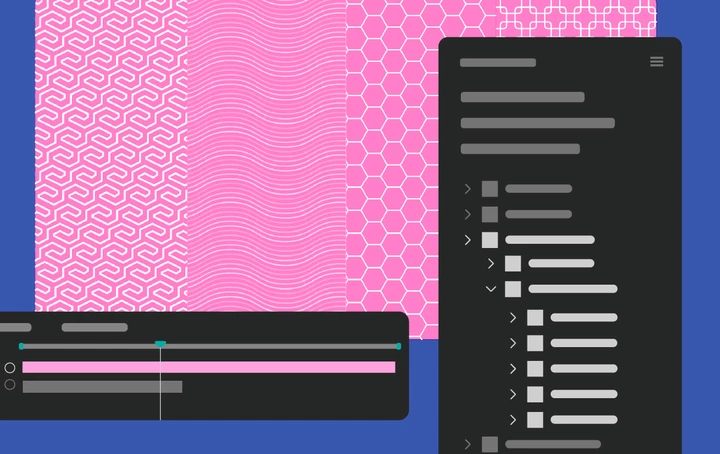
Refreshed animation presets
Updated and improved existing animation presets that have a modernized look and are easier to configure.
Features in Beta
Import OBJ 3D models
Natively import OBJ 3D models into your project and drop them into your composite alongside other 2D and 3D layers.
What's Fixed
- Clearing the preferences from Startup and Repair no longer crashes After Effects.
- In the Properties panel, the Fill and Stroke colors no longer reset when switching from solid color to gradient and back.
- In the Properties panel, Stroke controls now correctly toggle when the Stroke checkbox is changed.
- Changing the frame rate of a composition no longer causes the UI to freeze or lag.
- Keyframes on time stretched response design now correctly follow the cursor when dragged.
- Blocked older version of Animation Composer that caused After Effects to crash.
How to update After Effects to 24.1
Open the Creative Cloud desktop application and click the Updates tab on the top left. Find After Effects in the list and click Update.

I don't see the update in my Creative Cloud desktop application. What should I do?
Click Help > Check for Updates from the Creative Cloud desktop application to refresh it.


 AdChoices