

nishu_kush
Legend
August 23, 2024
Question

After Effects 24.6 is now available for download!

  • August 23, 2024
  • 20 replies
  • 10090 views

After Effects 24.6 is now live

Hello everyone!

After Effects 24.6 is now out. The August release doesn't have a lot of new features but it brings a long list of bug fixes. Check out the new version today.


Here's what's New
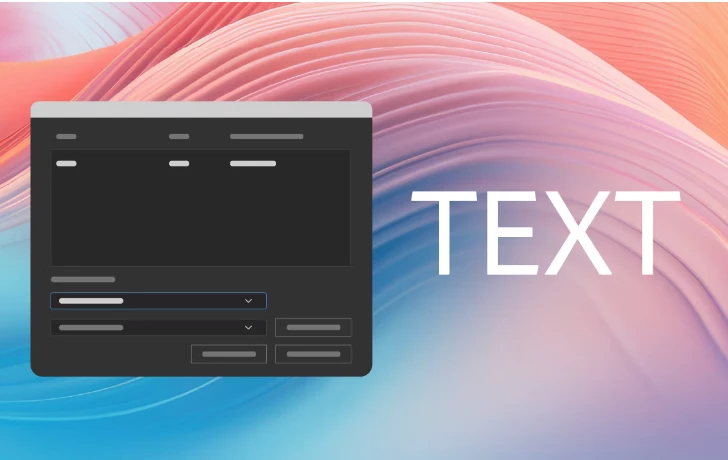
 

New text scripting hooks for font management

Use new scripting hooks for better control over font synchronization and replacement when using the After Effects Extensibility API.
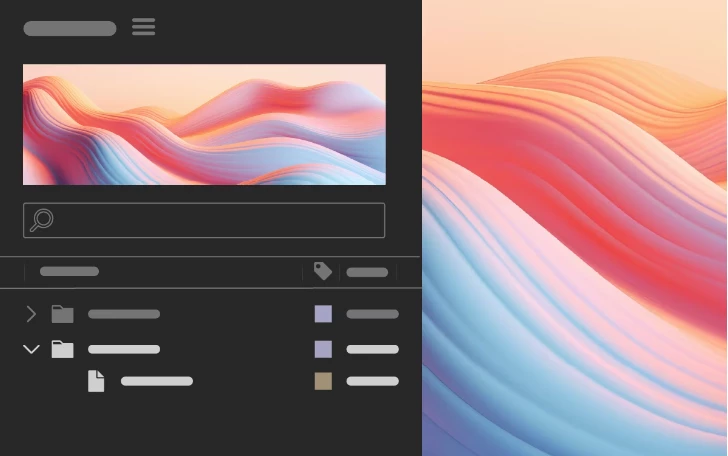


Directly import to a folder

Right-click any folder in the Project panel and use the Import option to import files straight into that folder.


Features in Beta
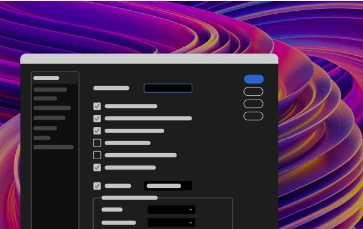


New After Effects Spectrum User Interface

Experience the new modern look across the entire app, themed and styled using Adobe Spectrum design.


Per-character text and Paragraph styling in Expressions

Use extended text and paragraph styling capabilities in Expressions, including per-character control for efficient text-based animations.


Decluttered 3D model import

Import 3D models while keeping the project panel organized and clutter-free without introducing dependent files or extra folders.


What's Fixed

Check out the full list of fixed bugs here.

Here's an important bug that was fixed:

After Effects no longer shows the wrong layer in the Effect Controls panel when a sourced layer in a pre-comp is selected. Click here for more details.

How to update After Effects to 24.6

Open the Creative Cloud desktop application and click the Updates tab on the top left. Find After Effects in the list and click Update.



I don't see the update in my Creative Cloud desktop application. What should I do?

Click Help > Check for Updates from the Creative Cloud desktop application to refresh it.


20 replies

Known Participant
October 2, 2024

Seems that Applescript support is broken in macOS Sonoma with v24

Participating Frequently
October 1, 2024
Thanks for the update! Excited to check out the new features in After Effects 24.6.
curt.gallery
Known Participant
September 26, 2024

Everything is running well for me except previews. M2 pro chip, mac mini. Just sits there, even with simple animations. Refuses to to play in preview. Odly it is way faster to render it out. Why?

@mj
Community Expert
Community Expert
September 20, 2024

The type and 3D updates are really cool

Participating Frequently
September 17, 2024

After Effects 24.6 is now available for download, featuring new updates and performance enhancements. Be sure to download the latest version to take advantage of these improvements!

Participant
September 12, 2024

The new updates 24.6.2 is crashing my computer and overusing my RAM.  I have 32 GB RAM and no other programs are open.  It works for about 20-30 min and then crashes due to not enough memory.  Can we get a fix please??

Participant
September 12, 2024

Also this is a brand new computer.  Even when I force quit (which is extremely difficult to do bc everything is slow and/or frozen) it has caused the rest of my system to crash and I have to reboot completely.  I've had another tech go through and determine this was the issue but rebooting an old version messed up all of my project fonts.

Warren Heaton
Community Expert
Community Expert
September 8, 2024

For those of us having trouble with some of links on this page, switch to the What's New page in the After Effects User Guide:

https://helpx.adobe.com/after-effects/using/whats-new.html


Community Expert
September 8, 2024

Thanks a lot, very informative!

Though I noticed that some links (like Decluttered 3D model import) are broken (certification issues).

motionben
Known Participant
September 4, 2024

Attempting to view the list of fixed bugs produces an error:

Participating Frequently
September 4, 2024

I just updated to 24.6.1 from 24.5 and have a problem exporting anything (mov, mp4, jpg, psd, etc.) correctly via the renderqueue. All exports are way too dark. Oddly if the queue is sent to Media Encoder, all exports are correct.

After some short tests it seems that AE is outputing everything linear, which means when I import the previously incorrect exported footage again into AE, apply the color conversion effect and check the linearize input profile, everything is displayed correct again.


The projects are as usual in my VFX workflow adobe color managed / rec709 2.4 gamma / linearized / 32bpc. The Output Module is set up with the apropriate working color space rec709 2.4 gamma. Never had any problems with that before.

Going back to 24.5. works for me fortunately. Also going through AME is an option, but I'd really like to get that sorted out.


This unexpected behavior occurs on different projects and computers on Win 10, equipped with Intel and amd, 3090s and latest Nvidia studio drivers, so its unlikely a hardware or driver issue.


A quick search didn't give me an answer to that specific problem, so I hoped to maybe get some pointers here. 

Cheers,

Michi