


sinansoylu
Participant
October 20, 2016
Answered

After effects: AEGP Plugin PNGIO Support: Input file doesn’t seem to be a PNG file. (5027 :: 12)

  • October 20, 2016
  • 4 replies
  • 68338 views

Hi People,

I have a problem with Adobe After Effects (code : 5027 :: 12). This error came out of nowhere while I was creating a visual for my internship. I read every forum and I saw many solutions, but no one helped, so that's why I am opening a new discussion. This is the problem:
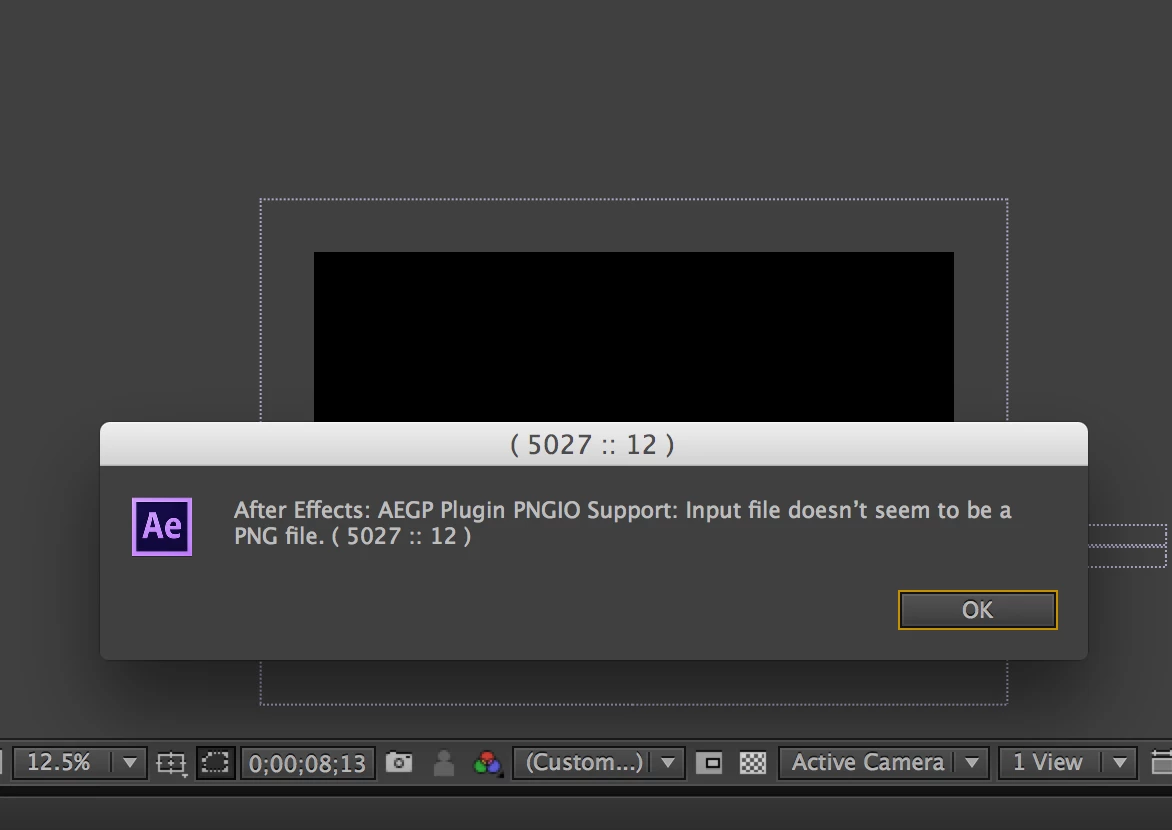
Can you help me out?

Correct answer sinansoylu

I've already figure it out. Right click near the screen where you working on > click on preview > RAM preview (then you can see where it goes wrong, when it plays your project). Some PNG files were wrong, so I deleted them and add some new ones. Now it works perfectly

4 replies

Participant
November 5, 2025

Render the darn sequence in Photoshop and import as .mp4

Participant
April 1, 2017

check out this video to resolve this issue easily, Troubleshooting After Effects PNG Read Error - YouTube

sinansoylu
sinansoyluAuthorCorrect answer
Participant
October 25, 2016

I've already figure it out. Right click near the screen where you working on > click on preview > RAM preview (then you can see where it goes wrong, when it plays your project). Some PNG files were wrong, so I deleted them and add some new ones. Now it works perfectly

Szalam
Community Expert
Community Expert
October 20, 2016

Could you explain more clearly what happened? What were you doing when this came up? If you restart your computer, do things work correctly? What EXACT version number of AE are you using?

sinansoylu
Participant
October 21, 2016

Szalam, first of all thank you for reacting on my problem. I was visualizing a team formation for my internship (Vitesse). I cannot really remember what happened, maybe I pressed on the wrong button, I don't know. But the error screen came out of nothing and I cannot see any pictures (PNG) and I even cannot touch on the screen with the mouse. The files and timeline of the project is not removed, but I can't see any picture and cannot continue with my work. Many times I restarted my computer, but no effect.. I am using Adobe After Effects CS6 version 11.0.3.6. It would be very great if we can solve the problem.

Szalam
Community Expert
Community Expert
October 24, 2016

Can you open After Effects and work on a new project without issue?

Can you open those PNG files in Photoshop?

What Operating System are you using?

You might consider updating AE to version 11.0.4 since you're only on 11.0.3