
anthonyv6045270
Participant
March 31, 2022
Question

After Effects Animation Export to YouTube Bad Quality

  • March 31, 2022
  • 2 replies
  • 172 views


I've created an animation in After Effects, and dynamic linked the composition into Premiere for audio editing. Then I exported from PR using Media Encoder. The exported file looks good, but when uploaded to YouTube, it looks considerably more pixelated. I know this is a common issue for YouTube, but the problem is even more noticeable when working with animations.


I've experimented with:

  • Cineform,
  • ProRes 422 HQ, ProRes 422
  • Quicktime with the Animation codec
  • Render Queue PNG Sequence to ProRes 422 in ME
  • H.265 4K UHD


H.265 looks slightly better in 2160P on YouTube, but 1440p and lower looks bad. Plus most users' players won't default to 2160P and I don't want them to have to manually select it.


My compositon is 1920 x 1080, 23.976 FPS, square pixels. 


Are there settings I'm missing? Could my dynamic link workflow be affecting the export? I'm pretty stumped and I want to keep making animations for YouTube, so any advice is greatly appreciated!



This topic has been closed for replies.

2 replies

Mylenium
Legend
April 1, 2022

Thee is nothing to fix because nothing's broken. you just have to accept this, even more so since your huge solid colored areas will always be problematic with any form of compressed CoDec. This is a design problem, not a technical issue. Only adding more variety to how the colors are distributed within the frame can improve things.


Mylenium

anthonyv6045270
Participant
April 1, 2022

@Mylenium, that makes sense. I found similar videos with more detailed design, and they suffered a similar problem. I thought there might be some export settings to "trick" YouTube into not compressing as aggressively, but it sounds like an unavoidable aspect of hosting on YouTube. 

anthonyv6045270
Participant
March 31, 2022

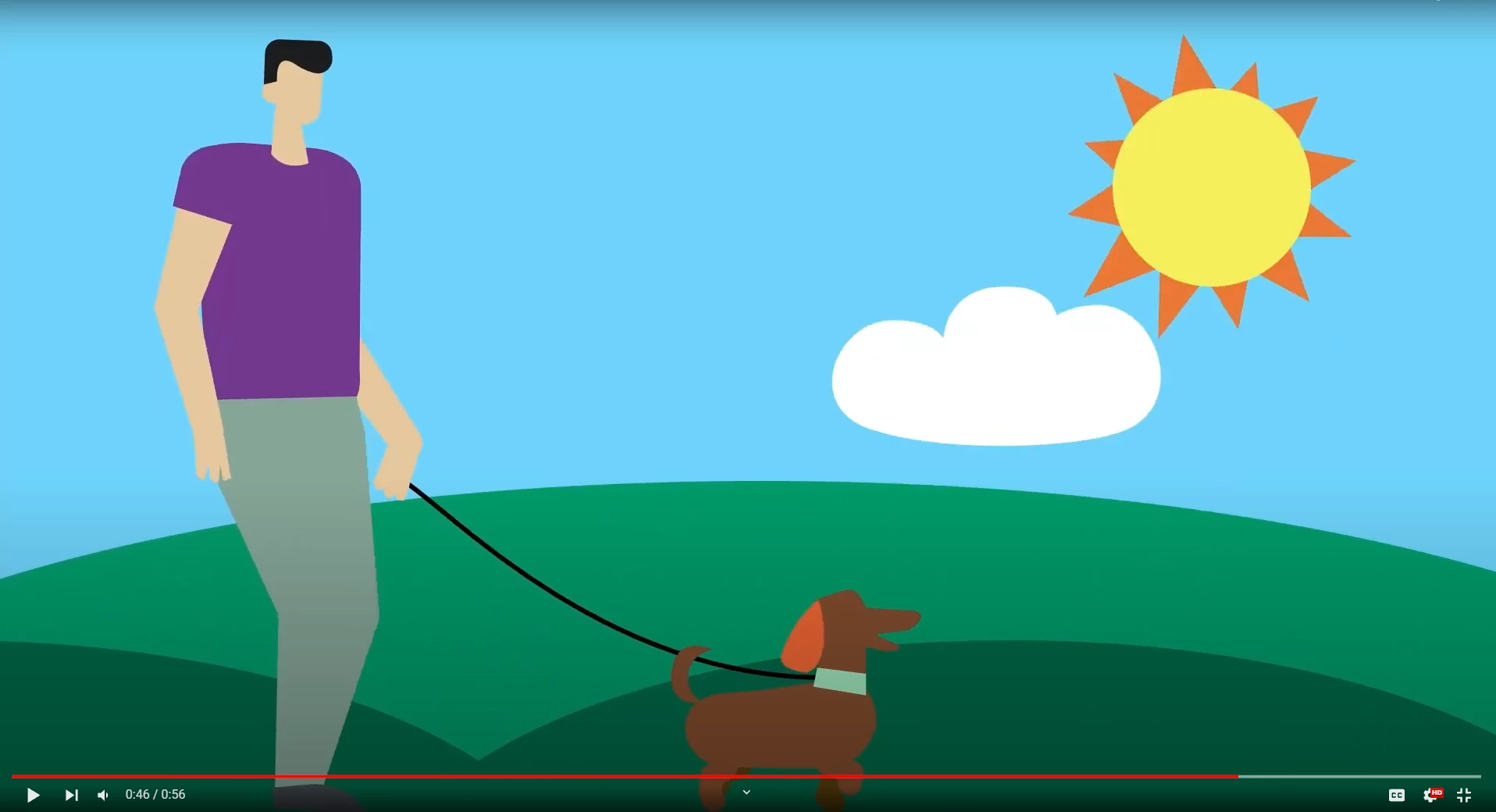
The "good quality" example included first looks a bit crunched in the thumbnail. Try clicking on the photos and viewing full screen!